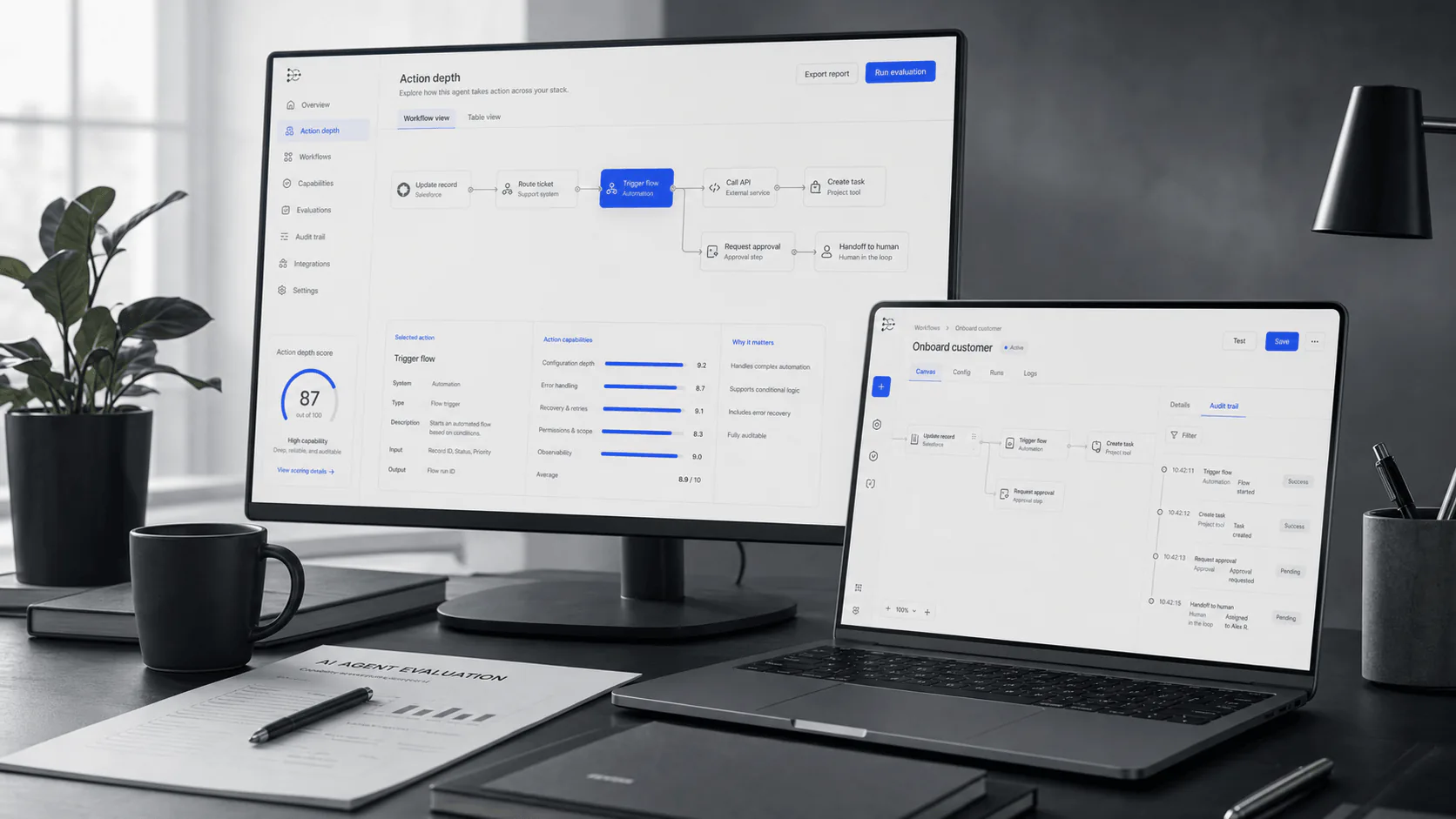
Compare AI SDR agents for outbound, research, and CRM safety in 2026. See how 11x, Artisan, Regie, and AiSDR differ, plus a scorecard and RFP checklist.
AI SDR Agents: the buyer’s guide (2026): workflow context, evaluation notes, and buyer decision signals.
Bottom line: AI SDR agents are most valuable when your list quality, mailbox health, and approval workflows are already solid. Fix deliverability and governance first, then let the agent accelerate personalized outreach.
AI SDR “agents” are no longer just copy generators. The moment a tool touches your sending domains, your CRM, and your calendar, you’re buying an outbound system - with all the benefits und all the blast radius.
This guide is built for sales leaders and RevOps teams who want more pipeline without turning deliverability and CRM hygiene into collateral damage.
Quick answer (the shortlist logic)
An AI SDR agent is worth shortlisting if:
You already have a real ICP (not a vague “mid-market SaaS”) and a clear “qualified meeting” definition.
You can commit to deliverability setup (domains, authentication, unsubscribe, monitoring) before ramping volume.
You’re willing to run a gated pilot (human approval for copy + controlled CRM write access) before letting it run.
Skip AI SDR agents (for now) if:
Your offer isn’t crisp yet and you’re still changing positioning weekly.
Your list quality is weak (bad emails, wrong roles, stale firmographics).
You don’t have someone who can own email infrastructure + ops for the first 4–6 weeks.
What an “AI SDR agent” is (and what it isn’t)
An AI SDR agent typically bundles:
Prospecting + enrichment (finding accounts/contacts and verifying data)
Personalization (researching and tailoring outreach)
Sequencing (email + sometimes LinkedIn + sometimes calling steps)
System writes (logging activity and sometimes writing to your CRM)
Was es ist not:
A replacement for a good ICP, a clean CRM, or an honest offer
A guarantee of inbox placement (deliverability is a discipline, not a feature)
A substitute for compliance (opt-out, consent expectations, and internal governance still matter)
AI SDR agents vs your existing stack (use this table to avoid wrong-category buys)
Kategorie
What you’re buying
What it’s great for
What it’s weak at
When to choose it
AI SDR agent
Autonomy across prospecting → outreach → replies → booking
Speed + throughput when you already know what works
Governance + brand risk if left ungated
You want “more at-bats” with controlled risk
Sales engagement platform (SEP)
Sequencing + coaching + rep productivity
Teams with real reps running a repeatable motion
Prospecting/data quality, end-to-end autonomy
You need execution consistency, not autonomy
Enrichment / data tools
Better targets + cleaner data
Fixing list quality, segmentation, and routing
Messaging + reply handling
Your problem is “wrong people” not “not enough emails”
Copy assistants
Faster copy drafts
Variations, tone, and editing
Targeting + deliverability + operational control
You need writing help, not an “agent”
Buying takeaway: if your biggest pain is “our reps don’t follow the process”, start with a SEP. If it’s “we don’t know who to target”, start with data/enrichment. AI SDR agents make sense when you can already answer: Who are we targeting? What’s the value proposition? What counts as success?
The non-negotiables: deliverability and bulk-sender requirements
If an AI SDR agent increases your sending volume, you need to treat email infrastructure like production systems, not “ops busywork.”
At a minimum, most teams should be able to show:
SPF + DKIM + DMARC are configured correctly for outbound domains (and aligned)
One-click unsubscribe is supported for promotional mail (via List-Unsubscribe headers)
Complaint/spam rates are monitored and kept low
Primary references:
Gmail email sender guidelines (bulk sender requirements and spam-rate thresholds) - Google Workspace Admin Help
AI SEP $180/user/mo (annual, 10-seat min); Force Multiplier $499/user/mo (annual, 5-seat min)
Whether you’re buying an SEP replacement or an agent; mailbox/domain strategy details
Important: “Channels” and “autonomy” vary widely by implementation and plan. Treat any vendor page as starting claims and ask the tool to prove it live (see RFP questions below).
Related comparisons and alternatives (helpful for shortlists)
11x vs Artisan (comparison) → /compare/11x-vs-artisan/ (planned)
AI SDR alternatives (category) → /alternatives/aisdr-alternatives/ (planned)
Fix: slow down. Separate domains. Use suppression lists. Monitor complaint rates and bounces. Treat inbox placement as a first-class metric.
3) “It spammed the wrong accounts.”
Fix: lock targeting. Use explicit allowlists/denylists. Make “new ICP expansion” a human-reviewed change.
4) “CRM got messy.”
Fix: start with logging-only. Expand writes gradually. Require field-level permissions and an audit trail.
What to look for in reviews (balanced, non-vendor-specific)
AI SDR agents amplify whatever is already true in your motion - good targeting looks great, weak targeting looks like “the AI doesn’t work.”
When you scan third-party reviews and community threads, look for patterns like:
Data quality complaints (bounces, wrong roles, generic company info) → usually a targeting/enrichment problem
“Generic messaging” complaints → usually a guardrails + prompt/playbook + QA problem
Learning curve / setup overhead → expect a real onboarding phase, not a day-one autopilot
Meeting quality concerns → fixable if the tool supports qualification rules and escalation
Suggested starting points (examples, not endorsements): see the external links to G2 review pages and a recent community thread.
FAQs
Are AI SDR agents legal?
This page isn’t legal advice. In practice, your risk is less about “AI” and more about whether your outreach follows applicable requirements around identification, opt-out, and consent expectations, plus internal governance. Ask vendors to show unsubscribe/suppression behavior and audit logs.
Do AI SDR agents work for every industry?
They tend to work best when:
Your buyers have clear “trigger events” (hiring, fundraising, compliance deadlines, new tools, new leadership).
You can qualify in 1–3 questions without a long discovery call.
Your brand can tolerate controlled experimentation in outbound.
They tend to underperform when:
Your deals rely heavily on deep domain trust (or strict messaging control) and your team won’t invest in review workflows.
Your TAM is tiny and every prospect is a “handwritten note” account.
Meeting quality: show rate, qualification pass rate, pipeline creation rate
Ops effort: hours/week to manage lists, prompts, routing rules, and QA
Can I run an AI SDR agent without a CRM?
You can, but you lose the guardrails. Even a lightweight system of record (HubSpot free tier, spreadsheets + strict rules, etc.) is better than letting outreach and meeting booking drift without accountability.
CTA (natural, workflow-based)
Before you book vendor demos, write down your outbound rules.
Use YourGPT to:
turn your ICP + disqualifiers into a qualification scorecard (what counts as a “good meeting”),
generate an objection library your team will actually approve,
draft an approval-gated pilot plan (co-pilot → partial autonomy → scale),
produce a vendor scorecard you can use in every demo (deliverability, CRM write scope, audit trail, escalation).
Then ask each vendor to prove the scorecard rows live.
Sources used (for fact-checking)
Pricing and deliverability requirements referenced in this guide are grounded in official vendor/pricing pages and primary mailbox-provider guidance listed in the External Links section below.
Get the SDR vendor RFP checklist: benchmark deliverability, compliance, and CRM safety before signing a contract. Get the checklist →