
AI workflow automation agents
Compare workflow automation agents in 2026. See when n8n, Zapier, Make, or agentic platforms fit, and use the governance checklist to avoid brittle bots.
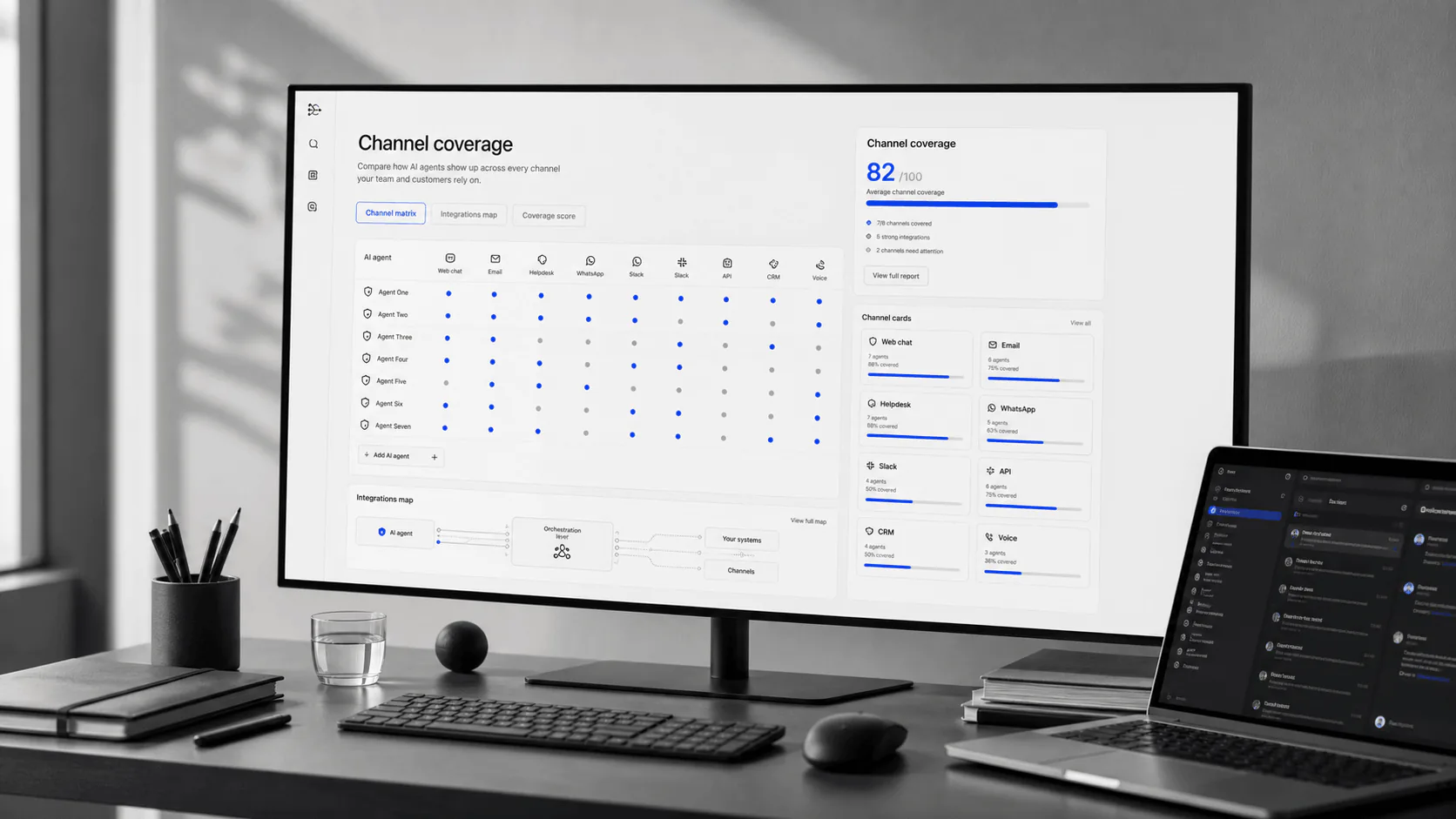
Compare workflow automation agents in 2026. See when n8n, Zapier, Make, or agentic platforms fit, and use the governance checklist to avoid brittle bots.
Bottom line: workflow automation pays off when the handoff is repetitive and the failure mode is visible. Start with one high-frequency workflow, add approval gates, and only then expand autonomy.
For adjacent buying guides, see operations AI agents, AI app builders when you need custom interfaces, AI browser agents for UI-only tasks, and sales AI agents for RevOps workflows.
“AI workflow automation” is a noisy label. Some products are classic iPaaS automation (connect apps and move data). Others are agentic (LLMs plan and decide). A few are security-grade orchestration with change control and audit trails.
If you’re buying for operations, RevOps, or support ops, the real decision is governance: Can you approve risky actions, inspect runs, replay failures, and roll back bad changes - without turning your business into an incident factory?
Shortlist an AI workflow automation platform if you need to:
Start with these defaults:
Add agentic layers when you can answer: What exactly is the agent allowed to do, and how do humans approve/inspect it? Tools like Relay (human-in-the-loop checkpoints) and Gumloop (agent + workflow model) can make AI steps more usable - if you treat them like production systems, not prompt toys.
Most “best workflow automation tools” articles collapse everything into one list. That’s how teams end up using the wrong platform for the wrong job.
Use this category map:
| Kategorie | What it’s for | Stärke | Typical “gotcha” | Examples |
|---|---|---|---|---|
iPaaS automation | Connect SaaS tools and run repeatable workflows | Fast setup, huge connector libraries | Can get brittle at high volume; cost surprises | Zapier, Make |
Technical orchestration (self-hostable) | More logic, custom code, and control | Flexibility + ownership | You own ops (or pay for it) | n8n, Activepieces |
Human-in-the-loop agentic automation | Add checkpoints + AI steps you can approve | Review gates reduce blast radius | Approval UX must include context | Relay |
Agent workflow builders | Agents orchestrate workflows and tools | Great for “thinking work” automation | Harder to test; needs guardrails | Gumloop, Lindy |
SOAR-style orchestration | High-trust automation with change control and auditability | Strong governance posture | Enterprise sales motion | Tines |
Browser automation | Web tasks when APIs don’t exist | Useful for messy, UI-only systems | Fragile; high maintenance | Bardeen |
Buying takeaway: if a vendor can’t show you logs + replay + approvals, it’s not “automation.” It’s a demo.
Feature lists don’t predict success. Control surfaces do.
Can you require review for “send”, “delete”, “refund”, “export”, or “write-to-CRM” steps?
Can you inspect what each step received and produced (or at least metadata if data is sensitive)?
If an integration breaks for 6 hours, can you re-run only what failed without duplicating work? (Zapier’s run replay and n8n’s execution retry patterns matter here.)
When a step fails mid-run, can you undo partial changes (or compensate with a reversal step)?
If a webhook retries, will you create duplicate records, double-send emails, or double-charge?
Can you scope access per connector and per environment (dev/staging/prod)? Can you rotate secrets?
Do you have versioning, peer review, environments, and “who changed what” logs?
Do you get retries with backoff for transient errors, and routed handling for known failures?
Can you detect “it ran but did nothing” (silent failures), not just crashes?
Can you cap runs, throttle expensive steps, and avoid runaway loops?
If you evaluate nothing else, evaluate these.
This is a workflow-fit shortlist, not a “top 10” hype list. Every option can work. The right choice depends on your governance needs, integration surface, and who will own reliability.
This table is intentionally conservative. It only claims what vendors explicitly document in public docs (then tells you what to verify in a demo).
| Plattform | Am besten für | Verified controls (docs) | Verified recovery (docs) | Self-host option | Official pricing |
|---|---|---|---|---|---|
Zapier | Fast SaaS automation with broad connectors | MCP tool-call metering and client usage guidance | Replay Zap runs from history | Nein | https://zapier.com/pricing |
Make | Visual scenarios + explicit error routes | Documented error-handling routes (incl. rollback handler concepts) | Incomplete execution management + retries | Nein | https://www.make.com/en/pricing |
n8n | Technical orchestration + execution visibility | Execution data retention/redaction options | Execution history + retry patterns; error workflows | Ja | https://n8n.io/pricing/ |
YourGPT | Agent control layer for structured outputs, validation rules, approved knowledge, and governed handoff | Define schemas, output rules, knowledge boundaries, and escalation behavior before downstream tools act | Pair with Zapier, Make, n8n, or Relay for downstream replay/backfill | Nein | /reviews/yourgpt-ai/ |
Relay | Human-in-the-loop checkpoints | Human review for AI steps; approval checkpoints | (Verify replay/backfill in demo) | Nein | https://www.relay.app/pricing |
Gumloop | Agent workflow orchestration | Agent/workflow model with conversation history visibility | (Verify run replay/backfill + rollback strategy in demo) | Nein | https://www.gumloop.com/pricing |
Activepieces | Open-source automation you can own | Self-host + network control (open-source positioning) | (Verify run history + replay/backfill in demo) | Ja | https://www.activepieces.com/pricing |
Bardeen | Browser automation for UI-only systems | (Verify approvals and audit trail posture in demo) | (Verify replay/backfill in demo) | Nein | https://www.bardeen.ai/pricing |
Tines | Change-control-first orchestration (security/IT ops) | Change control best practices guidance | (Verify replay/backfill patterns in demo) | Nein | https://explained.tines.com/en/articles/9620399-understanding-tines-pricing-and-packaging |
Lindy | Assistant-style automations (inbox/scheduling) | (Verify approval gates + logs for sensitive actions) | (Verify recovery patterns in demo) | Nein | https://www.lindy.ai/pricing |
Official pricing: https://zapier.com/pricing Run replay: https://help.zapier.com/hc/en-us/articles/8496241726989-Replay-Zap-runs Zapier MCP docs (how it’s metered): https://help.zapier.com/hc/en-us/articles/36265392843917-Use-Zapier-MCP-with-your-client
Official pricing: https://www.make.com/en/pricing Error handling overview: https://help.make.com/overview-of-error-handling Manage incomplete executions: https://help.make.com/manage-incomplete-executions
Official pricing: https://n8n.io/pricing/ Executions + retry patterns: https://docs.n8n.io/workflows/executions/single-workflow-executions/ Error workflows: https://docs.n8n.io/flow-logic/error-handling/
Read review: /reviews/yourgpt-ai/
Official pricing: https://www.relay.app/pricing How it works (approval steps): https://www.relay.app/how-it-works Human-in-the-loop reviews docs: https://docs.relay.app/human-in-the-loop/ai-output-reviews
Official pricing: https://www.gumloop.com/pricing Agents concept: https://docs.gumloop.com/core-concepts/agents Workflows vs Agents: https://docs.gumloop.com/learn/flows-vs-agents
Open-source overview: https://www.activepieces.com/open-source Docs (getting started): https://www.activepieces.com/docs/getting-started Cloud pricing: https://www.activepieces.com/pricing
Official pricing: https://www.bardeen.ai/pricing Pricing model FAQ: https://support.bardeen.ai/hc/en-us/articles/31236003607053-Pricing-Update-2024-FAQ
Pricing/packaging overview: https://explained.tines.com/en/articles/9620399-understanding-tines-pricing-and-packaging Change control best practices: https://explained.tines.com/en/articles/11432409-best-practices-for-change-control
Official pricing: https://www.lindy.ai/pricing
This is the part most guides skip. It’s also what makes automation safe.
Approvals are most valuable when they’re placed before:
Minimum approval UX requirements:
Relay’s workflow checkpoints and AI output reviews are a good reference pattern for what this looks like in practice.
Look for:
n8n’s executions documentation explicitly describes execution history handling and redaction patterns.
Ask the vendor to demo:
Zapier supports replaying Zap runs from history, and n8n supports retry patterns from execution history - these are core capabilities, not “nice to have.”
Most automation platforms can’t truly roll back external side effects (because APIs aren’t transactional). You still need a rollback strategy:
If you can’t explain your rollback story, you’re not ready to run agentic automation in production.
When you add AI steps, you add a new class of risks: models can be manipulated by inputs (emails, tickets, web pages) to take unintended actions.
If your workflow reads untrusted text (inbox, web pages, support tickets), assume it can contain adversarial instructions. OWASP explicitly documents prompt injection as a top risk category for LLM applications.
Security baseline for AI-in-the-loop automation:
Reference: OWASP Top 10 for LLM Applications (LLM01: Prompt Injection): https://owasp.org/www-project-top-10-for-large-language-model-applications/
Outcome you want by day 90: automation as a managed system, not a pile of Zaps and scenarios.
Most automation failures aren’t “the platform.” They’re undefined behavior:
YourGPT is useful as the control layer: define a strict intake/output schema, validation rules, and “what the agent is allowed to do” before you wire actions into your automation tool. Pair it with Zapier/n8n/Make/Relay depending on your delivery needs.
Start here: /reviews/yourgpt-ai/
Not really. iPaaS is primarily deterministic integration (connect, transform, route). Agentic workflows introduce probabilistic decisions (LLMs) and therefore need stronger governance, logs, approvals, and replay.
Self-host when you need control (network, data posture, custom code) and you have ownership capacity. Use managed platforms when speed and operational simplicity matter more than infrastructure control.
They automate “outputs” (send the email, update the record) before they automate “controls” (approvals, logs, replay, rollback). The result is a workflow that works - until it breaks loudly in production.
If you’re evaluating workflow automation agents right now, use this rule: don’t book a sales call until you can describe your approval gates and replay plan. Then build a shortlist by workflow fit at: /tools#workflow-automation
Get the workflow automation governance checklist: map triggers, approvals, and exception handling before you promote any bot to production. Get the checklist →