
AI accounting software (2026)
Compare AI accounting software by automation, reconciliation, reporting, and controls. Get the 2026 buyer checklist and 14-day pilot plan before rollout.
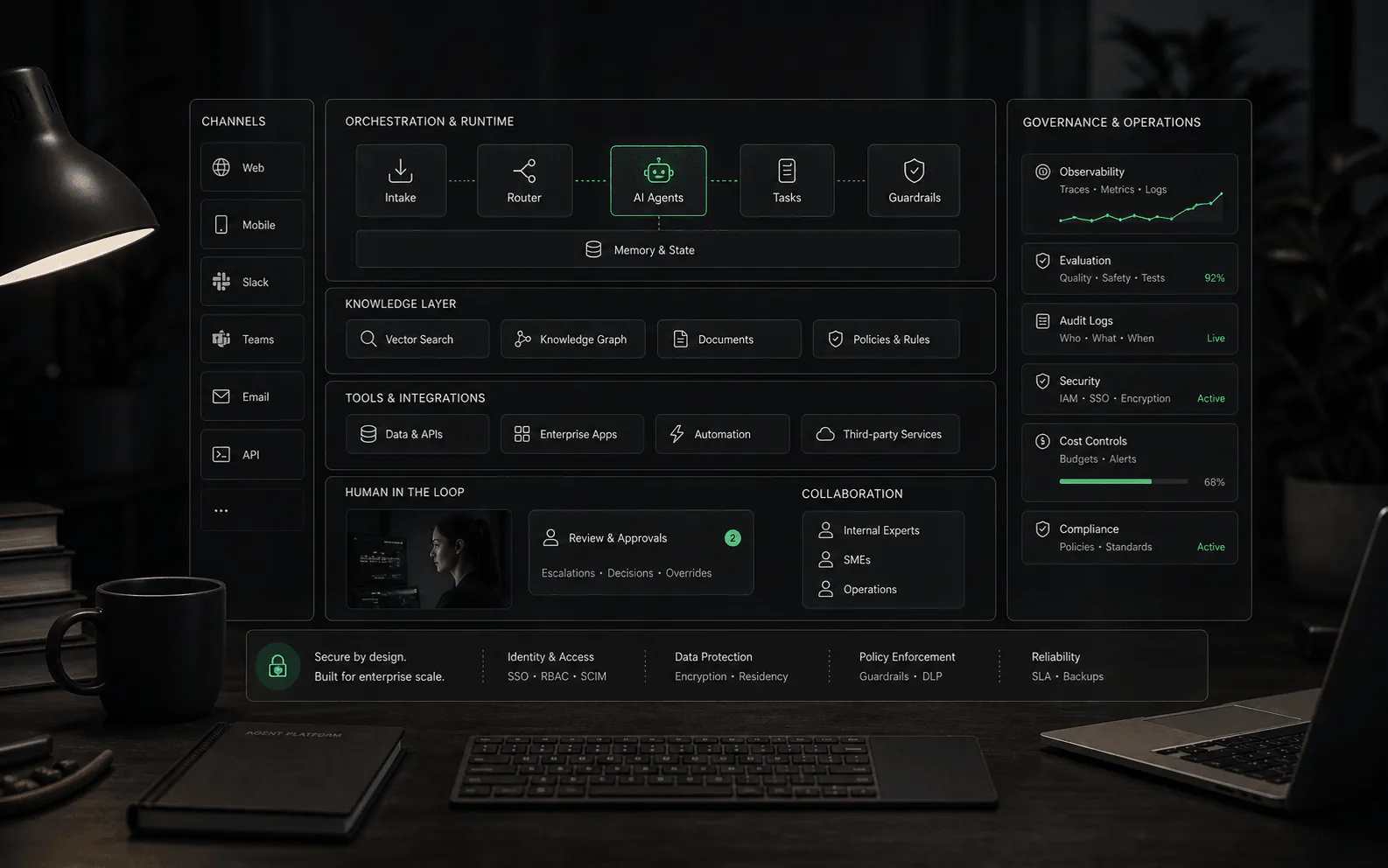
Compare AI accounting software by automation, reconciliation, reporting, and controls. Get the 2026 buyer checklist and 14-day pilot plan before rollout.
Bottom line: the safest path is to let your existing GL suggest and flag, while humans approve posting and reconciliation.
Prove accuracy on your data before turning on auto-post. For controls, see AI workflow automation agents; for finance-specific agents, see finance AI agents.
AI is showing up everywhere in accounting tools - some of it genuinely useful, some of it just a new label for rules and autocomplete.
The hard part isn’t finding “AI features.” It’s choosing an approach that:
If you’re evaluating AI accounting software, this guide gives you a practical model: what to automate, what to keep gated, and how to run a short pilot that reveals the truth.
For most small and mid-size teams, the safest path looks like this:
In practice, that usually means: QuickBooks Online or Xero + guarded automation, not a brand-new AI-native ledger on day one.
Most products in this category are one of four things:
Buyer takeaway: you’re not buying “AI.” You’re buying a new default behavior for how transactions get coded, posted, reconciled, and explained.
Below is a conservative view: where automation is realistic, and what should stay in human control.
| Flujo de trabajo | What AI can do well | What you should still control | The guardrail that matters most |
|---|---|---|---|
| Receipt + bill capture | Extract fields, suggest vendor/category, prefill bill forms | Approval for new vendors, new GL accounts, and unusual tax treatment | “No-post without approval” + audit trail |
| Transaction coding | Suggest categories based on history and context | Policy exceptions (meals, travel, mixed-use, owner draws) | Exception queue + reason codes |
| Bank reconciliation | Suggest matches, group transactions, highlight discrepancies | Final approval of the reconciliation and any manual adjustments | Reconciliation lock/reporting that prevents silent edits |
| Month-end close | Draft checklists, flag missing reconciliations, summarize changes | Final review, journal entry approvals, close sign-off | Role-based approvals + evidence links |
| Reporting + narratives | Draft variance explanations, board-ready summaries | Verification of numbers and drivers | Link every claim to a report line or schedule |
If a tool can’t show you what changed, who approved it, and how to undo it, you don’t have “AI accounting.” You have future rework.
Run this exact script in every trial. You’re looking for repeatable truth, not the best-case demo.
Bring a real slice of your last month:
If you remember only one thing: accounting automation is a controls problem, not a features problem.
Minimum controls to require:
If you’re in a regulated environment, talk to your auditor early. But even small businesses benefit: these controls prevent “mystery books.”
This isn’t a full feature war. It’s the AI reality check buyers need.
Intuit describes Intuit Intelligence as combining AI and business intelligence to “give answers and automate financial tasks in QuickBooks,” using your company data. It’s currently described as available for QuickBooks Online y Intuit Accountant Suite. It also notes eligible plans include 25 chat prompts per month, resetting each billing cycle.
Intuit also documents “Accounting AI” inside QuickBooks Online, describing agentic automation aimed at reducing time to complete accurate books and noting that (at least at the time of writing) AI features can’t be turned off individually.
Official starting points:
Xero’s bank reconciliation documentation describes reviewing and accepting “AI-powered and bank rule-driven suggested matches” during reconciliation, and positions bank rules + bulk coding (on some plans) as core time-savers.
Official starting point:
Pricing changes. Always check the official page on the day you buy:
| Your situation | Start with | Why |
|---|---|---|
| Small business, straightforward transactions | Accounting system AI + strict posting controls | Fast ROI without breaking the ledger |
| High volume receipts/bills, lots of vendors | Add capture + approval automation | You win by reducing intake + coding time |
| Close is painful (many accounts, many owners) | Close/reconciliation workflow tooling | You win by controlling exceptions + evidence |
| Multi-entity, ERP, complex revenue recognition | Finance automation in the ERP ecosystem | You win by maintaining governance and auditability |
Day 1–2: Define scope and guardrails
Day 3–6: Run side-by-side
Day 7–10: Measure accuracy and rework
Day 11–14: Decide the next automation level Only expand auto-posting when:
Accounting teams usually don’t want “another AI chat.” They want:
A practical workflow:
The point isn’t to automate judgment. It’s to standardize communication y reduce rework while keeping the books controlled.
Parts of reconciliation (suggested matches, grouping, discrepancy spotting) can be accelerated. The “end-to-end” part still requires accountability: someone must confirm the period is correct and locked, with a report you can defend later.
Not at the start. Prove it first on your data, behind approvals. Auto-posting without a clean exception workflow is how you get “AI-shaped chaos.”
Yes. A January 2026 Capterra press release about its buyer trends report says 94% of accounting teams in the U.S. are adopting AI-enabled tools, while many still struggle with software choices and implementation planning.
If you want to move from “AI feature confusion” to a confident plan, use a simple scorecard:
Then compare your approach with the governance checklist in /ai-workflow-automation-agents/.
Get the AI accounting software buyer buyer checklist — a free, shortlist-ready scorecard for automation, controls, and 14-day pilot.