Compare AI knowledge management tools for internal search, support answers, and documentation in 2026. Decision tables, pricing, governance checks, and buyer guidance for Glean, Notion AI, Guru, Confluence, and Microsoft 365 Copilot.
The right AI knowledge management tool is the one that finds what your team already knows, shows where the answer came from, and respects who is allowed to see it. In 2026 the category has split into two camps: AI-enhanced wikis that require you to author and organize knowledge, and enterprise search layers that index the tools you already use. Most mature organizations end up needing both.
espigar is the strongest cross-system search layer for large enterprises, but it is quote-based and typically starts around a $50,000 annual commitment.
Notion AI is the best all-in-one wiki for teams already writing docs in Notion; AI is bundled into the Business plan, though Custom Agents now consume separate credits.
Guru is the best fit for support and sales teams that need verified, confidence-scored answers delivered inside Slack, Teams, or the CRM.
Confluence with Rovo is the value pick for Atlassian-native teams; Rovo AI is included in paid Confluence plans.
Microsoft 365 Copilot makes sense if your knowledge already lives in SharePoint, Teams, Outlook, and OneDrive.
No tool fixes bad content. Budget for curation, ownership, and freshness workflows before expecting reliable AI answers.
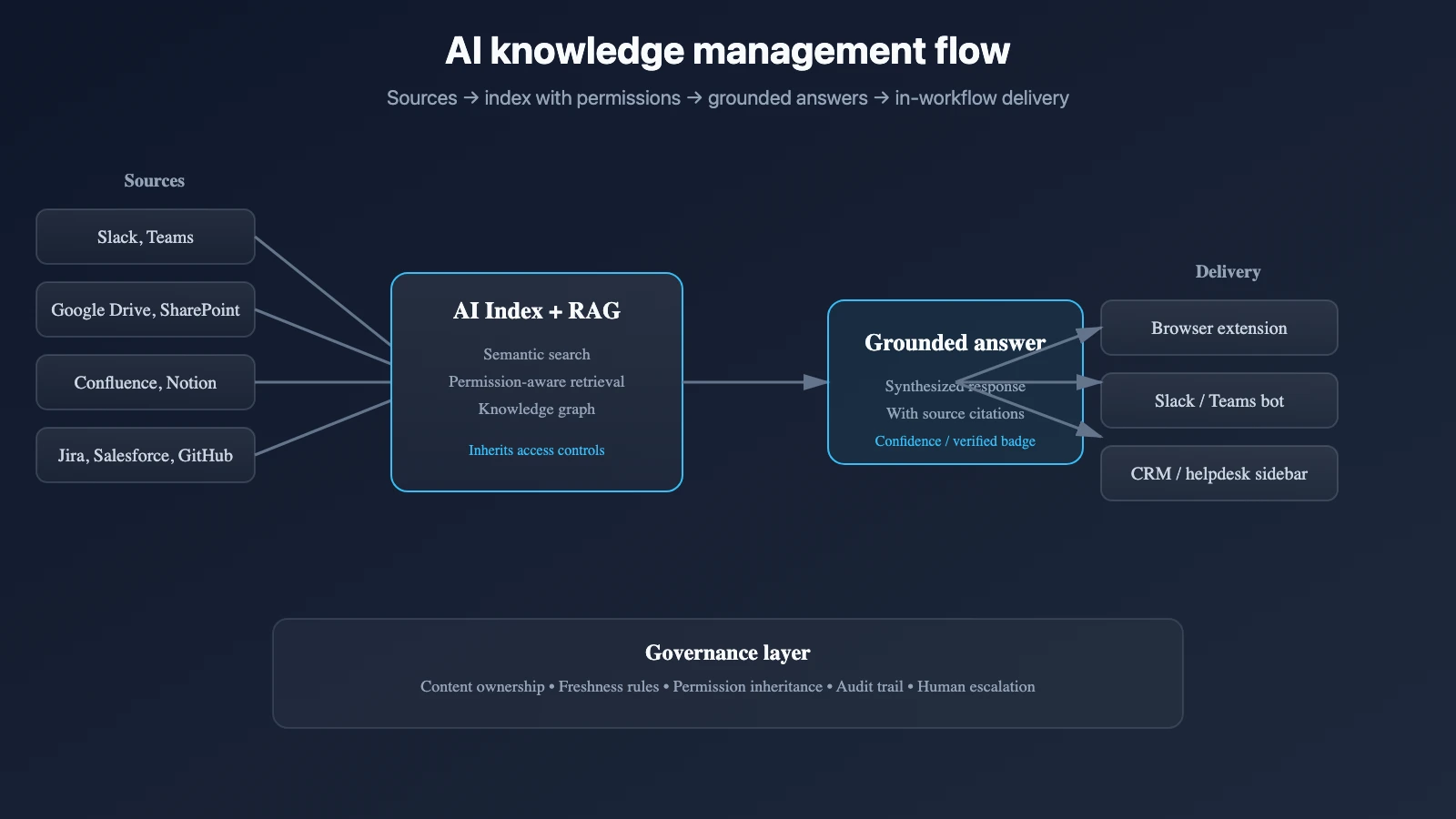
Knowledge sources feed an index with permission awareness; AI answers are delivered where employees already work
What AI knowledge management actually means
AI knowledge management combines two jobs:
Discovery: find the right information across documents, conversations, tickets, and databases.
Trust: present a cited, permission-aware answer rather than a confident guess.
The discovery layer matters because the average knowledge worker spends a significant share of the week looking for information that already exists inside the company. The trust layer matters because a wrong answer from an AI assistant is worse than no answer at all, especially in support, sales, and compliance contexts.
Two tool archetypes
Arquetipo
What it does
mejor cuando
Examples
AI-enhanced wiki
Authors, organizes, and answers from a curated knowledge base.
Your team will consolidate docs in one place and keep them current.
Notion AI, Confluence + Rovo, Guru, Slite
Enterprise AI search
Indexes many existing systems and answers across all of them.
Knowledge is scattered across Slack, Drive, Jira, Salesforce, GitHub, email.
Glean, Microsoft 365 Copilot, Guru federated search
Many teams use a wiki for authored knowledge and a search layer for everything else. The question is not “which one?” but “which one owns which content?”
Vendor comparison at a glance
Herramienta
Arquetipo
Mejor ajuste
Pricing posture
Key caveat
espigar
Enterprise AI search
Large orgs with 100+ users and knowledge spread across 10+ tools
Quote-based, ~$50K/year minimum
Does not govern upstream content quality
Notion AI
AI-enhanced wiki
Teams already using Notion as a workspace
Business plan bundles core AI; Custom Agents are credit-metered
Only indexes Notion unless you sync external content
Guru
Verified knowledge layer
Support/sales teams needing trusted answers in workflow
From ~$25/user/mo
Verification workflow only works if experts keep up
Confluence + Rovo
AI-enhanced wiki
Engineering/product teams already on Jira/Atlassian
Low per-seat cost, Rovo included
Cross-app reach and Rovo credit model vary by plan
Microsoft 365 Copilot
Enterprise AI search
Microsoft-centric orgs with governed SharePoint
Copilot add-on on top of M365
Search quality depends on SharePoint governance
Slite
AI-enhanced wiki
Small teams wanting a simple, fast wiki with AI Q&A
Low per-seat, metered AI questions
Smaller ecosystem and permission model than Notion
Glean: enterprise search across the whole stack
Glean connects to more than 100 enterprise applications and builds a knowledge graph of people, projects, and documents. Its permission-aware retrieval inherits access controls from each connected system, so users see only what they already have access to. The platform is genuinely transformative for large enterprises where consolidation into one wiki is not realistic.
The catch is cost and governance. Glean is quote-based, with buyer-reported entry points around $40–50 per user per month and typical minimums near $50,000–$60,000 annually. Glean also surfaces whatever exists in connected systems; if Confluence and Jira contain conflicting answers, Glean returns both. It is a search layer, not a truth layer. Plan for source governance before rollout.
Glean’s 2026 positioning has expanded from search to an agentic work layer. It now offers an MCP server that brings company context into ChatGPT and Claude, plus agents that can take action across connected systems. The Glean MCP demo shows how a user can ask Claude to create a status report grounded in Glean-indexed sources without leaving the chat surface.
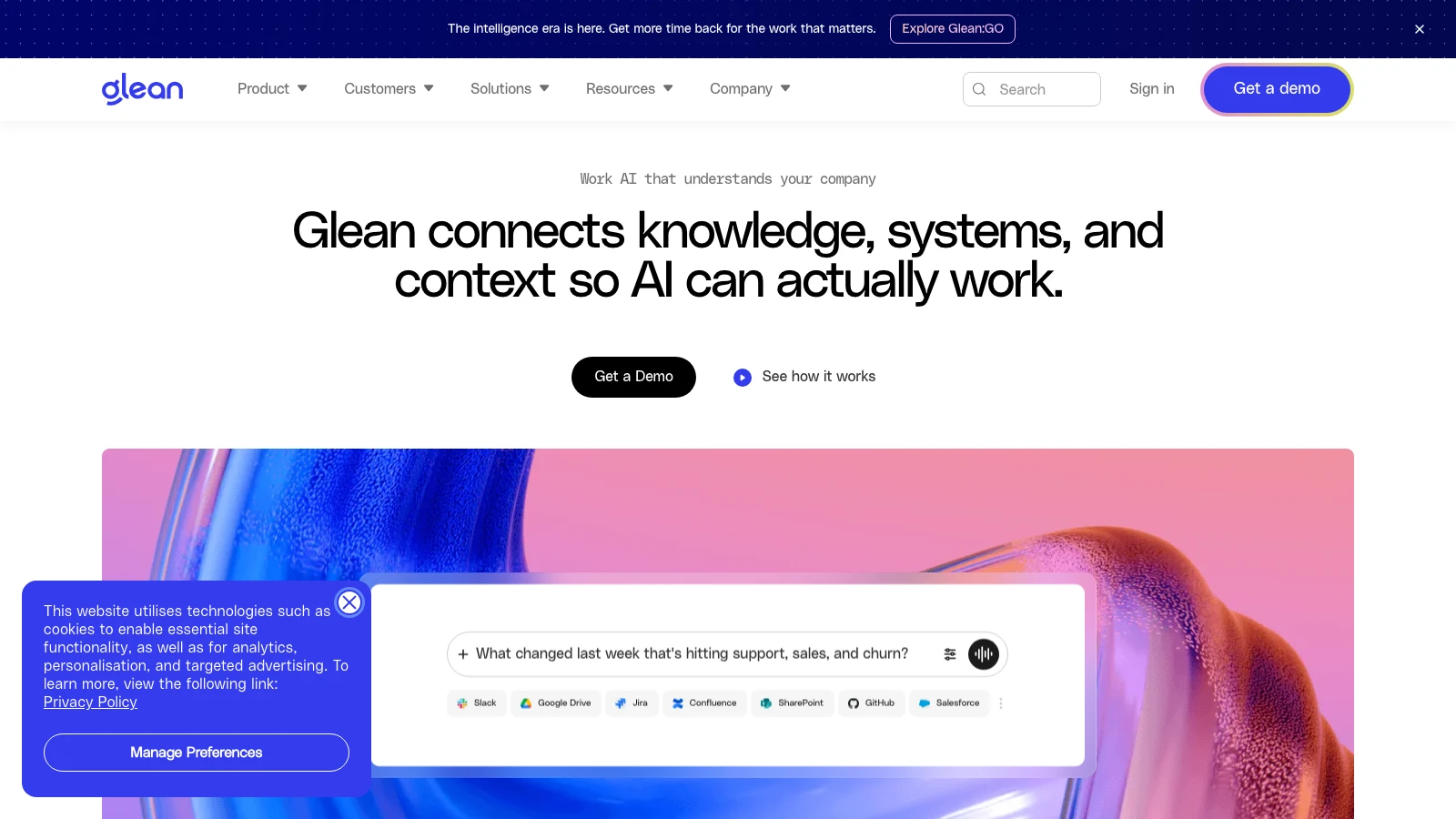
WatchGlean MCP server: bring company context into ChatGPT and ClaudeYouTubeGlean positions itself as a work AI platform with enterprise search, assistants, and agents on top of a unified context layer
Notion AI: the all-in-one workspace
Notion AI turns a Notion workspace into a searchable, conversational knowledge base. Because pages, databases, comments, and linked references live in one index, the AI can answer questions across all of them. Custom Agents can run multi-step tasks, though they now consume Notion credits on top of the base plan.
Notion is best for teams that already write most of their knowledge inside Notion. It does not natively index Slack, Google Drive, or Jira unless content is synced in. The Business plan bundles core AI, making it one of the better value propositions for mid-market teams that want a wiki plus AI in one subscription. The 2026 pricing reality is that advanced agentic features are no longer included: Notion now charges $10 per 1,000 credits for Custom Agents after the trial period.
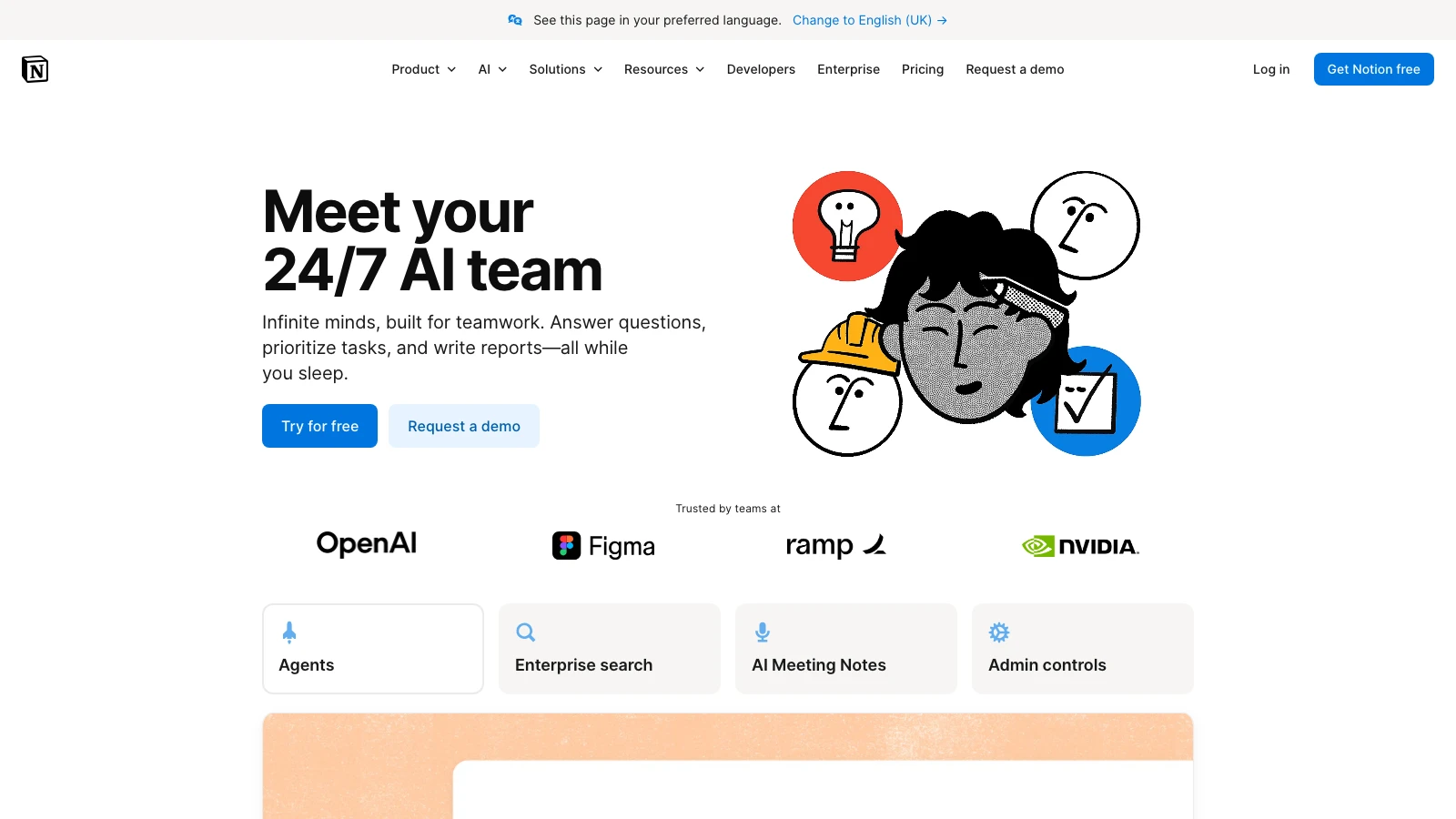
WatchMeet the all-in-one Notion AI for workYouTubeNotion AI bundles search, generation, analysis, and chat inside the Notion workspace
Guru: verified answers where reps work
Guru’s central idea is trust. Every knowledge card has an assigned expert, an expiration date, and a verification status. The AI prioritizes verified cards, flags stale content, and delivers answers inside Slack, Teams, Salesforce, Zendesk, and other tools via browser extension. For support and sales teams where a wrong answer has direct customer impact, this verification model is a strong differentiator.
The tradeoff is overhead. Someone has to own card creation and review cycles. If verification discipline breaks down, Guru becomes a more expensive wiki with a misleading trust badge. It also works best for frontline knowledge rather than deep technical documentation or architecture specs.
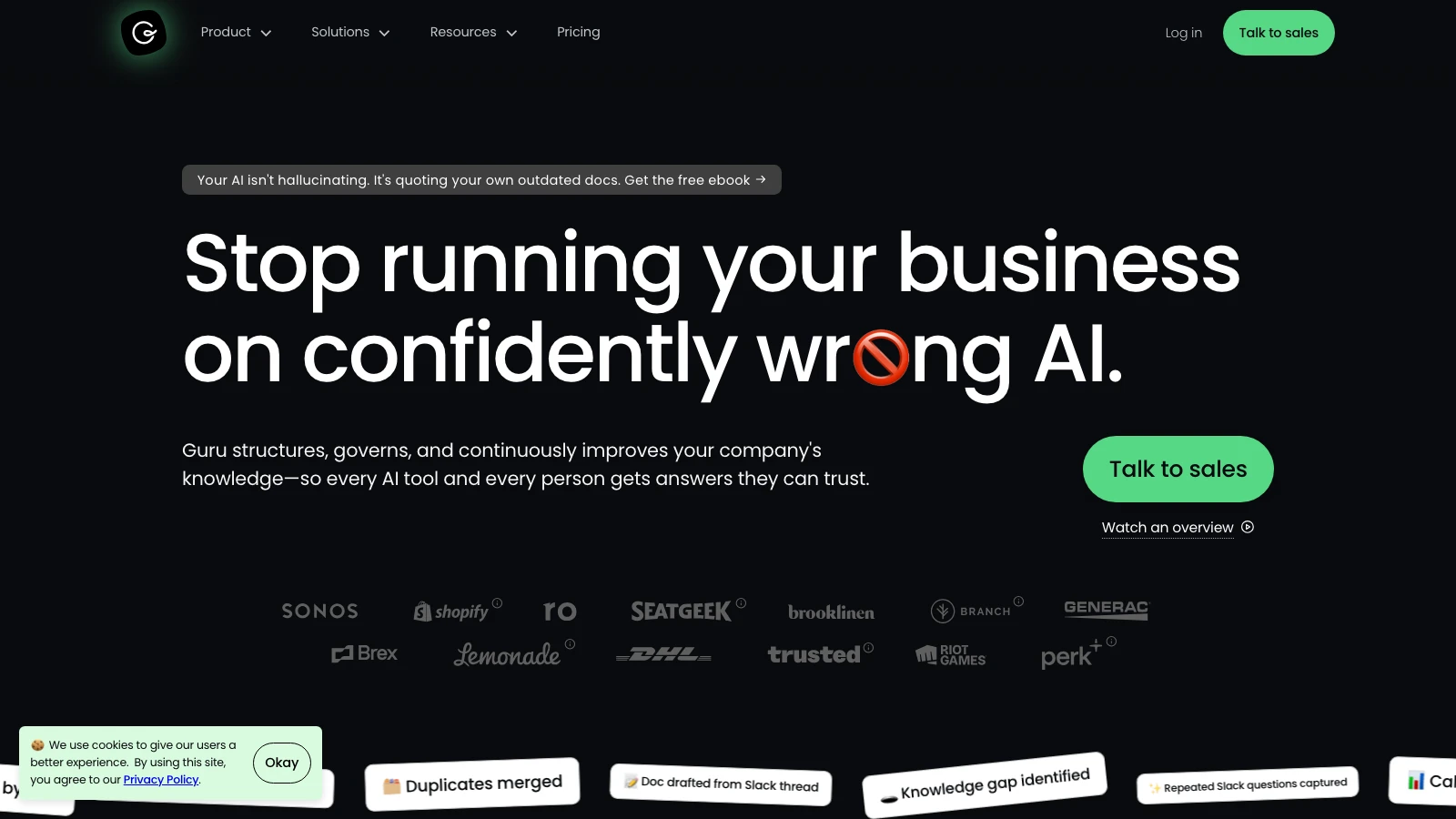
Guru emphasizes verified knowledge cards with expert owners, confidence scoring, and in-workflow delivery
Confluence + Rovo: the Atlassian default
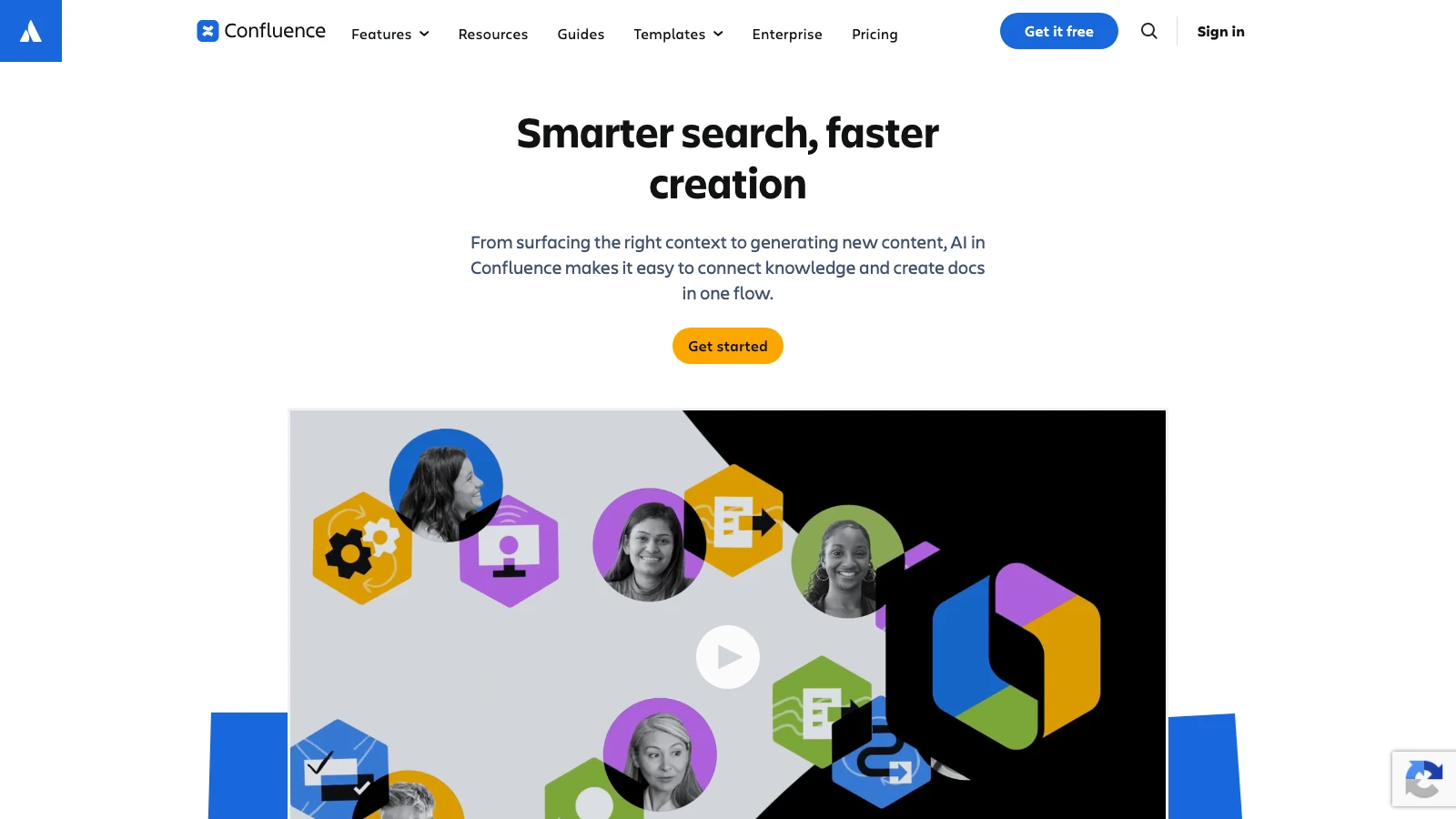
Confluence remains the default documentation platform for engineering-heavy teams, and Atlassian’s Rovo AI adds semantic search, chat, summarization, and pre-built agents to paid Confluence plans. The Standard tier includes Rovo with a monthly credit allowance, making it one of the lowest-cost entries into AI-powered knowledge management.
The value is highest if the team already lives in Jira, Bitbucket, and other Atlassian tools. Search quality still depends on space organization and metadata discipline. Rovo credits introduce consumption limits, so heavy usage requires monitoring.
Atlassian Rovo adds AI search, chat, and agents on top of Confluence and Jira content
Microsoft 365 Copilot: search inside the M365 estate
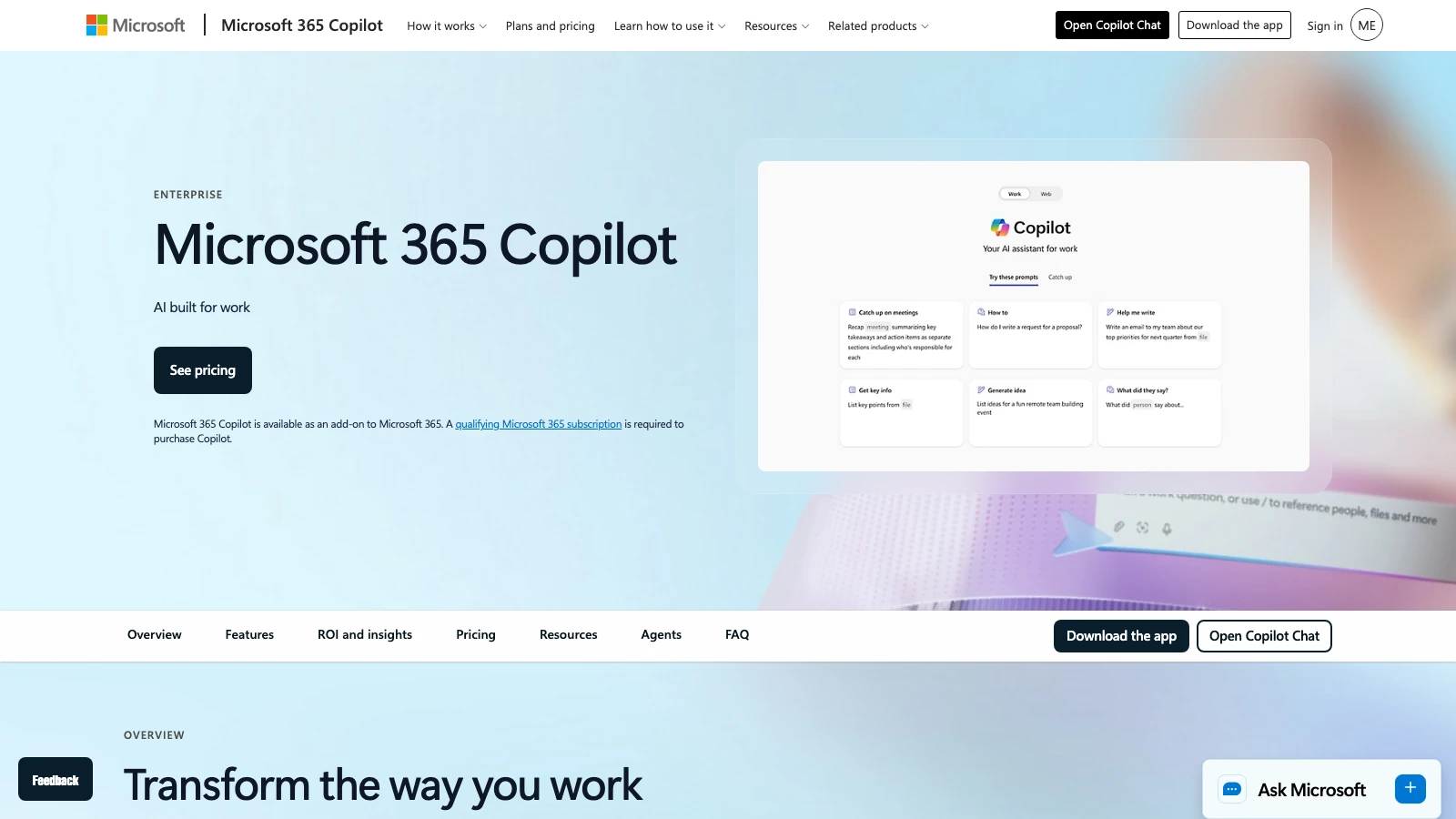
Microsoft 365 Copilot indexes content across SharePoint, Teams, Outlook, OneDrive, and other M365 apps through Microsoft Graph. Purview enforces permission-aware retrieval at the user level, and answers are embedded inside the productivity apps employees already use.
The limitation is the same one that has limited SharePoint search for years: output quality depends on input governance. A sprawling, poorly structured SharePoint environment produces confidently worded but unreliable answers. Copilot is strongest for organizations that have already invested in M365 governance.
Microsoft 365 Copilot surfaces answers inside Teams, Outlook, SharePoint, and other M365 apps using Microsoft Graph
como elegir
Match the tool to the shape of your knowledge problem:
Where does knowledge live today? If it is scattered across many SaaS tools, start with enterprise search. If it is concentrated in one place, start with an AI-enhanced wiki.
Who needs the answer? Support and sales reps need answers inside their workflow; a browser extension or Slack bot matters more than a beautiful wiki interface.
How much verification do you need? High-stakes customer answers favor Guru. Internal engineering docs favor Confluence or Notion.
What is the total cost? Include implementation, migration, credit meters, and the human time required to keep knowledge current.
Can you govern the sources? No AI search layer fixes contradictory or stale source content.
Governance and rollout checklist
Assign an owner for each knowledge domain.
Define freshness rules: how often each type of content must be reviewed.
Test permission inheritance: confirm users cannot see answers drawn from documents they should not access.
Run real questions from the last 30 days through the tool and score accuracy, citations, and usefulness.
Monitor zero-result searches and unanswered questions as content-gap signals.
Keep a human-in-the-loop for high-stakes answers, even when the AI looks confident.
Preguntas frecuentes
01What is the difference between a knowledge base and enterprise search?
A knowledge base is a curated place where teams author and store answers. Enterprise search indexes existing systems without requiring migration. Many organizations run both.
02Do these tools hallucinate?
Yes, if they synthesize across low-quality or contradictory sources. The safest tools cite sources, show confidence scores, or require human verification. Always verify source-linked answers before rollout.
03Is Glean worth the cost for a 50-person team?
Usually not. Glean’s economics and implementation overhead are designed for larger organizations. For smaller teams, Notion AI, Guru, or Slite are more realistic starting points.
04Can we use Microsoft 365 Copilot if we also use Slack and Google Drive?
Copilot works best inside the M365 estate. For non-Microsoft knowledge sources, you may need connectors or a separate search layer such as Glean or Guru with federated search.
05Should we migrate everything into one tool?
Rarely. Migration is expensive and often copies stale content into a new system. A better first step is to identify the 20–30 most-searched topics, verify them, and make them findable. Then expand.
What to do next
Before booking demos, run a one-day knowledge audit. List the top 20 questions your team asked on Slack or in support tickets last month, then test which tool answers them accurately and cites the source. Use the results as a scorecard in every vendor conversation. For the broader workflow context, read our AI workflow automation agents y AI note takers guides.
Further reading
What to open next
4 next jobs from this page. Named destinations, not a pile of related guides.