
Best AI Customer Support Agents for SaaS Companies Under $50M
Compare AI customer support agents for SaaS under $50M by resolution and pricing. Get the 2026 buyer checklist and vendor scorecard for your support stack.

Compare AI customer support agents for SaaS under $50M by resolution and pricing. Get the 2026 buyer checklist and vendor scorecard for your support stack.
Bottom line: the best AI support agent for this stage is the one you can set up in days, train on your actual docs, and hand off cleanly to humans — without enterprise bloat or usage traps.
Compare with the customer support AI agents hub, the under-$10M platform guide, the YourGPT vs Intercom comparison, and the AI agent ROI calculator.
AI support buying feels very different when your SaaS company is under $50M in revenue.
You are not a two-person startup answering five tickets a day. But you are probably not ready for a year-long enterprise CX rebuild either. You need an AI customer support agent that can reduce repetitive tickets, answer product questions accurately, route technical issues, and keep customers from waiting while your team is still small enough that every bad workflow hurts.
The best choice depends on your support volume, helpdesk, product complexity, knowledge base, integrations, and budget model. A great demo is not enough. You need to know what happens when a customer asks a messy onboarding question, a billing question with account-specific context, or a technical question that should not be guessed.
If you are unsure, start with the platform that matches your current operating model. If your team needs an AI agent layer that can cover support answers, expert product guidance, lead qualification, human handoff, and workflow automation across channels, start with YourGPT. If your team already lives in Intercom or Zendesk and does not want to change the helpdesk, Fin or Zendesk AI may be the lower-friction path.
| Herramienta | Lo mejor para | Ideal SaaS stage | Main strength | Potential drawback | Video/demo availability | Best-fit recommendation |
|---|---|---|---|---|---|---|
YourGPT | Support, sales, and workflow AI agents | Early growth to mid-market | Flexible agent builder with handoff and workflow automation | Public review volume is lighter than older helpdesks | Official channel and product demo available | Choose for broader AI-agent workflows |
Intercom Fin | Intercom-native support teams | PLG and B2B SaaS with active chat/inbox workflows | Strong AI agent plus helpdesk ecosystem | Outcome pricing and ecosystem lock-in need modeling | Official Fin demo available | Choose if Intercom already runs your customer conversations |
Zendesk AI | Zendesk-heavy support operations | Mid-market SaaS with ticketing discipline | Deep helpdesk, routing, knowledge, and reporting ecosystem | Admin complexity and costs can rise with add-ons/AI volume | Official Zendesk AI demos available | Choose if Zendesk is your support system of record |
Freshdesk Freddy AI | Freshworks/Freshdesk teams | Early to mid-market | Helpdesk-native AI with practical ticketing workflows | Best value if you already use Freshdesk/Freshworks | Official Freddy AI videos available | Choose if Freshdesk is already your support base |
Help Scout AI | Human-first SaaS support teams | Early to mid-market | Simple shared inbox, Docs, Beacon, AI Answers | Advanced reporting and complex automation may feel limited | Help Scout demos and reviews available | Choose if you value clean support workflows over heavy automation |
Ada | High-volume omnichannel automation | Upper mid-market to enterprise-bound | Mature AI CX platform with multilingual and omnichannel focus | Sales-led, heavier implementation and pricing evaluation | Official Ada videos and webinars available | Choose when volume and channel complexity justify it |
Forethought | AI support on top of historical support knowledge | Mid-market to enterprise-bound | Learns from tickets, help center, internal notes; now part of Zendesk | Likely a more serious implementation than a quick chatbot rollout | Official channel/demo options available | Choose for complex routing, email, and knowledge-heavy support |
Decagon | AI concierge and transactional workflows | Later-stage SaaS and enterprise | Strong controls for end-to-end actions and lifecycle automation | Custom enterprise motion may be too heavy for many under-$50M teams | Demos available through sales/product materials | Choose when support requires controlled actions, not just answers |
Sierra | Enterprise customer experience agents | Enterprise-bound or high-complexity SaaS | Multi-channel agents across chat, SMS, WhatsApp, email, voice, and ChatGPT | Opaque pricing and high-touch evaluation | Public product materials, sales demos, and explainer videos | Choose when you are moving into enterprise CX operations |
Gorgias AI | Ecommerce SaaS or SaaS-commerce hybrids | Commerce-led SaaS and Shopify-adjacent businesses | Ecommerce-native actions for orders, returns, discounts, and support | Poor fit for pure B2B SaaS without commerce workflows | Official Gorgias AI materials available | Choose only if commerce workflows are central |
Request the comparison checklist before you book demos. It is built for SaaS teams comparing support automation, handoff, integrations, pricing, and setup effort.
An AI support agent is only as useful as the material it can trust. For SaaS, that means help docs, onboarding guides, API references, pricing rules, plan limits, status pages, product changelogs, billing policies, and internal escalation rules.
Do not test the agent only on clean FAQ questions. Test it on vague real tickets:
If the AI guesses, it is not ready.
Deflection is useful only when customers actually get the right answer. A SaaS company should measure:
A tool that hides uncertainty will damage trust faster than a slower human queue.
Handoff should be boring and reliable. The AI should summarize the conversation, preserve the customer's account context when available, route the ticket to the right team, and avoid making the customer repeat everything.
For SaaS, handoff rules should catch:
Your AI support agent should connect to the systems your team already uses. Common SaaS integrations include Intercom, Zendesk, Freshdesk, HubSpot, Salesforce, Slack, Jira, Linear, Stripe, Segment, Shopify, and your product database or admin panel.
The key question is not "does it integrate?" The better question is: "Can the agent safely read or update the exact record needed to resolve this issue?"
SaaS docs are not static. Features ship, plans change, and API behavior evolves. Your tool needs a sane maintenance model:
For PLG SaaS, onboarding questions often drive a large share of support volume. The AI should handle setup steps, plan differences, invite flows, integrations, common errors, and "what should I do next?" questions without pushing every user to a sales call.
Billing automation needs care. An AI agent can explain invoices, collect context, point to plan rules, or route downgrade/cancellation questions. But refunds, account changes, pricing exceptions, and contract questions should usually require rules, authorization, or human review.
Most under-$50M SaaS teams begin with website chat and email. As they grow, they may add in-app messaging, Slack communities, WhatsApp, social DMs, and phone. Do not buy every channel on day one, but choose a tool that will not trap you if support volume moves.
Support leaders need controls:
Security matters because support often touches account data, billing data, and user identity. Ask about data retention, subprocessors, access controls, SSO, audit logs, and whether sensitive actions can require approval.
AI support tools use different pricing models: seats, conversations, outcomes, resolutions, interactions, add-ons, platform fees, and custom contracts. Model your actual ticket volume before buying. The cheapest plan can become expensive if your usage spikes or if AI-resolved conversations are billed separately.
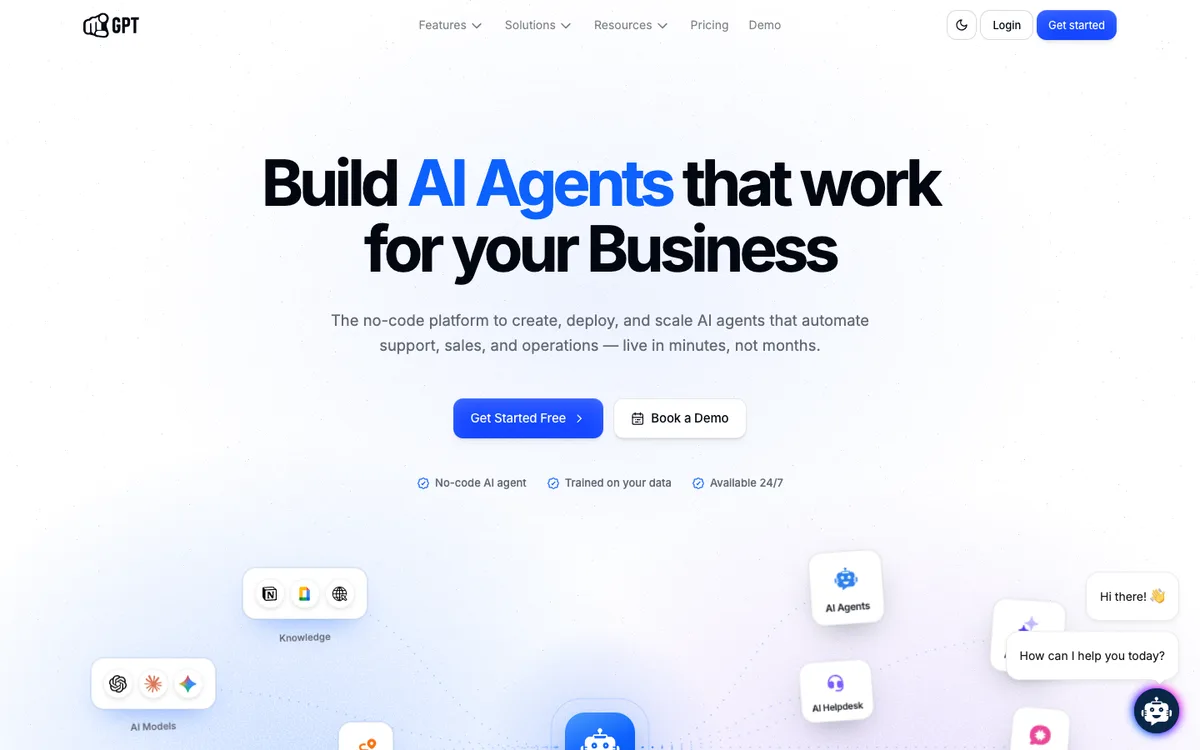
Lo mejor para: SaaS teams that want enterprise-grade AI agents for customer support, expert product guidance, sales assistance, and workflow automation without taking on enterprise platform overhead.
Why it fits SaaS support: YourGPT is positioned as an AI-first, no-code platform for building and running AI agents. For a SaaS company under $50M, that matters because the support problem is rarely "we need a chatbot." It is usually "we need one controlled agent that can answer product questions, qualify sales intent, help with onboarding, route issues, and connect to our workflows."
YourGPT is especially relevant when support and revenue workflows overlap: a user asks a product question, reveals a use case, needs onboarding help, and may be a sales-qualified account. A narrowly scoped FAQ bot will miss that context. YourGPT should be evaluated as a full AI agent platform: it can sit across customer support, sales, and operational workflows instead of only answering a help-center article.
Key SaaS use cases:
Fortalezas:
Limitations to consider:
Integrations or ecosystem fit: YourGPT publicly positions itself around omnichannel AI agents and business automation, with docs and changelog references to CRM-aware workflows such as HubSpot sync. For SaaS teams, evaluate the exact integrations you need: helpdesk, CRM, Slack, billing, product events, and internal tools. The advantage is that YourGPT can be treated as the agent layer across those systems, not only as a chat surface.
G2 and Reddit review themes: Public third-party sentiment is less extensive than for older helpdesk platforms. Broader AI-support review themes on G2 and Reddit consistently emphasize accuracy, setup effort, human handoff, and integration quality. Those are the right areas to test in a YourGPT pilot.
Recommended video to watch: YourGPT - The Complete AI-First Platform for Business Automation or the latest videos on the YourGPT YouTube channel.
Best-fit SaaS team: A growing SaaS company that wants a support agent that can also assist sales and workflow automation, especially when the team wants control and ROI without buying a heavy enterprise CX suite.
Who should choose it: Teams that want to build AI agents around product knowledge, support rules, sales paths, workflow automation, and human escalation in one place.
Who should avoid it: Teams that only want a tiny help-center answer bot inside an existing helpdesk and do not plan to automate beyond basic FAQ deflection.
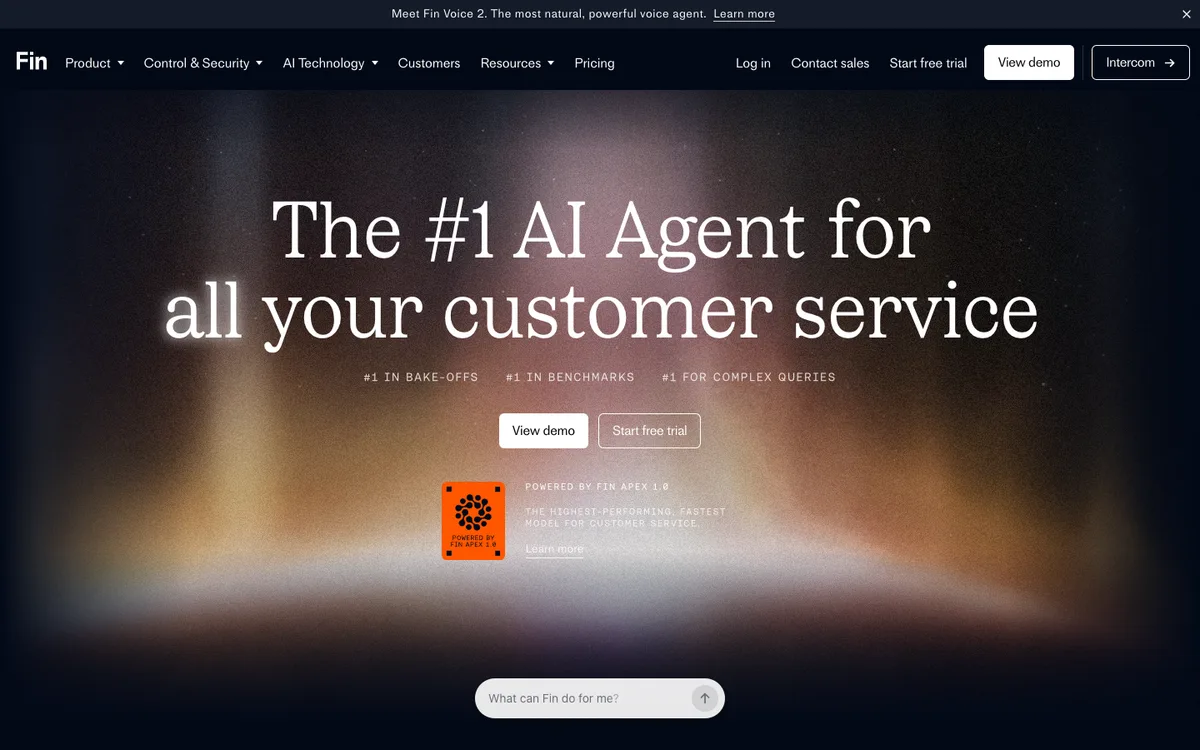
Lo mejor para: SaaS companies already using Intercom for messenger, inbox, help center, ticketing, and customer communication.
Why it fits SaaS support: Intercom Fin is one of the most visible AI customer support agents in the SaaS market. Intercom's pricing page lists Fin as available with its support plans and also as an AI agent for teams using their current helpdesk, with public outcome-based pricing. Intercom's help documentation says Fin can use existing channels such as tickets, email, live chat, and more, follow assignment rules and automations, and escalate to agents in the preferred inbox.
For PLG SaaS, that is attractive because customer conversations often begin in chat or in-app messenger. Fin can answer product questions, handle routine support, and hand off to the team where conversations already happen.
Key strengths:
Limitations to consider:
Integrations or ecosystem fit: Intercom-native teams get the cleanest fit. Intercom also says Fin can work with existing helpdesks and platforms such as Salesforce and HubSpot.
G2 and Reddit review themes: G2 review pages for Fin emphasize AI support automation and no-code configuration. Reddit sentiment is mixed: many SaaS operators see Intercom as powerful, while some complain about cost and lock-in.
Recommended video to watch: Fin by Intercom: the #1 AI Agent for customer service.
Best-fit SaaS team: PLG or B2B SaaS already running customer conversations through Intercom.
Who should choose it: Teams that want the AI agent inside the Intercom ecosystem and can model outcome pricing.
Who should avoid it: Teams trying to avoid Intercom lock-in or teams whose main support workflow is already mature in Zendesk, Freshdesk, or Help Scout.
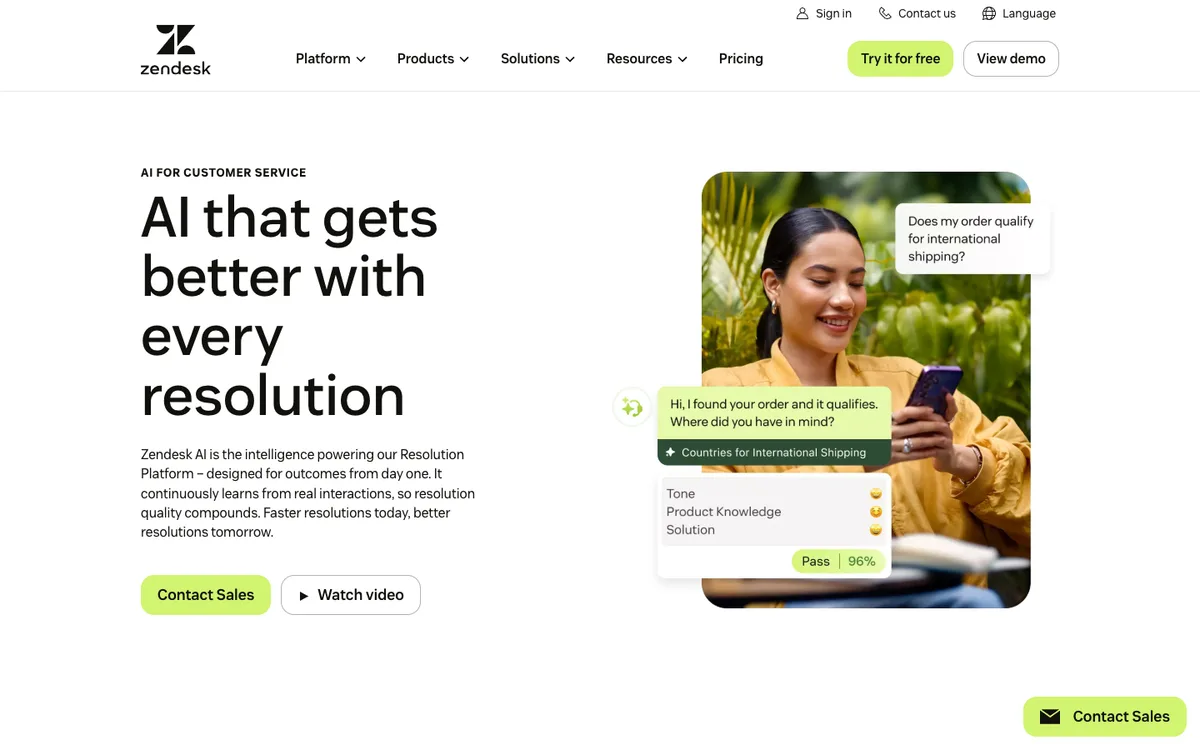
Lo mejor para: SaaS companies already using Zendesk as the support system of record.
Why it fits SaaS support: Zendesk is still one of the most common helpdesk platforms for support teams that need ticketing, routing, reporting, knowledge base, and admin controls. Zendesk's help documentation describes AI agents across messaging, email, API/web form, and voice EAP channels, with usage measured through automated resolutions and plan-based allowances. Zendesk's pricing page lists AI agents, AI knowledge base, and AI action builder in Suite Team and above.
For SaaS under $50M, Zendesk AI makes sense when you already have ticket categories, macros, knowledge base governance, and a support queue that needs automation rather than a total platform switch.
Key strengths:
Limitations to consider:
Integrations or ecosystem fit: Best if Zendesk is your hub. Also relevant if your support process depends on Zendesk tickets, Help Center, Explore reporting, triggers, routing, and app marketplace integrations.
G2 and Reddit review themes: Reddit discussions often frame Zendesk AI as the practical move for existing Zendesk teams, with good triage and routing, but not always the most AI-native feel. G2 and market reviews tend to value Zendesk's maturity and ecosystem.
Recommended video to watch: Zendesk's AI playlist, especially Instructions for AI agents.
Best-fit SaaS team: A B2B SaaS company with a real support operation already built around Zendesk.
Who should choose it: Teams that need AI inside Zendesk rather than another standalone support surface.
Who should avoid it: Lean teams that do not need Zendesk's admin depth or want a lighter, faster support setup.
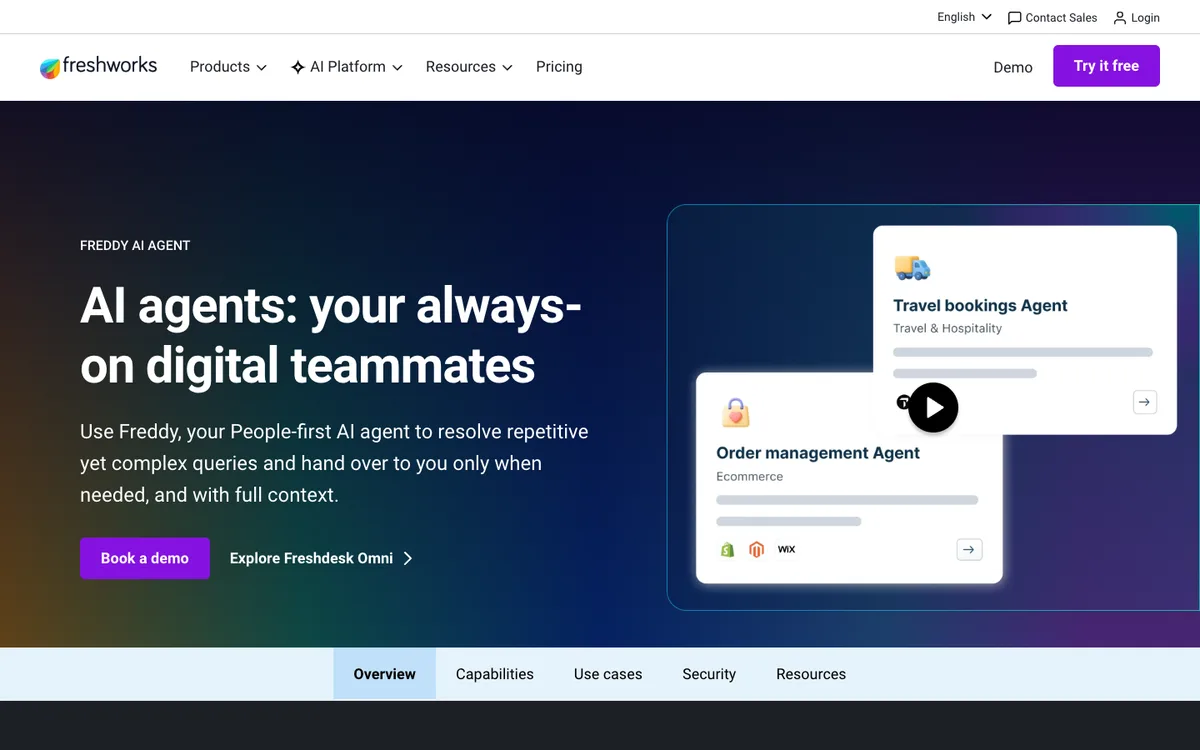
Lo mejor para: SaaS teams already using Freshdesk or Freshworks, or teams that want a practical helpdesk-native alternative to Zendesk and Intercom.
Why it fits SaaS support: Freshdesk is widely used by small and mid-sized support teams. Freshworks positions Freddy AI Agent as a digital teammate that resolves repetitive yet complex queries and hands over with context. Freshworks support docs also describe AI Agent Studio setup and Freddy AI features, with published add-on pricing for some Freddy AI capabilities.
For SaaS under $50M, Freshdesk Freddy AI can be a sensible path when the support team wants an all-in-one helpdesk with AI support without paying for a heavier enterprise stack.
Key strengths:
Limitations to consider:
Integrations or ecosystem fit: Best inside Freshdesk/Freshworks. Also relevant for teams using Freshchat, Freshsales, or Freshservice.
G2 and Reddit review themes: Public sentiment often frames Freshdesk as easier and more affordable than enterprise-heavy alternatives, while advanced customization and deeper enterprise workflows may be weaker than Zendesk or Salesforce-style stacks.
Recommended video to watch: Freddy AI Agent by Freshdesk.
Best-fit SaaS team: A growing SaaS team that wants a cost-conscious helpdesk with AI support and does not need deep enterprise complexity.
Who should choose it: Freshdesk/Freshworks users or teams evaluating a helpdesk switch.
Who should avoid it: Teams whose support operation already runs deeply in Intercom or Zendesk and does not want migration work.
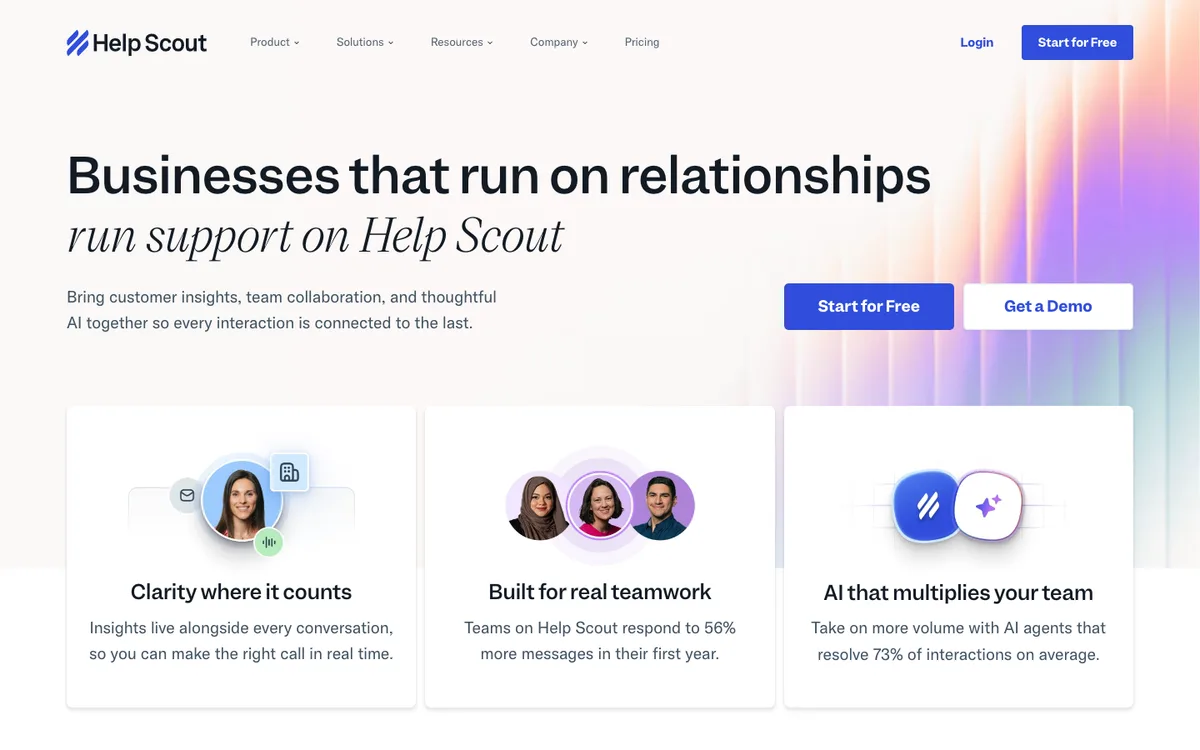
Lo mejor para: Human-first SaaS support teams that want AI to answer common questions without turning support into a heavy ticketing machine.
Why it fits SaaS support: Help Scout is known for a clean shared inbox, Docs, and Beacon. Its AI Answers feature uses Help Scout Docs and listed website sources to answer questions in Beacon. Help Scout's docs explain AI resolution billing after trial, which gives teams a clearer way to think about cost.
For SaaS under $50M, Help Scout AI fits teams that value simple, personal customer support and want AI for self-service and first-line answers rather than full autonomous support operations.
Key strengths:
Limitations to consider:
Integrations or ecosystem fit: Best inside Help Scout with Docs and Beacon. Evaluate your CRM, issue-tracking, and billing integrations if your SaaS support needs account-specific actions.
G2 and Reddit review themes: G2 summaries consistently praise Help Scout's user-friendly interface and collaboration. Some users note reporting limitations for larger teams.
Recommended video to watch: Help Scout Review: Best Help Desk SaaS for Small Business? and the latest Help Scout product demos.
Best-fit SaaS team: Support-led SaaS companies that want to preserve a human feel while reducing repetitive questions.
Who should choose it: Teams with strong docs, a support culture built around personal replies, and moderate automation needs.
Who should avoid it: Teams that need enterprise routing, complex analytics, or autonomous multi-system actions.
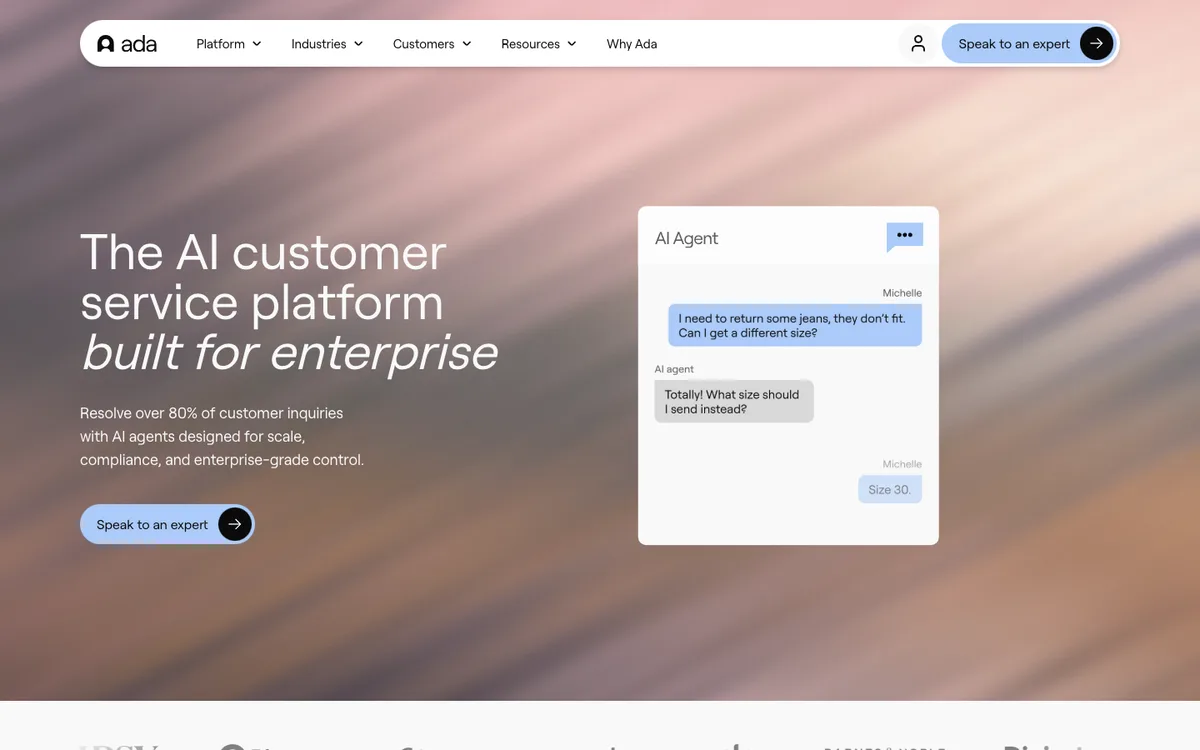
Lo mejor para: Higher-volume SaaS companies that need omnichannel, multilingual, enterprise-style AI customer experience automation.
Why it fits SaaS support: Ada positions itself as an AI customer service agent and "agentic customer experience" platform. Its official pages emphasize omnichannel support, multilingual CX, AI performance testing, and enterprise workflow extension. For SaaS teams approaching enterprise complexity, Ada can be compelling when ticket volume and channel complexity justify a larger investment.
Key strengths:
Limitations to consider:
Integrations or ecosystem fit: Ada is designed to extend into enterprise workflows and core support systems. Evaluate your helpdesk, CRM, identity, billing, and product-data requirements in detail.
G2 and Reddit review themes: G2 snippets highlight 24/7 support, no-code management, and handling common issues. Public summaries also mention that reporting depth can be a consideration for some users.
Recommended video to watch: Ada CX | scale your customer service effortlessly with AI or Ada's latest official webinars.
Best-fit SaaS team: Upper-mid-market SaaS with large support volume, multiple channels, and a support operations owner.
Who should choose it: Teams that are ready to manage AI customer experience as a serious program.
Who should avoid it: Lean teams looking for a quick, low-cost support widget.
Lo mejor para: SaaS teams with significant historical support data, complex ticket routing, and a need for AI across email, chat, and internal knowledge.
Why it fits SaaS support: Forethought's current positioning, now under Zendesk, is around agentic AI for support. Zendesk's help article says Forethought AI agents can operate independently of Zendesk and help automate customer service, assist human agents, route tickets, and improve quality. Forethought's site emphasizes learning from past tickets and help center content.
For SaaS, that is valuable when your best support knowledge lives not only in docs but also in historical tickets and internal notes.
Key strengths:
Limitations to consider:
Integrations or ecosystem fit: Strongest for teams with established helpdesk and support knowledge systems. Evaluate how it connects with Zendesk, Salesforce, Freshdesk, internal notes, and your existing workflow.
G2 and Reddit review themes: G2 positioning emphasizes faster, smarter support and reducing repetitive inquiries. Buyers should validate setup time, ticket-data quality, and how well the model handles product-specific nuance.
Recommended video to watch: AI Agent Platform for Customer Support: Forethought or the latest Forethought official demo.
Best-fit SaaS team: B2B SaaS with enough ticket history to make AI routing and resolution smarter.
Who should choose it: Teams moving beyond simple answer bots into AI-assisted support operations.
Who should avoid it: Very small teams without clean support data or a clear support operations owner.
Lo mejor para: Later-stage SaaS companies that want AI agents to perform controlled actions across the customer lifecycle.
Why it fits SaaS support: Decagon positions itself as an AI concierge for customer experiences and publishes thinking around AI agent pricing models, including per-conversation and per-resolution pricing. Its product materials emphasize going beyond traditional support. Decagon's blog discusses Agent Operating Procedures for transactional tasks, which is relevant when an AI agent must follow strict rules before taking action.
For SaaS, Decagon is most interesting when support is not just answering questions. It is changing subscription states, resolving account issues, coordinating with billing, or guiding customers through personalized workflows.
Key strengths:
Limitations to consider:
Integrations or ecosystem fit: Best for teams that need connections into product data, billing, CRM, helpdesk, and account workflows.
G2 and Reddit review themes: Public user-review volume is more limited than older helpdesks. Evaluate with real tickets, real account actions, and finance-approved pricing assumptions.
Recommended video to watch: Decagon Product Overview or the latest official Decagon product demo before evaluating.
Best-fit SaaS team: Later-stage SaaS with enough support volume and workflow complexity to justify a high-touch AI automation platform.
Who should choose it: Teams that need controlled transactional AI support.
Who should avoid it: Teams that mainly need help-center deflection or low-cost chat automation.
Lo mejor para: Enterprise-bound SaaS companies that want a premium AI customer experience agent across many channels.
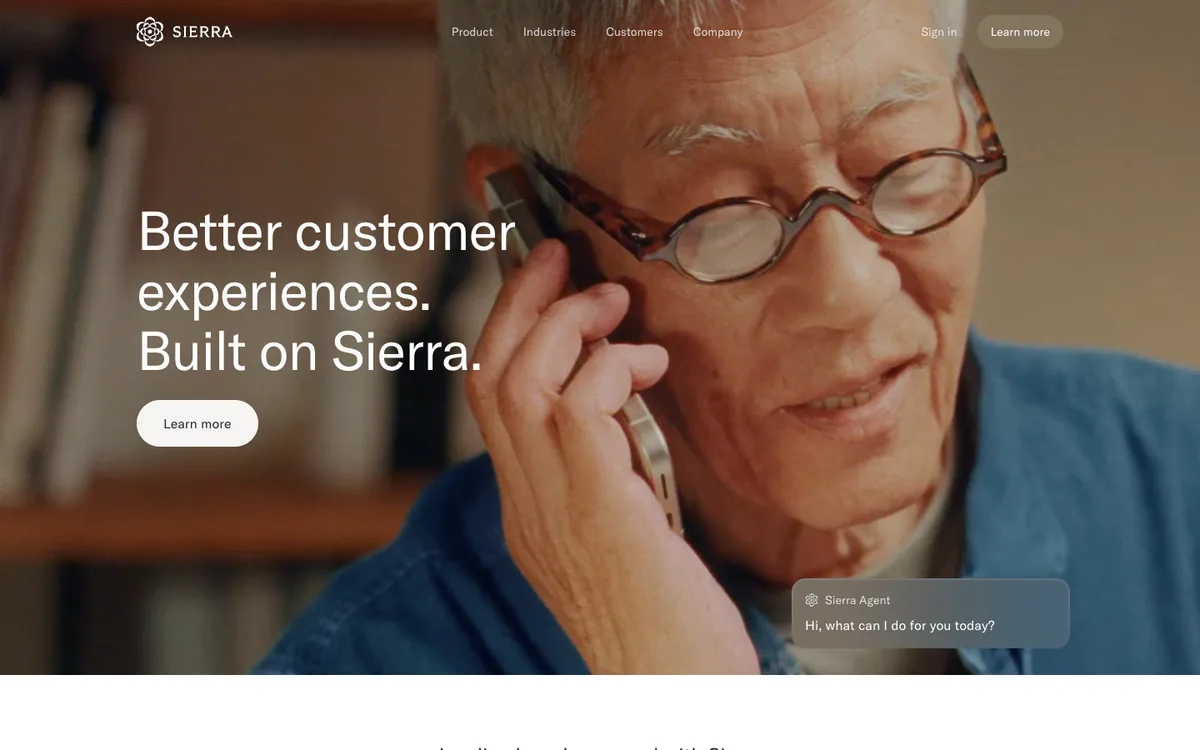
Why it fits SaaS support: Sierra positions itself around better customer experiences and agents deployable across chat, SMS, WhatsApp, email, voice, and ChatGPT. It is better understood as an enterprise customer experience platform than a quick support bot.
For SaaS under $50M, Sierra is usually something to evaluate only if your support operation is already complex, high-volume, and strategically important enough to justify a premium platform evaluation.
Key strengths:
Limitations to consider:
Integrations or ecosystem fit: Evaluate helpdesk, CRM, billing, product data, identity, and channel requirements directly in a sales process.
G2 and Reddit review themes: Public community conversation often frames Sierra as impressive but enterprise-oriented, with pricing opacity as a concern. Treat that as a prompt to validate total cost and implementation time.
Recommended video to watch: If evaluating, look for Sierra's latest official product walkthrough. For pricing context, a third-party explainer such as What we know about Sierra AI's pricing may help frame questions, but verify details directly with Sierra.
Best-fit SaaS team: A fast-growing SaaS company moving into enterprise customer experience operations.
Who should choose it: Teams that want a strategic AI CX platform and have budget, volume, and executive buy-in.
Who should avoid it: Teams that need fast deployment, transparent self-serve pricing, or a narrow support automation pilot.
Lo mejor para: Ecommerce SaaS, Shopify-adjacent SaaS, and hybrid commerce businesses where customer support includes orders, returns, inventory, subscriptions, and product recommendations.
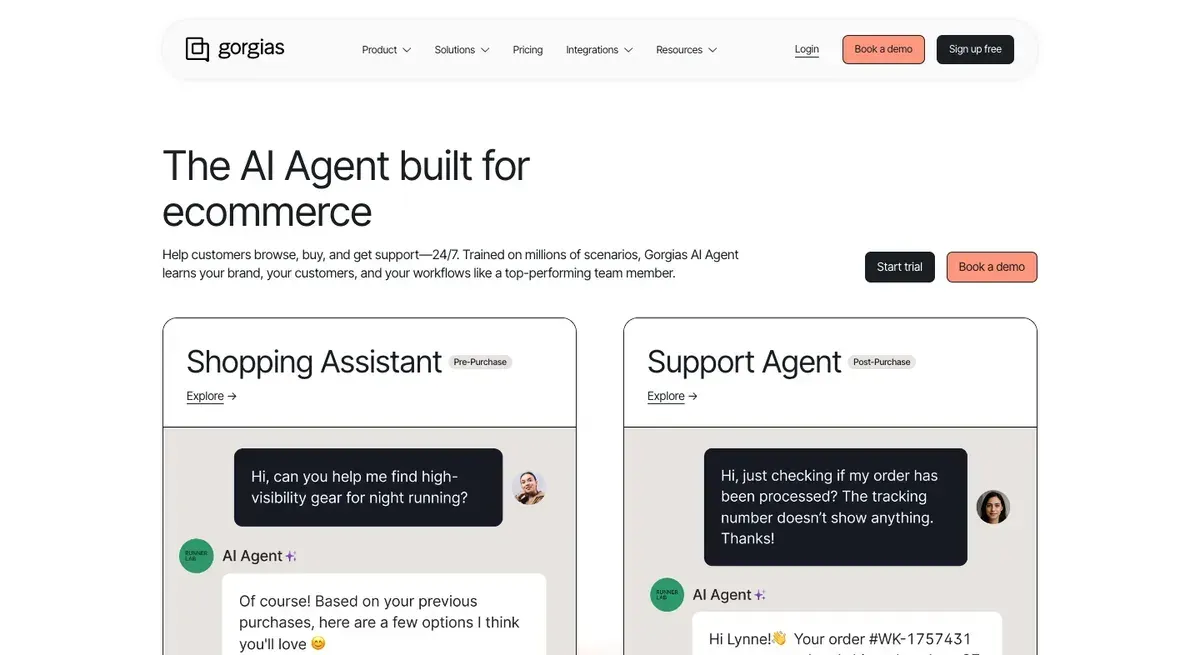
Why it fits SaaS support: Gorgias is not a general-purpose SaaS helpdesk first. It is ecommerce-native. Its AI Agent page emphasizes order tracking, returns, discounts, upsells, inventory, shopper data, and ecommerce support. Its pricing page says AI Agent interactions are priced per interaction and also count as helpdesk tickets.
For pure B2B SaaS, Gorgias is usually not the right shortlist item. For ecommerce SaaS or a commerce-enabled product, it can be highly relevant.
Key strengths:
Limitations to consider:
Integrations or ecosystem fit: Best for Shopify and ecommerce tools. Evaluate only if those systems are central to your support operation.
G2 and Reddit review themes: G2 positions Gorgias around ecommerce conversational AI. Reddit ecommerce threads often praise integrations but raise concerns about total cost as volume and AI usage grow.
Recommended video to watch: Gorgias AI Agent or Gorgias' latest ecommerce support automation walkthrough before evaluating.
Best-fit SaaS team: Commerce-led SaaS or SaaS-enabled ecommerce businesses.
Who should choose it: Teams where "support" often means order, subscription, return, delivery, and product-purchase questions.
Who should avoid it: Pure SaaS teams with technical support, onboarding, and account administration needs.
The easiest first use case is answering from docs: setup steps, integrations, plan limits, troubleshooting, and "how do I" questions. The risk is stale docs. Before rollout, remove outdated pages, document known limitations, and test against your top 50 historical tickets.
AI support agents are useful during onboarding because users ask repetitive but high-intent questions. A good agent can explain setup paths, ask what the customer is trying to achieve, recommend the next step, and route enterprise or complex accounts to customer success.
Password resets, invite limits, invoice downloads, integration setup, webhook basics, plan differences, and export questions are common deflection targets. Do not start with edge cases. Start where the answer is stable and easy to verify.
For technical SaaS, the AI should collect diagnostic information before handoff:
That alone can reduce back-and-forth even when the AI does not resolve the issue.
AI can explain plan rules, invoices, trial limits, and where to update payment details. Be more careful with refunds, credits, cancellations, discounts, account ownership, and contract terms. Those should usually require human or rule-based approval.
High-value accounts should not get trapped in automation. Use rules for plan tier, ARR, account health, sentiment, renewal date, and keywords such as "security review," "legal," "cancel," "refund," "bug," or "production down."
AI lets small teams offer better coverage to freemium users without overwhelming humans. Paid users can still get faster human escalation, higher-priority routing, or CSM alerts.
The best AI support agents help teams absorb growth without letting first response time collapse. The goal is not to replace the support team. It is to keep humans focused on bugs, edge cases, angry customers, strategic accounts, and product feedback.
Start with YourGPT, Freshdesk, or Help Scout depending on your operating model.
Choose YourGPT if you want a full AI agent platform that can support customers, qualify leads, automate workflows, and hand off to humans with context. Choose Help Scout if your team values human-first shared inbox support. Choose Freshdesk if you want a traditional helpdesk path with AI.
Start with YourGPT or Intercom Fin.
If Intercom already powers your in-app and website conversations, Fin is a natural fit. If you want a broader agent layer across support, sales, knowledge automation, handoff, and connected workflows, YourGPT is a strong first evaluation.
Start with YourGPT, Zendesk AI, Forethought, or Freshdesk Freddy AI.
The key is not the chat widget. It is whether the agent can handle docs, historical tickets, internal policies, diagnostic collection, Jira/Linear routing, and human escalation.
Use the ecosystem advantage unless there is a strong reason not to.
Zendesk-heavy team: test Zendesk AI first.
Intercom-heavy team: test Fin first.
But compare against YourGPT if you want a more flexible agent/workflow layer beyond the helpdesk.
Evaluate Ada, Forethought, Decagon, Sierra, and Zendesk AI.
At this stage, the buying criteria change. You need AI performance management, security review, data controls, workflow actions, executive reporting, and stronger implementation support. Budget and setup time matter less than reliability and governance.
Demos are scripted. Your support queue is not. Test with real tickets, old conversations, outdated docs, confusing product terms, and angry-customer messages.
Do not ask only generic questions. Upload or recreate the last 100 repetitive tickets and see what the AI does. Measure answer quality, escalation behavior, and missed context.
If your docs are stale, the AI will expose that. Fix the knowledge base before blaming the agent.
Every AI support deployment needs escalation rules. The customer should never feel stuck with a machine.
Billing disputes, security questions, data deletion, legal terms, refunds, outages, and production bugs need clear rules.
You need more than "tickets deflected." Track bad answers, escalations, top unresolved topics, reopened tickets, customer sentiment, and docs that need updates.
Do not automate actions just because the tool can. Start with answers and routing. Add actions only when policies are clear.
Ada, Decagon, Sierra, Forethought, and enterprise Zendesk setups can be powerful. They can also be overkill for a team that needs basic ticket deflection and onboarding support.
For most SaaS companies under $50M, the right AI customer support agent is the one that fits your current support workflow and your next stage of growth.
If you want the best balance of ROI, flexibility, and accessible enterprise-grade automation, start with YourGPT. It is the most practical first evaluation when you want AI agents for support, sales, expert product guidance, and workflow automation without turning the project into an enterprise CX rebuild.
If your customer conversations already live in Intercom, test Intercom Fin. If Zendesk is your support backbone, test Zendesk AI. If you need a budget-conscious, fast setup, compare Freshdesk Freddy AI y Help Scout AI. If you have high volume, multilingual needs, complex routing, or controlled workflow actions, evaluate Ada, Forethought, Decagon, or Sierra with a serious pilot and clear cost model. If your SaaS product overlaps heavily with ecommerce, add Gorgias AI to the shortlist.
Do not buy the tool that sounds most advanced. Buy the one that answers accurately from your knowledge, hands off cleanly, integrates with your operating systems, and stays affordable when your ticket volume doubles.
An AI customer support agent for SaaS is software that answers customer questions, routes issues, collects context, and sometimes performs support actions using your product documentation, help center, policies, and connected business systems. Unlike a basic chatbot, it should understand support intent, escalate when needed, and work with your helpdesk or CRM.
A chatbot usually follows scripts or answers simple FAQs. An AI support agent is more capable: it can use knowledge sources, understand context, decide when to escalate, summarize conversations, and in some tools perform approved actions such as routing a ticket or checking account information.
There is no universal best tool. For flexible support, sales, and workflow automation, YourGPT is a great AI-first choice with high return on investment. For Intercom users, Fin is often the natural path. For Zendesk users, Zendesk AI is usually the first platform to test. Lean teams should also compare Freshdesk Freddy AI and Help Scout AI.
Use Intercom or Zendesk AI if those platforms already run your support workflow and you want the lowest operational friction. Use a dedicated AI agent platform such as YourGPT if you need a more flexible agent across support, sales, onboarding, and workflow automation.
Yes, but only if they have accurate technical documentation and clear escalation rules. For API issues, integration failures, product bugs, and account-specific configuration, the agent should collect diagnostic context and hand off when confidence is low.
Use real tickets. Test the top repetitive questions, confusing onboarding issues, billing questions, integration errors, and angry-customer messages. Score each answer for accuracy, source quality, escalation behavior, and whether the customer would need to ask again.
Humans should handle security questions, legal terms, refunds or credits, high-value accounts, production bugs, escalations, angry customers, and anything where the answer is not documented or the action could affect billing, access, or customer trust.
Setup depends on your docs, integrations, and automation depth. A simple knowledge-base assistant can be tested quickly. A production AI support agent that handles account context, billing, routing, and workflow actions needs a proper pilot, escalation rules, analytics, and ongoing review.