
Developer guide 08
How to Configure Secrets and Environment Variables for AI Coding Agents
Configure secrets for coding agents without leaking keys into prompts, logs, screenshots, MCP config, background agents, or committed files.
Developer guide 08
Configure secrets for coding agents without leaking keys into prompts, logs, screenshots, MCP config, background agents, or committed files.
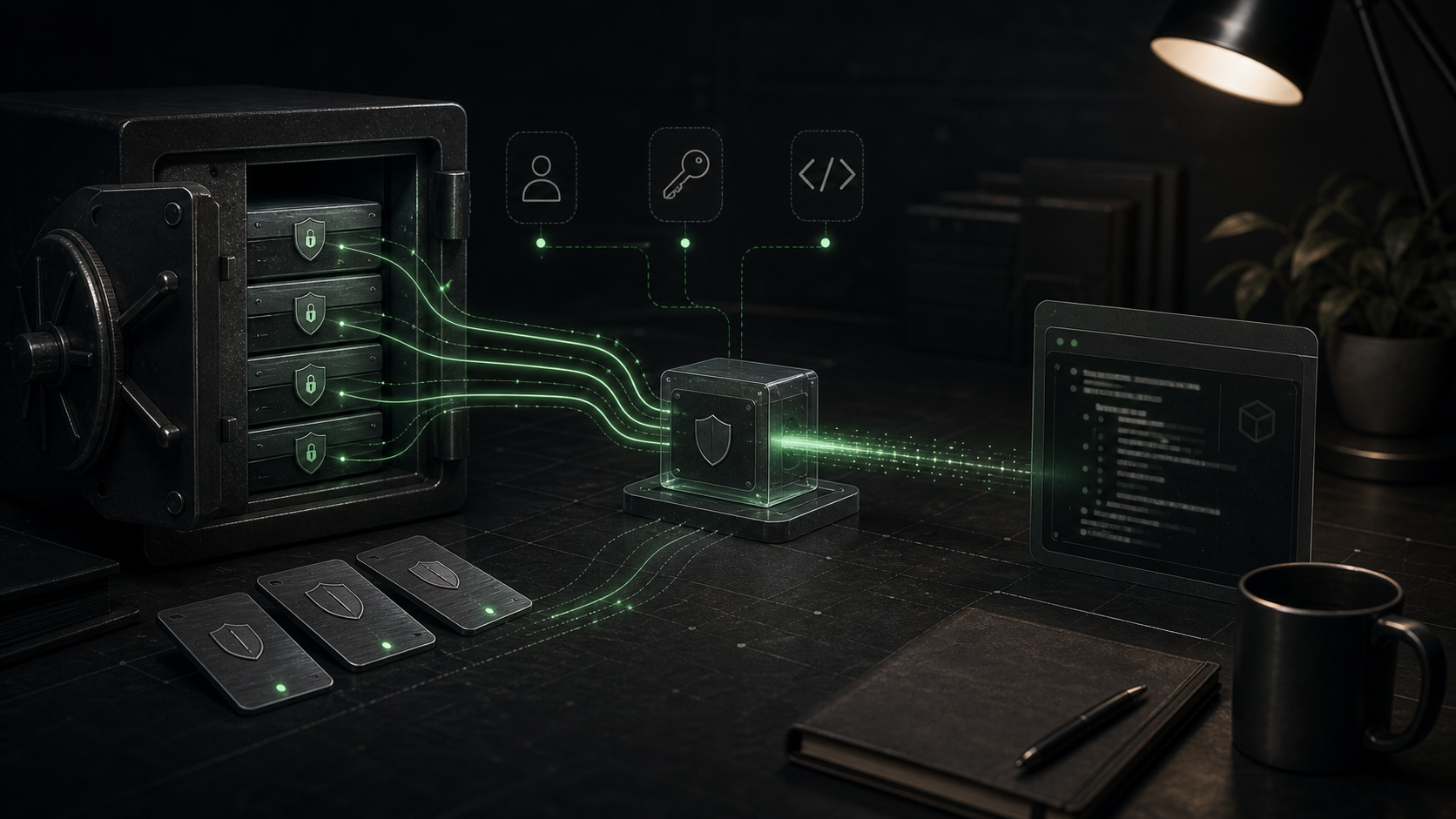
Quick answer
Configure secrets for coding agents without leaking keys into prompts, logs, screenshots, MCP config, background agents, or committed files.
Never put secrets in prompts, committed instruction files, chat transcripts, screenshots, or example config that an agent might copy into a diff. Treat secrets as runtime inputs, not context. The agent can know the name of an environment variable, the service it authenticates to, and the command that needs it. It should not need to see the raw value unless the runtime is injecting that value into the process that actually uses it.
The clean mental model is:
Prompt: tells the agent what to do.
Instruction file: tells the agent how the repo works.
Config file: tells the agent host what tools exist.
Environment variable: gives a process a runtime value.
Secret store: protects and scopes the sensitive value.
When those layers collapse into one place, leaks happen.
A secret is any value that lets someone authenticate, impersonate, decrypt, mutate data, bypass approval, or reach a private system.
Common examples:
Non-secret configuration still matters, but it can usually live in committed files:
NODE_ENV=development
PUBLIC_APP_URL=http://localhost:3000
FEATURE_SEARCH_V2=true
OPENAI_MODEL=gpt-5.1
The dividing line is simple: if posting the value in a public issue would create work for security, billing, or customer support, treat it as a secret.
Do not paste a key into chat because "the agent only needs it once." The transcript may be retained by the tool provider under the applicable product policy, copied into logs, summarized later, or accidentally included in generated docs. More practically, the agent may reuse the value in a command, write it into a .env.example, include it in a screenshot, or paste it into a PR comment while trying to be helpful.
Give the agent handles, not values:
Bad:
Use sk-live-... to call the billing API.

Good:
The billing API key is available as BILLING_API_KEY in the local shell. Run the billing tests only against the sandbox account.
Instruction files should do the same:
Use `STRIPE_SECRET_KEY` for local payment tests. Never read, print, commit, or screenshot `.env*` files.That tells the agent the contract without turning the instruction file into a credential bundle.
.env vs shell env vs PCM envLocal agents usually see secrets through one of three paths:
| Location | Good use | Risque |
|---|---|---|
.env.local ou .env.development | App runtime secrets for local development | Easy to read, print, or accidentally commit |
| Shell environment | One-off commands and test runs | Can leak through process lists, logs, and inherited subprocesses |
| Agent or MCP config env mapping | Tool-specific credentials | Config may get committed or copied between machines |
The safest local pattern is:
.gitignore..env.example with names and fake values only..env* where the host supports it.Exemple .env.example:
OPENAI_API_KEY=replace_with_dev_key
GITHUB_TOKEN=replace_with_repo_scoped_token
DATABASE_URL=postgres://user:password@localhost:5432/app_dev
Example prompt:
Run the integration tests. Required variables are already available in the shell. Do not inspect `.env.local`; if a variable is missing, tell me the variable name.That prompt gives the agent a recovery path without inviting it to open the secret file.
MCP servers often need credentials because they connect the agent to external tools. That makes MCP configuration one of the highest-risk places in an agent setup.
Codex's MCP configuration supports multiple ways to pass runtime values: env for server-specific variables, env_vars for forwarded variables, bearer_token_env_var for HTTP bearer-token auth, and env_http_headers for HTTP headers whose values come from the environment. Use those mechanisms to reference variables, not to publish raw tokens in a shared config.
For a local stdio MCP server, prefer a pattern like this:
[mcp_servers.internal_docs]
command = "node"
args = ["./tools/mcp/internal-docs-server.js"]
env_vars = ["INTERNAL_DOCS_TOKEN"]
enabled_tools = ["search_docs", "read_doc"]
For an HTTP MCP server, prefer an environment-backed token:
[mcp_servers.issue_tracker]
url = "https://mcp.example.com"
bearer_token_env_var = "ISSUE_TRACKER_MCP_TOKEN"
enabled_tools = ["get_issue", "search_issues"]
Use explicit tool allowlists when the server exposes both read and write actions. A docs search tool and a "delete project" tool should never inherit the same trust just because they come from the same server.
Cursor's MCP docs describe project config in .cursor/mcp.json and global config in ~/.cursor/mcp.json, with environment-variable interpolation such as ${env:API_KEY}. The same rule applies: reference the environment, do not hardcode the value in a committed project file.
Remote agents need a different secret plan because they are not running inside your laptop shell. They clone the repo, install dependencies, run commands, and sometimes push branches from a cloud environment.
GitHub Copilot cloud agent has dedicated Agents secrets and variables, separate from Actions, Codespaces, and Dependabot. GitHub's docs say these values are exposed to the cloud agent as environment variables, while values prefixed with COPILOT_MCP_ are only available to MCP configuration. That prefix is useful for separating "the setup script needs this" from "the MCP server needs this."
Bon Copilot cloud agent split:
NPM_TOKEN
Used by setup steps to install private packages.

TEST_DATABASE_URL
Used by tests in the agent environment.

COPILOT_MCP_LINEAR_TOKEN
Used only by MCP configuration for Linear.
Cursor background agents run in a remote Ubuntu-based environment by default, can install packages, and can auto-run terminal commands while the agent works. Cursor's docs also describe entering required secrets for the dev environment, stored encrypted at rest and provided in the background-agent environment. That auto-run behavior is exactly why secrets need to be scoped. A token that is safe for a local test may not be safe for an unattended remote process with internet access.
Remote-agent rules:
The best secret is temporary, narrow, and boring.
For coding agents, least privilege means:
Wrong:
One personal admin token for GitHub, cloud, packages, database, and deploys.

Better:
Separate repo-scoped GitHub token, read-only package token, staging database URL, and preview-deploy token.

Best:
Short-lived credentials minted for the task, with write access only when the task genuinely needs it.
Scope by environment:
| Need | Prefer | Éviter |
|---|---|---|
| Install private packages | Read-only package token | Org-wide publish token |
| Run integration tests | Staging or local database | Production database |
| Query issue tracker | Read-only token | Token that can bulk-edit projects |
| Create PR evidence | Repo-scoped token | User token with all repos |
| Preview deploy | Preview-only deployment token | Production deploy token |
| MCP docs search | Read-only docs token | Admin API token |
If a provider supports expiration, use it. If it supports fine-grained repository access, use it. If it supports workload identity or OIDC for CI-style environments, prefer that over storing long-lived cloud keys.
Agents are good at finding the path of least resistance. If the only credential that works is production, they will ask for production or fail in confusing ways. Build a testable path instead.
A healthy repo has:
.env.example with every required variable name.npm run test:integration.Example missing-secret error:
Missing required environment variable: STRIPE_SECRET_KEY.
Use a sandbox key. Do not use a production key for local or agent tests.
That error is more useful than letting the agent open .env.local to investigate.
Treat it as leaked. Do not debate whether the model "probably forgot." The response playbook is:
Use provider-specific scanning where available, but do not wait for a scanner to prove the leak. Rotation is cheaper than uncertainty.
Agent leaks often do not happen in the obvious prompt. They happen in the work product:
.env value as an example.Add defensive defaults:
Never print process.env wholesale.
Never screenshot pages that show tokens, cookies, or customer PII.
Never ask the agent to "show me the .env file."
Never commit .env, .pem, .key, service-account JSON, database dumps, or session exports.
Redact Authorization, Cookie, Set-Cookie, X-API-Key, and webhook-signature headers in logs.OWASP's MCP security guidance specifically recommends logging MCP tool invocations while redacting secrets and PII. That pairing matters. You want enough audit detail to reconstruct what happened, but not so much that the audit log becomes the leak.
For a local coding agent using an MCP docs server and a staging integration test suite:
Repository:
- Commit `.env.example`.
- Ignore `.env*` except examples.
- Add instruction: "Do not read, print, or commit `.env*`."
- Keep MCP config in project only if it contains no raw values.

Local shell:
- Export INTERNAL_DOCS_TOKEN with read-only docs scope.
- Export STAGING_API_KEY with limited test scope.

Agent permissions:
- Read and edit workspace files.
- Deny reads of `.env*`.
- Allow `npm test`, `npm run lint`, and `npm run build`.
- Ask before network calls outside approved domains.

MCP:
- Use `env_vars` or environment interpolation.
- Allow read tools first.
- Keep write tools disabled until a real workflow needs them.

Remote/background agent:
- Configure dedicated agent secrets in the platform UI.
- Use staging credentials.
- Do not reuse a developer's personal token.
- Review branch and logs before merge.
The goal is not to make the agent blind. The goal is to give it the names, scopes, and commands it needs while keeping credential values inside the runtime boundary designed to hold them.
.env.example list names without real values?.env*, key files, service-account JSON, dumps, and local exports ignored or denied?Secrets are not context. They are authority. Give the agent enough authority to do the job, then make sure that authority cannot wander into a transcript, diff, screenshot, or log line.