
AI website builders (2026)
Compare AI website builders by SEO, speed, lock-in, and launch effort. Get the 2026 buyer checklist and migration-safe rollout plan before you rebuild.
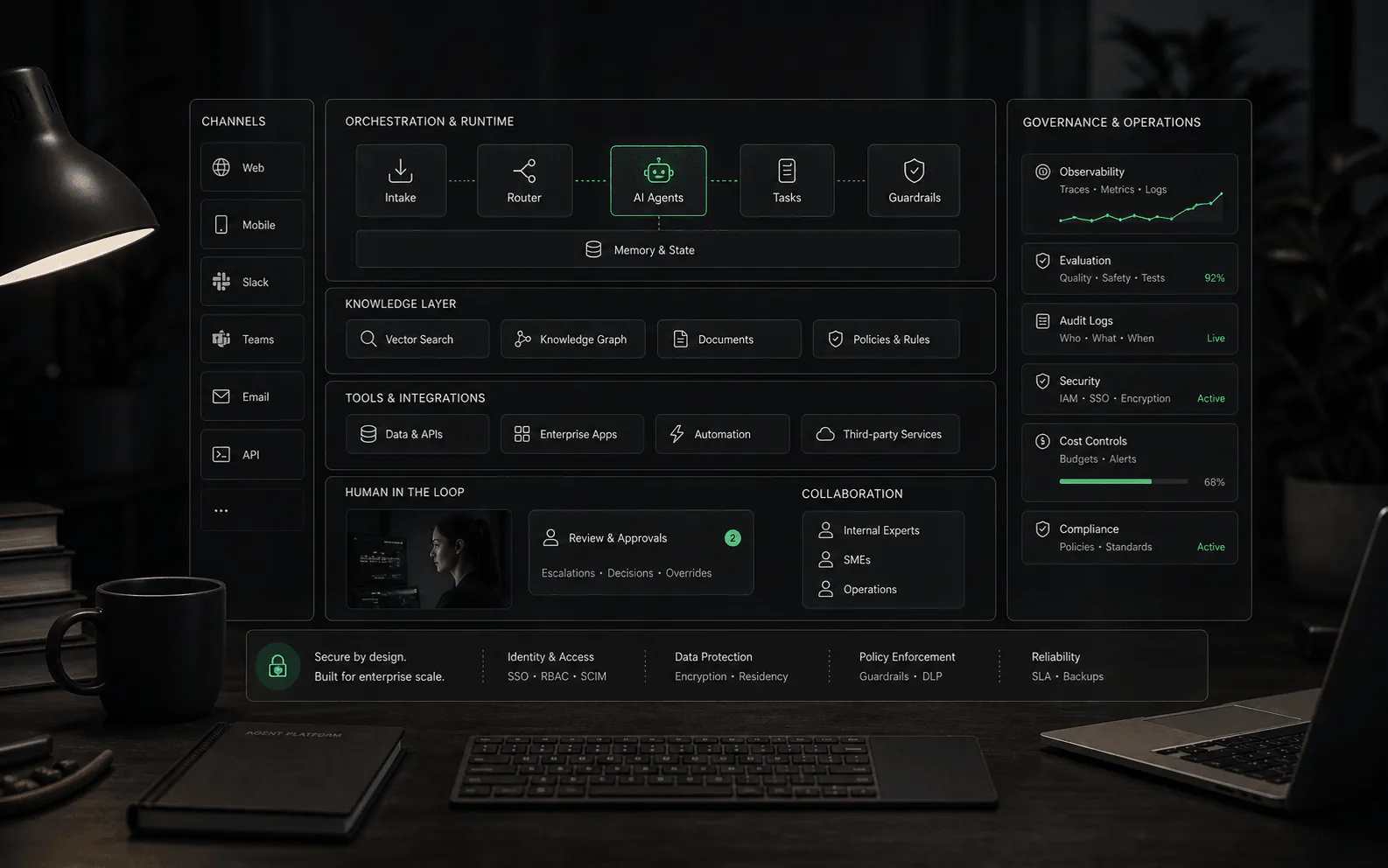
Compare AI website builders by SEO, speed, lock-in, and launch effort. Get the 2026 buyer checklist and migration-safe rollout plan before you rebuild.
Bottom line: choose an AI website builder by how easily you can edit, export, and optimize the result.
A great demo means nothing if the site is slow, unindexable, or impossible to leave. Related: AI SEO tools for launch and refresh workflows, AI app builders for shipped product pages, AI workflow automation agents for lead routing, and AI receptionist software for phone-first intake.
AI website builders are now good enough to get a real site live in an afternoon.
What they don’t do automatically is the stuff that actually matters after launch:
This guide is for founders, operators, marketers, and designers who want a practical way to choose a builder - and a test you can run in one hour to avoid the usual traps.
Most “best AI website builder” lists rank tools by how pretty the first generation looks.
That’s backwards.
Your real selection criteria is: what does the site need to be 90 days from now?
| Buyer endgame | Best starting point | Why it fits | Tradeoff to plan for |
|---|---|---|---|
| Small business site for services or local discovery | Durable Wix ou Hostinger | Fast prompt to publish loop with bundled hosting and low setup overhead | Outputs can feel generic and simple now can become boxed in later |
| Design-forward marketing site for a startup or studio | Framer ou Webflow | Strong visual control and interactions built for iteration | Learning curve and plans can scale with traffic or features |
| Content-heavy site for a blog guides or long-term SEO | WordPress.com AI builder or WordPress-based builders like 10Web | Content workflows plus portability and a huge ecosystem | Performance can degrade if you bolt on too much governance |
| Ecommerce business with catalog checkout and operations | Shopify | Commerce-first operations and ecosystem | Builder freedom is limited compared to design-first tools |
| You must own code / self-host later | Treat that as a hard requirement and validate it avant you design | Portability is either supported - or it isn’t | Many builders make leaving expensive by default |
If you’re unsure: pick the tool with the best edit loop for your team (how quickly you can make changes without breaking things).
Vendors use the same phrase for very different products. In practice, you’re choosing between four archetypes:
These archetypes fail in different ways. If you pick the wrong archetype, you’ll feel it every week.
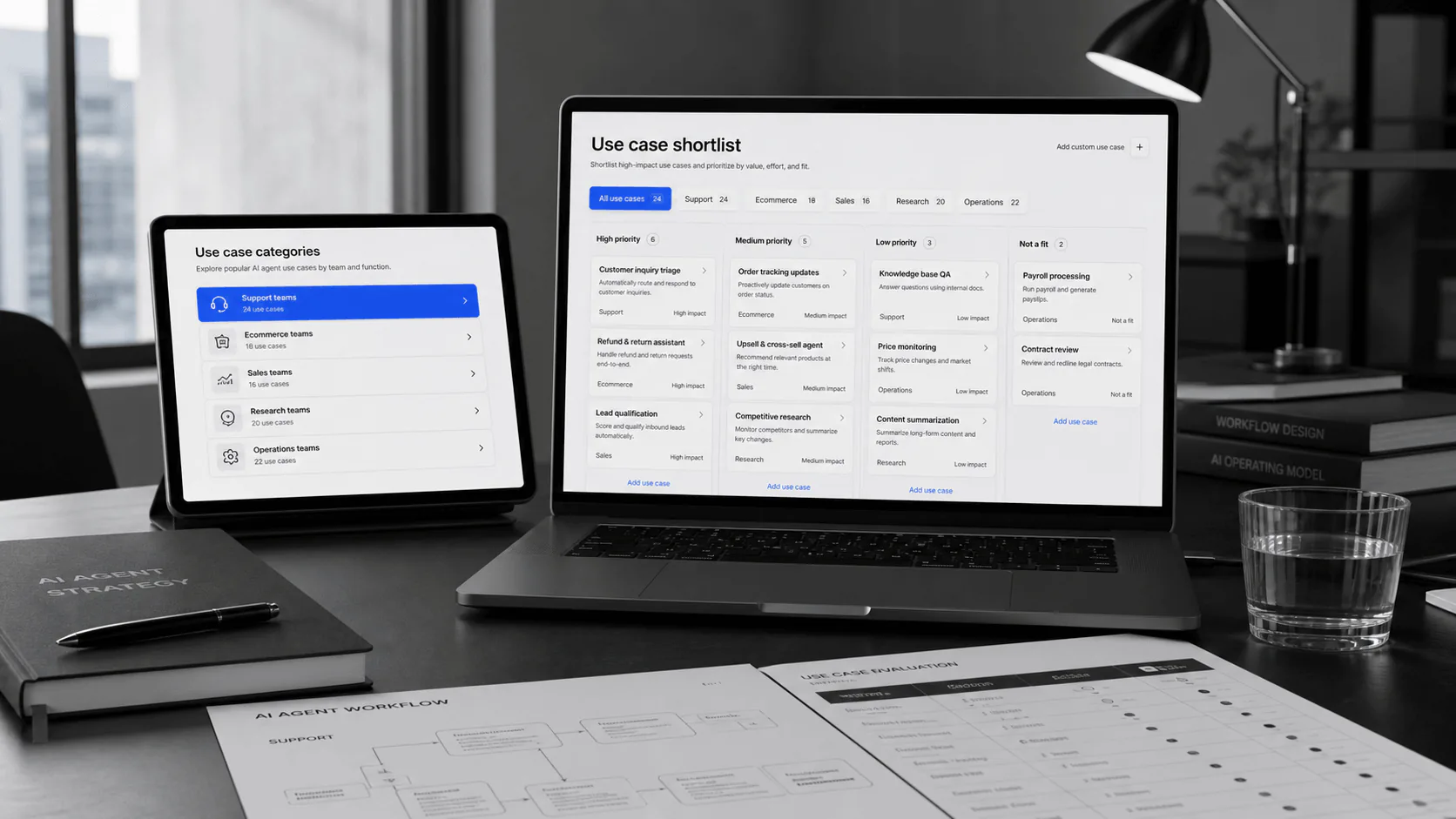
Website builders look like design tools, but the real physics is operational.
Friction is how much resistance your team feels when it needs to change a headline, add a page, fix an image, or publish a time-sensitive offer. A builder with low friction makes small edits feel boring. That is a compliment.
Inertia is how hard the site is to move once content, forms, analytics, CMS items, redirects, and team habits accumulate. A builder with high inertia may feel fine on day one and expensive on day 300.
Escape velocity is the practical path out. Can you export content? Can you preserve URLs? Can you move forms, analytics, and structured data? If the answer is "kind of," assume the migration will be painful.
The funny part: the prettiest first draft often hides the highest inertia. A beautiful site that only one person can safely edit is not a marketing asset; it is a glass sculpture in a hallway.
Most ranking pages:
So the goal of this page is different:
You should finish with a decision you can defend, plus a concrete test you can run on any builder in ~60 minutes.
Open a fresh project in each tool you’re considering. Use the same prompt and the same change requests.
Use something concrete (not “modern SaaS website”). Example:
“Create a website for a dental clinic called Northlake Dental. Tone: calm, premium, minimal. Pages: Home, Services, About, Pricing, Book. Include: insurance note, emergency callout, and a booking CTA. Use neutral colors with one accent. Prioritize accessibility and fast load times.”
You’re not judging whether it’s perfect. You’re checking whether the tool produces a coherent starting artifact.
Make these changes without re-generating the whole site:
If these edits take more than ~20 minutes, the site won’t stay healthy once “just one more change” becomes weekly.
You’re looking for basics you can verify in-editor:
Google’s title-link guidance is explicit that titles matter. Its structured data documentation is a useful baseline for what your builder must let you control after launch.
Answer these with screenshots or docs - not vibes:
This is where most teams get surprised a year later.
Run the published homepage through PageSpeed Insights and scan:
Core Web Vitals are documented in Google’s web performance guidance; you don’t need to obsess over perfect scores, but you should avoid shipping obviously slow pages.
This is not a ranking. It’s “what these tools tend to be good at” so you can start from fit.
If you’re choosing between “Wix vs Squarespace vs Hostinger,” the deciding factor is usually how often you’ll change the site et how picky you are about layout control.
If you’re choosing between “Framer vs Webflow,” the deciding factor is usually how much CMS complexity you need et how comfortable your team is with a more technical design surface.
If you’re choosing WordPress-based, the deciding factor is usually content portability + plugin needs vs the overhead of keeping performance tight.
AI builders can produce passable layouts, but buyer trust still comes from specifics. Use real visual assets wherever the claim needs proof:
| Page type | Strong visual asset | Weak visual asset |
|---|---|---|
| Local service site | real storefront, team, treatment room, service area map | abstract “friendly people” stock photo |
| SaaS landing page | product screenshots, workflow diagrams, UI close-ups | floating 3D shapes and fake dashboards |
| Agency or consultant site | case-study before/after, client screenshots, process board | generic laptop-on-desk image |
| Ecommerce site | product photography, comparison images, unboxing/use context | lifestyle image with no product detail |
| Content or media site | editorial imagery, author photos, source screenshots | decorative illustration that adds no information |
If an image does not answer a buyer question, it is decoration. Decoration is allowed, but it should not be doing the work of evidence.
Don’t trust the default site. Assume you need one cleanup pass.
Google publishes both title-link and structured-data guidance. Use those docs to avoid SEO-by-guesswork.
Core Web Vitals are a good forcing function here: if LCP is bad, your hero media is usually the culprit.
If your builder makes these hard, it’s a red flag:
WCAG 2.2 is the baseline reference standard most teams use - treat it as a requirement, not “nice to have.”
You don’t need a spreadsheet to start, but you do need to know what kind of pricing trap you’re exposed to:
Rule of thumb: if the builder is “cheap,” your true cost often shows up as (a) time you spend fighting it, or (b) the cost of migrating away.
flowchart TD
  A["What are you shipping first?"] --> B{"Is ecommerce the product?"}
  B -->|Yes| S["Shopify (commerce-first)"]
  B -->|No| C{"Do you need design control + animations?"}
  C -->|Yes| D{"Does your site need a real CMS?"}
  D -->|Yes| WBF["Webflow (pro design + CMS)"]
  D -->|No| FR["Framer (design-first)"]
  C -->|No| E{"Is this mostly content + SEO long-term?"}
  E -->|Yes| WP["WordPress.com / WordPress-based (content ecosystem)"]
  E -->|No| SMB["Wix / Squarespace / Hostinger / Durable (fast SMB launch)"]
This doesn’t tell you “the best.” It tells you “the least painful category.”
Most small sites fail for one boring reason: visitors have questions and bounce before they get answered.
Once your site is live, add a site agent that can:
That’s where YourGPT fits naturally only for sites with customer conversations to handle. It is not the answer for every website-builder decision. Use it after the site exists when visitors repeatedly ask about pricing, fit, bookings, order status, documentation, or handoff to a human.
If you’re building a lead-gen site, pair this page with:
They can be, but only if you do the basics: unique titles, sane headings, fast pages, and clean content. Treat SEO as a launch checklist, not a feature checkbox.
Only if you have a real reason you’ll need to self-host later. If portability matters, validate it on day one. Many teams discover “we can’t leave” only after the site is full of content.
Use the 60-minute demo script and pick the tool that lets you make edits fastest without breaking layout. For many local sites, “edit loop + simple publishing” beats “the fanciest AI output.”
Get the AI website builder buyer buyer checklist — a free, shortlist-ready scorecard for SEO, speed, lock-in, and launch.
Further reading
3 next jobs from this page. Named destinations, not a pile of related guides.
03