
5 Chatbase Alternatives: Costs, Tradeoffs and Migration Tests
Compare five Chatbase alternatives by workflow, current pricing, knowledge upkeep and human handoff. Includes usage calculations and a reversible migration plan.
Compare five Chatbase alternatives by workflow, current pricing, knowledge upkeep and human handoff. Includes usage calculations and a reversible migration plan.
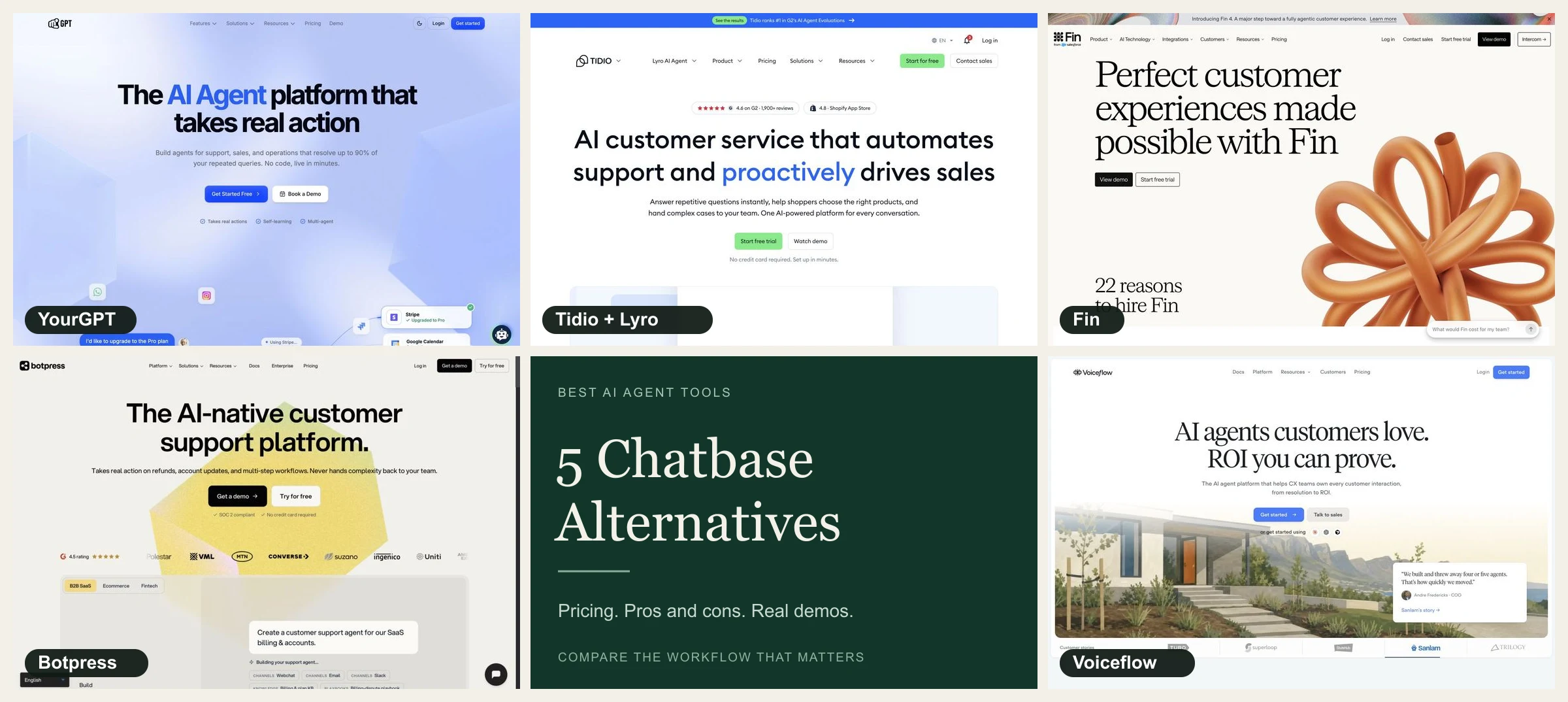
A useful Chatbase replacement must handle the request you want to automate: retrieve the right information, complete permitted actions, and send unresolved work to the right person. The five tools below differ in how much of that process they provide and how much your team must build.
Start with the limitation you can observe: an outdated policy answer, an action that fails halfway through, a conversation nobody picks up, or a bill that exceeds the budget. Test that same request in the replacement. If the underlying problem is contradictory documentation or an unstaffed queue, changing the widget alone will leave it unresolved.
Prices and product details were checked on November 7, 2026. Product capabilities below reflect vendor documentation. Use the migration tests to verify them in your account. Prices are in US dollars before tax and add-ons. Screenshots show each company’s homepage; the videos are vendor demos and may show an earlier interface.
The prices below use different charging models. Compare the required workflow and total cost before choosing a plan; the order of products is not an overall ranking.
| Alternative | Price and billing | Where it fits | Main tradeoff |
|---|---|---|---|
YourGPT | Essential: $59/month, monthly billing | Support, sales and operations agents with actions and human handoff | Plan-specific workflow tools, credits and source refresh |
Tidio and Lyro | Lyro from $32.50/month, annual billing; helpdesk separate | AI answers and human support in the same operation | Separate AI and human conversation allowances |
Fin | $0.99 per eligible service outcome, plus helpdesk costs | AI support within a supported existing helpdesk | Outcome definitions and contract terms |
Botpress | Plus: $150/month, billed annually; Free includes 100 conversations | Custom conversation logic, APIs and handoff | Automatic usage packs and implementation ownership |
Flux vocal | Current account pricing or a quote | Chat and voice agents with scripted steps and tools | Credits, integrations and call capacity |
If you have not chosen between an embedded agent and a helpdesk, the website chatbot setup guide explains the deployment path, while our AI helpdesk comparison covers the human service layer. Make that choice before comparing entry prices.
The Chatbase review covers trial billing and plan limits. Chatbase already includes actions and procedures. Its Shopify release documents order creation, replacement orders and exchanges that staff approve or reject in Chatbase Helpdesk. If staff already use that approval queue, require a replacement to show where the approval, Shopify write and handoff record will live.
On Chatbase’s monthly plans, Hobby costs $40 with 700 message credits and two members. Basic costs $150 with 4,000 credits and three members; it adds the Chatbase helpdesk inbox, API access and voice. Business costs $500 with 15,000 credits and five members. The displayed annual equivalents are $32, $120 and $400 per month respectively, billed yearly. Automatic source resync starts on Basic. Additional message credits cost $40 per 1,000.
Chatbase’s model choice affects the bill. Its listed model tiers use one, two, four or five credits per AI message. A 4,000-credit allowance therefore does not promise 4,000 customer conversations, or even 4,000 AI replies on every model.
Stay with Chatbase if its answers, actions, escalation and economics already meet your requirements. Investigate the source behind a wrong answer before changing platforms: an obsolete refund page or two conflicting pricing documents can mislead the replacement too. Consider moving when the required refresh schedule, operator workflow, integration depth or total cost remains unsuitable after you correct the configuration.
Ask each vendor to demonstrate the same order request. A store connection can sync product data, look up an existing order or write a change. Each capability needs its own permissions and evidence.
| Product | Documented Shopify workflow | What to verify in your account |
|---|---|---|
Chatbase baseline | Creates orders and prepares exchanges for staff approval in Chatbase Helpdesk. | Reject one exchange and approve another. Check the Shopify record and what the customer sees after each decision. |
YourGPT | Agent Mode enables product search, cart and checkout actions. Existing-order tracking uses Shopify Admin access. | Test which store and order the signed-in shopper can access. Require a separate approval and write path for refunds or exchanges. |
Tidio and Lyro | Lyro’s Shopify order-status action retrieves payment, fulfillment and tracking details. | Ask the vendor to identify the exact action and plan for any refund or cancellation. Test where the case goes when lookup fails. |
Fin | Fin for Ecommerce connects to Shopify and supports post-purchase Procedures such as returns and order updates. Full shopping features run in the web Messenger. | Test the channel your shoppers use. Intercom lists email as unsupported for Ecommerce mode. Check which Procedures need configuration and verify the Shopify write and billed outcome. |
Botpress | Botpress maintains Shopify product sync. Third-party connectors handle order lookup, and the Conversy connector supports custom Shopify API requests. | Name the connector maintainer and credential owner. Verify the requested operation and failure path in a test store. |
Flux vocal | Voiceflow’s Shopify tool can look up, update and cancel orders. | Confirm the tool is available in the chosen workflow. Test staff approval, duplicate requests and where exceptions go. |
For a lookup, test two synthetic shoppers and make sure each can see only their own order. For a write, confirm both the operator decision and the Shopify record, then check fulfillment if another system handles shipping. An approval, a success message and a completed order change are separate events. For a helpdesk-first comparison, see Gorgias vs. Zendesk.
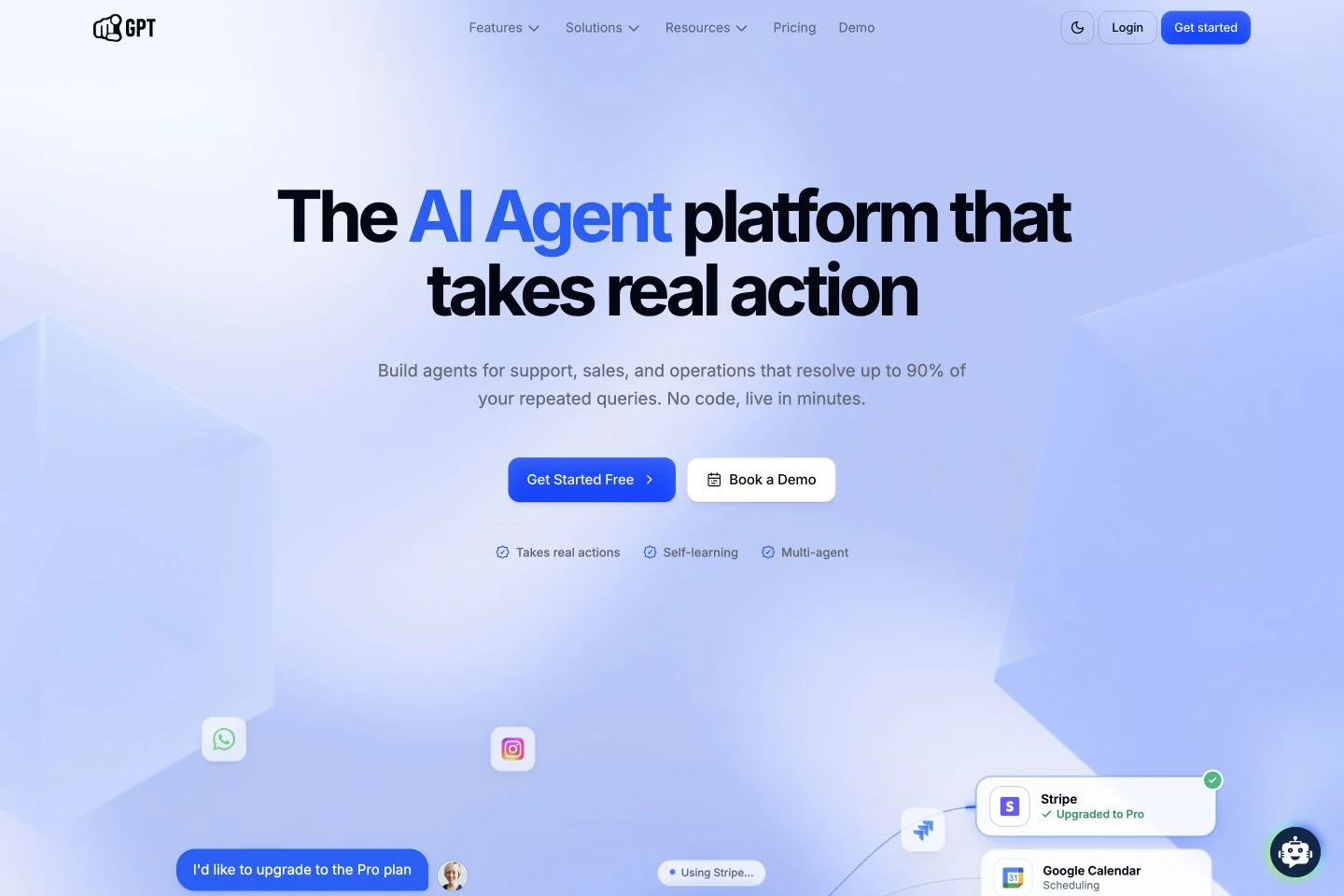
YourGPT is a no-code AI agent platform for support, sales and operations. It suits teams that want to handle the work behind a conversation: qualify an enquiry, book a meeting, create a ticket or update a customer record. You can build specialist agents for different requests and pass a conversation to another agent or a person when it needs a different kind of help.
For example, a sales enquiry could become a booked meeting and a CRM update, while a support request could become a ticket with enough context for a person to continue. Functions connect the agent to those tasks through tools and APIs. AI Studio lets you lay out a guided sequence visually. YourGPT also supports messaging and phone deployments, so the same buying decision can involve more than the website widget. The channels and actions still need the appropriate setup.
Essential costs $59 monthly and includes two bots, 200 webpages, 20 documents, three team members and 10 million AI credits, with monthly content updates. Professional costs $129 monthly, with five bots, five members and 30 million credits; it lists Studio, functions, API/webhooks, an AI helpdesk, lead generation and human escalation. The corresponding annual equivalents are $39 and $79 per month, billed annually. The workflow features in Professional are a reason to check the plan, rather than choosing on bot count alone.
Ten million AI credits does not mean ten million replies. Usage varies with the model, instructions, retrieved context and response length. A short FAQ answer and a longer conversation that calls several tools can have different costs. Use a few representative conversations to estimate your allowance; Chatbase's message-credit totals are a different unit.
Smart Learning helps your team improve answers using feedback, unresolved questions and FAQs drawn from previous conversations. Team members can review and refine that material. This is useful for closing recurring knowledge gaps, but it is separate from refreshing website content: a changed shipping policy still needs to reach the knowledge base.
Shopify is a native integration, so you do not need to build a Studio flow just to connect the store. Product search and cart actions are available in the relevant store environment with Agent Mode enabled; Studio is there when you need custom logic. Since Chatbase also connects to Shopify, the useful comparison is the shopping or support task you need to complete. The ecommerce agent guide goes deeper into those decisions.
The strongest reason to shortlist YourGPT is a request that spans questions, actions and handoffs. Try one of those requests from beginning to end. A booking should appear in the calendar, a record update should reach the right account, and an escalation should arrive with someone who can finish the job. That gives you a more useful buying signal than a polished answer in a demo.
Avantages
Inconvénients
The Studio walkthrough below shows how a guided agent is put together. It uses an earlier interface, so some screens and plan details may have changed.
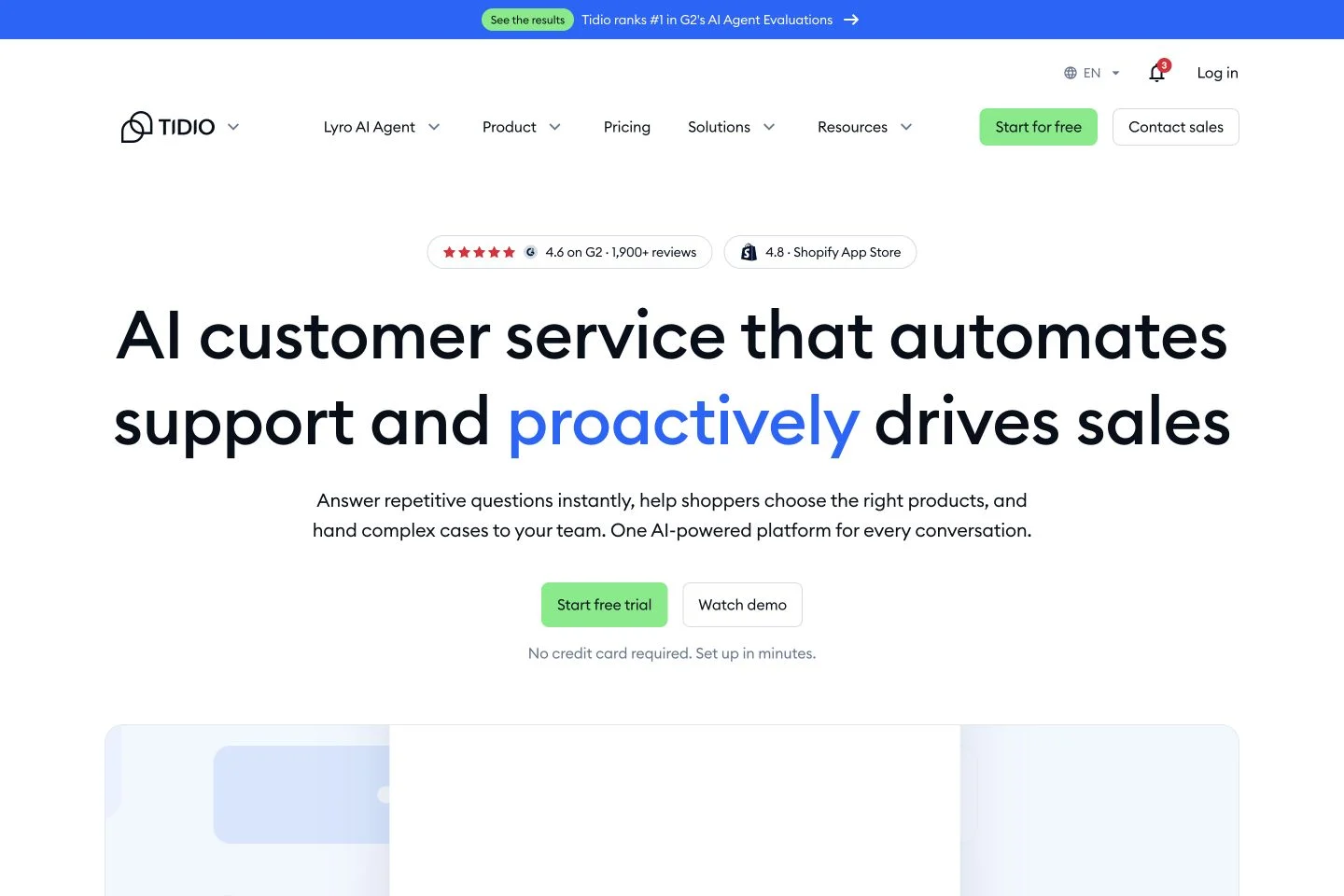
Tidio makes sense when the handoff to a person matters as much as the AI answer. Lyro and the helpdesk can run together, giving your team a place to pick up the conversations AI cannot finish. If you already have a helpdesk, Lyro can also be purchased separately, although that route has its own integration and commercial terms.
Tidio Starter is $24.17 per month on annual billing, with 100 billable human conversations. Its 50 included Lyro conversations are a one-off allowance. Recurring Lyro starts at $32.50 per month on annual billing for 50 AI conversations. Starter alone therefore does not fund 50 new AI conversations every month. Compare annual commitments separately from monthly purchase prices.
The two allowances pay for different work. A human conversation becomes billable when an agent replies or starts the exchange, rather than every time they send a message. Lyro has a separate AI allowance. A team with hundreds of AI conversations and regular escalations needs to price that mix, including any extra channels, instead of budgeting from the Starter headline alone.
Have a real operator handle three test conversations: a repeated question, an immediate request for a person, and an issue requiring account access. Check the context they receive, who owns the queue, and what happens after staffed hours. Inspect both usage counters afterward. If your team already has a helpdesk, the standalone Lyro route needs to justify its integration work and recurring capacity costs.
Avantages
Inconvénients
Tidio’s 2026 platform walkthrough introduces the operator workspace and AI support features. Compare the demonstrated handoff path with the queues and staffed hours your team actually uses.

Fin is worth a look if you already have a helpdesk your team likes. You can add it to a supported existing helpdesk or use it with Intercom. Keeping your helpdesk does not require purchasing Intercom seats, although you still pay for the helpdesk you use. With Intercom, its seat and plan charges are part of the total.
Fin’s service pricing starts at $0.99 per eligible outcome. What counts as an outcome deserves a closer look, because a resolution and a configured Procedure handoff are different events. A resolution can be confirmed by the customer or assumed when no further help is requested after Fin's answer. A successfully completed Procedure configured to end in a handoff can also be a billable outcome. An ordinary unresolved escalation is a different case.
Fin charges at most one outcome per conversation. Compare the charge with the transcript and action log to see what the customer received. A sales qualification is a separate $9.99 outcome. Fin’s existing-helpdesk pricing lists a 50-outcome monthly minimum. At $0.99 per service outcome, that is $49.50 before the cost of your helpdesk. Confirm the terms for your helpdesk and channels. Intercom pricing and outcome definitions
Reconcile billed outcomes to the answer, action result and subsequent customer messages. Test a normal escalation alongside a Procedure that ends in handoff. Budget the people handling remaining requests as well as the AI outcomes, and confirm that the contract’s definitions and spending controls match your service reporting.
Avantages
Inconvénients
Fin’s official product introduction shows its approach to customer service automation. Treat the performance language in the video as vendor marketing; reconcile real answers and billed outcomes in your own pilot.
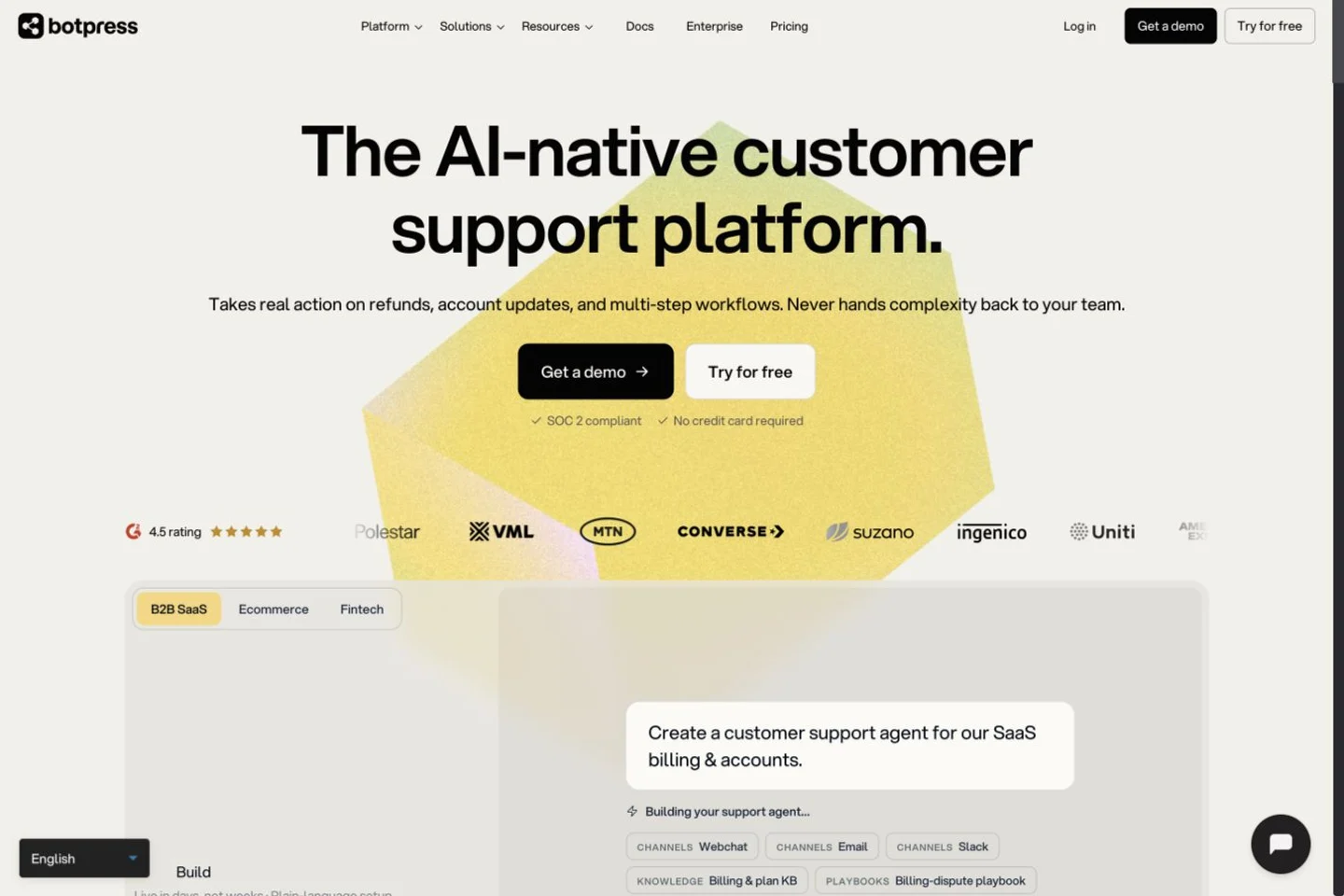
Botpress gives you more control over the steps behind a reply. You can collect information, call an API, choose the next step from its result, and define what happens when the request fails or times out. That is useful for a support process with a required sequence, such as looking up an account before making a change.
People can take over conversations too. New workspaces use Botpress Desk for that handoff; older workspaces may still use the legacy HITL integration. This is one place where an old tutorial can send you down the wrong setup path.
The current pricing is conversation-based. Free includes 100 conversations with no top-ups or overages. Plus is $150 per month billed annually, with 250 conversations and $25 of AI usage. A counted conversation has at least two end-user messages in the billing month; human-assisted and emulator conversations also count. An exchange spanning two billing months can count in both.
On paid plans, reaching 95% of the conversation quota automatically adds a 100-conversation pack. Plus packs cost $65. Purchased packs persist in subsequent months until removed, while unused conversations expire at month end. Conversation auto-recharge cannot be switched off on paid plans. Separately, AI usage beyond the included amount can trigger automatic $10 credit grants. Do not interpret included AI spend as unlimited model usage or a hard spending cap.
Assign a technical owner to the workflow. Test an authorized lookup, a denied request and a controlled API failure; inspect the result in your business system and logs. Calculate conversation packs and AI spend at peak volume. If procurement requires a configurable hard spending ceiling, verify that requirement before committing to the current billing arrangement.
Avantages
Inconvénients
Botpress’s official support-bot tutorial covers instructions, knowledge, testing and website deployment. The video’s fast-build promise is not an estimate for production authentication, integration or recovery work.

Voiceflow suits teams that want to design the conversation themselves, including where the AI can decide what to do and where it must follow a set sequence. That applies to both chat and voice. The chatbot platform guide explains the extra work involved in building an agent compared with configuring a ready-made support tool.
Voiceflow’s pricing needs an account view or a quote for current plan and bundle amounts. The bill combines a plan fee with credit usage and optional extras such as editor seats and phone numbers. Credits are shared across the organization. The Free plan provides a one-time grant, so it is useful for trying the builder but does not give you a renewing production allowance.
One detail matters when you build: a global tool is available while the AI is choosing what to do, but a scripted workflow needs its own explicit tool step. A customer lookup that works in a free-form conversation therefore needs to be added to the scripted path too. Missing that step can leave a carefully designed flow unable to complete the request.
For example, the agent might clarify a request conversationally, then enter a workflow that checks identity, displays the proposed change and requests confirmation. Your application still needs to enforce authorization and handle failures; a prompt is not a substitute for those controls.
Ask for a quote covering expected conversations, editor seats, credit use and maintenance. For voice, include phone numbers and concurrent call capacity; the voice agent guide explains additional operational checks. Run the same lookup through an agent-directed path and a scripted path, including a failed API call. The pilot should establish both the production capacity you are buying and who will maintain it.
Avantages
Inconvénients
Voiceflow’s official 2025 beginner tutorial explains how to build a first agent. Use it to inspect the design workflow, then verify current tool availability and billing inside your own project.
A conversation, a message, a token credit and an outcome represent different things. Start with your own traffic and measure the selected configuration. The following arithmetic is illustrative, not a forecast or a performance result.
Assume 1,000 customer conversations per month, averaging four AI responses each: 4,000 responses. On Chatbase Basic at $150 monthly, a one-credit model would use the full 4,000-credit allowance. There would be no spare allowance for longer conversations. At two credits per response, the same workload would need 8,000 credits. Four additional 1,000-credit packs at $40 each would add $160, giving $310 before other charges, assuming those packs are purchased through the supported recharge arrangement.
Now assume Fin records 600 eligible $0.99 service outcomes from those conversations. That produces $594 in outcome charges plus the helpdesk and any other applicable costs. The 600 outcomes are an assumption, not a measured 60% resolution rate. This calculation does not establish which product is cheaper for your real workload, because the quality, completion criteria and operator effort could differ.
For YourGPT, measure credits using its own consumption rules instead of carrying over the 4,000-credit estimate. Check each model's consumption rules, actions, context size and other metered work. For Botpress, include conversation packs and AI spend; for Voiceflow, use the quoted plan and measured credits.
| Cost to record for each finalist | Evidence to collect | Suggested owner |
|---|---|---|
Subscription and commitment | Monthly purchase price or annual invoice, cancellation terms | Finance or buyer |
Model and usage | Pilot meter, billing definition, overage behavior | Technical owner |
Human service | Seats, helpdesk, queues and actual exception workload | Support lead |
Connectors and channels | Add-ons, inbox subscription, provider charges | Integration owner |
Mise en œuvre | Import, testing, authentication and deployment work | Project lead |
Ongoing maintenance | Source updates, failure review and integration repairs | Named operator |
Compare normal demand and a plausible peak month. Record what happens when you reach a limit: replies stop, extra usage is purchased, or a person must intervene. A budget that excludes the failure mode is incomplete.
Review recent conversations and name the defects: a wrong policy, a failed action, an inaccessible widget, an escalation that nobody received, or a bill outside expectations. A request for a human can be the correct result; abandonment alone does not prove failure. Judge the conversation against the task it was meant to complete.
Inventory knowledge sources, instructions, prompts, actions, procedures, webhooks, identity checks, channel accounts and consent records. Record which system owns each customer field and which credentials permit writes. Moving the website text is only one part of replacing an agent that touches business systems.
Use Chatbase’s conversation export to pull history from the widget, API and connected channels. The list endpoint covers API-created conversations only. Compare a known conversation from each channel against the export, then test a sample import. Chatbase sanitizes tool results in the export, so retain any required action records in their original system.
Keep the original configuration and export securely. Build tests from sanitized conversations; do not upload raw customer histories to a new training system without approved data-handling arrangements.
The following 30-case set is a proposed starting point. Increase coverage for high-risk actions, languages, channels or document permissions. It is not a statistically representative benchmark or a security certification.
| Group | Cases | What to include | Evidence needed to pass |
|---|---|---|---|
Retrieval | 10 | Common questions, version differences, a changed policy | Correct answer and applicable current source |
Abstention | 5 | Missing information, conflicting sources, an unsupported promise | Clarification or escalation without invented facts |
Actions | 5 | Authorized request, denied access, timeout and retry | Correct server-side result, no unauthorized or duplicate change |
Transfert | 5 | Human request, failed task, offline queue, operator takeover | Context reaches the owner; AI pauses appropriately; visitor has a next step |
Privacy, accessibility and recovery | 5 | Restricted record, deletion, keyboard use, mobile zoom, service failure | No data exposure; usable controls and a working recovery path |
For each case, save the input, expected result, actual transcript, relevant source or action log, and reviewer decision. These are proposed acceptance rules, not claims that any listed vendor has passed them. Stop the pilot for unauthorized writes, customer-data exposure or a failure with no usable recovery path. Do not average a critical defect into a reassuring overall score.
Change a source, refresh it, and ask the question again. Delete a source and test whether the old content remains retrievable. Revoke a user's access and confirm the agent cannot retrieve that user's restricted record. Source removal and application authorization are separate controls.
Simulate an API timeout after the server has accepted an action. The conversation must not promise success without evidence, nor blindly repeat a write. For payments, refunds or similar operations, verify confirmation steps and duplicate-request protection in your own system.
Have an operator take over a live test conversation. Check the history and action results they receive, whether the bot stops replying, and what happens outside staffed hours. Test the widget with a keyboard, visible focus, mobile zoom and assistive technology relevant to your audience. A vendor's accessibility statement does not establish that your embedded configuration works.
Run the replacement on a test environment first, then a limited, identifiable traffic segment. Avoid two agents independently replying to the same customer or writing to the same record. Set a review cadence for failures, unresolved escalations, source changes and usage. The owner needs authority to pause the rollout.
Before cutover, rehearse restoring the previous widget or deployment and its routing. Confirm the old service remains available during that window. Retaining an account is insufficient if nobody can switch traffic back. After the observation period, finish the agreed export and retention work, revoke unused credentials and cancel the old subscription according to its terms.
Procurement should also check the DPA, subprocessors, permitted data regions, retention and deletion behavior, incident process, and the plan containing required SSO or audit controls. Treat vendor reports as inputs to review. They do not prove your particular data flow or agent is compliant. The customer support hub can help place these checks in the wider support workflow.
Shortlist YourGPT when an embedded agent must use business content and run configured actions across support or sales. If the priority is handling exceptions in a human queue, test Tidio with its inbox or Fin with your existing helpdesk. Compare each finalist against the same failed Chatbase task.
Botpress offers a Free plan with 100 conversations and no top-ups or overages. Voiceflow provides a one-time free credit grant for evaluation. A free allowance is useful for testing, but it does not establish a sustainable production budget. Check source limits, permitted use, operator access and what happens when the allowance runs out.
Use the same workload and include the human service layer. YourGPT uses model-weighted credits, Tidio separates human and AI conversations, Fin charges for eligible outcomes, and Botpress combines conversation allowances with AI spend. Voiceflow requires current account pricing or a quote. Compare monthly and annual commitments separately, then add integration and maintenance costs.
Chatbase already supports Shopify. Its release notes document order creation and exchanges with staff approval. Compare alternatives on the store operation you need, then test which identity, permissions and queue own it.
You can export history through Chatbase's documented conversation tools, but importing it is a separate question. Verify coverage for every channel and confirm the destination can preserve the fields you need. Customer identities, attachments, action events and consent records may need separate handling. Export only what your retention and data-handling arrangements permit.
Keep a functioning fallback until the replacement meets your acceptance rules and you have rehearsed rollback. Use a test environment or controlled traffic split so two bots do not answer or act on the same request. Retain required records, then remove old credentials and subscriptions once the migration and observation period are complete.
Write one acceptance statement before starting trials: for example, “The agent answers from the current policy, sends an unresolved request to our staffed queue with its context, and stays within our peak-month budget.” Attach an owner and evidence to each part.
Then evaluate two suitable candidates against Chatbase itself. Keep the product that meets those conditions with an operating burden your team can sustain. If the replacement cannot demonstrate a meaningful improvement on the failure that prompted the search, the migration has not earned its cost.
Compare your finalists once you have the same workload, required integrations and pilot results for both.