
Legal AI agents (2026)
Compare legal AI agents by research, drafting, confidentiality, and governance. Get the 2026 buyer checklist and 14-day pilot plan for legal AI rollout.
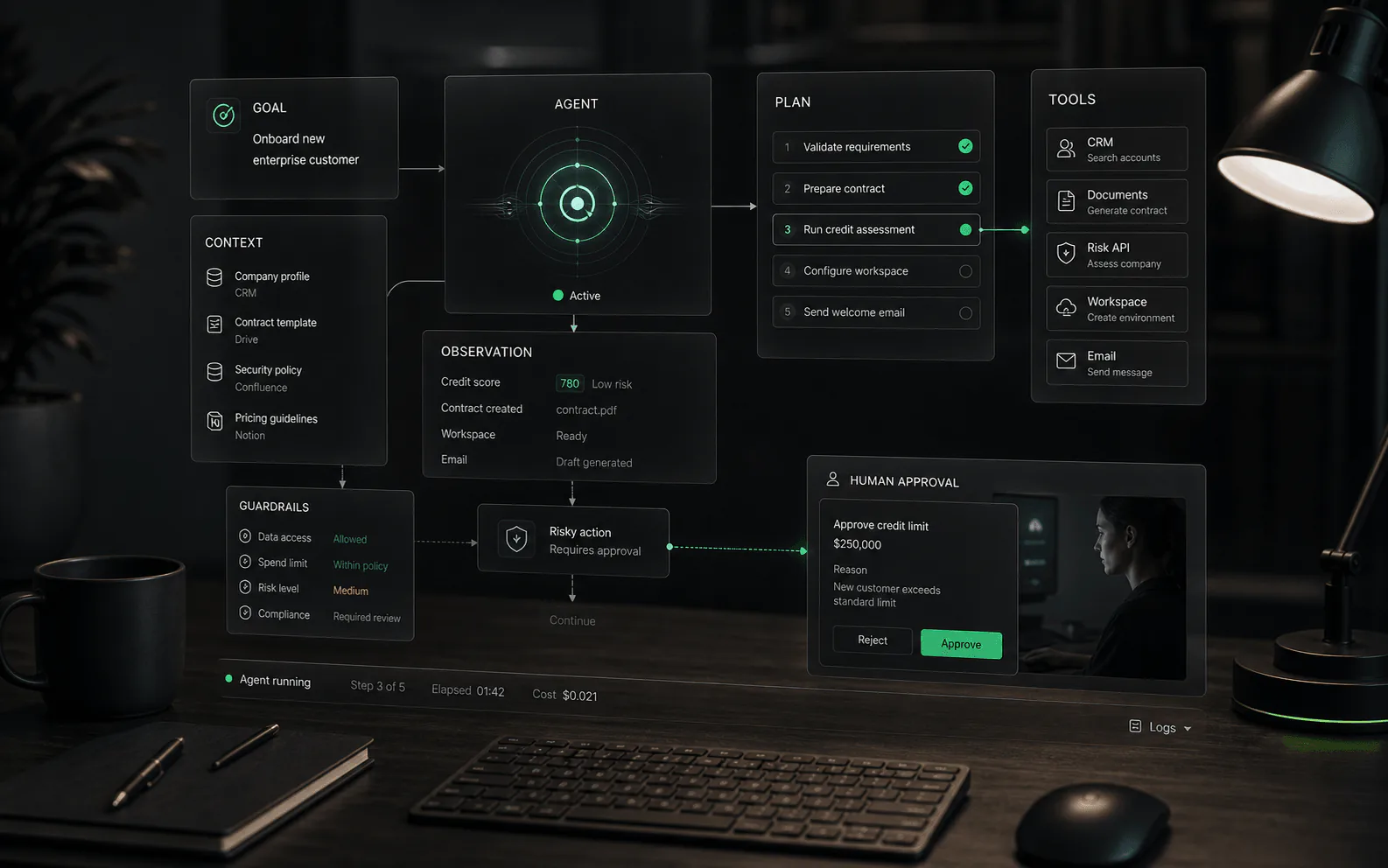
Compare legal AI agents by research, drafting, confidentiality, and governance. Get the 2026 buyer checklist and 14-day pilot plan for legal AI rollout.
Bottom line: legal AI agents excel at first drafts, research, and clause checks, but they cannot replace lawyer judgment or client confidentiality controls.
Govern them like a junior associate. Related: AI contract review software, AI note takers, finance AI agents, et AI workflow automation agents.
Legal teams don’t actually want “an AI agent.”
They want one of these outcomes:
The problem: most “legal AI agent” marketing bundles wildly different tool types into one label.
This guide helps you pick the right category, pressure-test reliability, and run a pilot your GC, IT, and risk teams can approve.
Note: This is not legal advice. It’s a software buyer’s guide for legal workflows.
In practice, a legal AI agent is software that can take a legal task goal and complete multiple steps (retrieve, cite, draft, revise, summarize, extract, route) inside guardrails.
That’s different from:
If you’re buying for a professional workflow, treat “agent” as a capability, not a category. The category is the workflow.
Most SERPs mix these together. Don’t.
| Tool type | Idéal pour | Where it lives | What to verify first |
|---|---|---|---|
| Legal research assistant (embedded in research content) | Research memos, Q&A with citations, jurisdiction surveys | Westlaw/Lexis/vLex-like research stacks | Citation correctness, “click to source,” jurisdiction scoping |
| Drafting copilot (Word-first) | First drafts, clause alternatives, redline suggestions | Microsoft Word add-in or word-centric editor | Tracked changes quality, playbooks, versioning |
| Contract review / playbook enforcement | High-volume agreements and consistent risk flags | Contract review or CLM/IAM ecosystem | Playbooks, exceptions routing, audit export |
| Litigation / discovery analysis | Depos/emails/exhibits summaries, issue tagging, chronologies | eDiscovery / doc review platforms | Review defensibility, privilege handling, reproducibility |
| Ops agent (routing + knowledge + approvals) | Intake triage, checklists, matter updates, “who owns this” | Workflow tools + knowledge bases | Approvals, logs, access control, integrations |
You can combine these. But you should buy one as the anchor and integrate the rest.
| If your #1 outcome is… | Buy first | Add later | Attention |
|---|---|---|---|
| Research memos with citations | Research assistant embedded in authoritative content | Ops agent for intake + approvals | “Citations” that aren’t clickable; cross‑jurisdiction blending |
| Word-first drafting / redlines | Drafting copilot (Word-first) or contract playbook tool | Ops agent for routing and logging | Redlines that break defined terms; silent edits without review |
| High-volume contract review | Playbook enforcement / contract review tooling | CLM/IAM when lifecycle is the bottleneck | Playbooks that are “implicit”; no exception queue / audit export |
| Discovery summaries at scale | Discovery analysis inside eDiscovery platforms | Research assistant for cited legal standards | Privilege handling and defensibility; non-reproducible outputs |
| Faster intake + fewer dropped balls | Ops agent (routing + checklists + approvals) | Connect to drafting/research tools as needed | No logs; unclear owners; “AI answered the client” accidents |
If you’re unsure, start with the workflow that burns the most hours et has the most repeatable patterns (contracts, memos, summarization).
Legal agents are best at document-heavy work. They’re not a substitute for professional judgment.
Be cautious (or avoid entirely) for:
Specialized legal research tools reduce hallucinations compared to general chatbots, but they do not eliminate them.
Stanford’s RegLab evaluated leading RAG-based legal research tools and reported hallucinations still occur, including in products from LexisNexis and Thomson Reuters (see External links below).
And the downside is not theoretical: the sanctions order in Mata v. Avianca documents what happens when lawyers rely on fabricated AI-generated case citations without verification (see External links below).
If a legal AI agent outputs anything that could land in a client file or filing, you need:
Even if you’re not in the U.S., this is a useful mental model: the ABA’s Formal Opinion 512 (July 29, 2024) explains how existing professional obligations apply to lawyers using generative AI tools, including competence, confidentiality, communication, and supervision (see External links below).
You don’t need to become an ML engineer. You do need a purchasing and operating posture that treats AI output as non-authoritative until verified.
Look for one of these:
Red flag: “It searches the web” for legal research answers.
“Citations” are not enough if they don’t resolve to something reviewable.
Minimum bar:
Ask for clear, contract-backed answers on:
Example: Thomson Reuters describes data-handling positions for CoCounsel Essentials (region-specific; confirm your contract terms) on its product pages (see External links below).
In legal, “can access the doc” isn’t enough. Ask:
If your workflow is “paste into the AI, copy out,” you don’t have governance.
Look for:
If your team operates across jurisdictions, the tool must:
Most “legal AI agent” deals are sold, not self-serve.
Expect:
The practical takeaway: you should evaluate the tool even if you can’t get pricing on day one, but you should not proceed without the basics in writing:
For example, Harvey’s security addendum describes providing audit reports (like SOC 2 Type II) upon request. Thomson Reuters and LexisNexis also describe their legal AI offerings and, in some cases, publish plan/pricing pages (see External links below).
Don’t let the vendor run their clean demo set. Bring yours.
Prompt:
Score it on:
Prompt: “Redline this clause. If the counterparty rejects our preferred language, propose two fallbacks labeled (Fallback A/B) and explain tradeoffs in one sentence each.”
Score it on:
Provide a bundle (depo + emails + exhibits) and request:
Score it on:
Your “go/no-go” deliverable should include:
| Métrique | Good sign | Red flag |
|---|---|---|
| Invalid citations | Zero tolerated for work product; if present, the workflow catches them before share | “Looks right” citations that can’t be found |
| Hallucinated facts | The tool routinely flags uncertainty and asks for more record | Confidently invents dates, names, or events |
| Time-to-first-draft | Meaningful reduction without increasing downstream review time | Faster drafts but slower review (net negative) |
| Reproducibility | Same inputs produce stable answers (or explainable differences) | Random contradictions on reruns |
| Review friction | Lawyers can verify quickly (source links, highlights) | Review requires manual re‑researching everything |
| Access control | Clear matter boundaries and logs | Users can “see everything” or export without trace |
If you can’t define “good” in metrics, your pilot will end in a subjective debate.
Most legal teams don’t need a new “legal AI agent platform.”
They need a governance layer:
That’s where YourGPT can be useful: as the wrapper that turns “AI outputs” into reviewable work product with clear ownership (who asked, what it used, who approved).
Example workflows:
Classify requests, route to the right owner, generate an initial checklist, and require a human “accept” before any client-facing action.
Answer “what’s our position on X?” using only approved templates and playbooks, and cite the exact internal clause text.
Summarize long documents, but require “source highlights” and a reviewer attestation before summaries are shared.
If you want the “agent” experience, build it on top of controls - not as a freeform chatbot.
They can be, but “safe” is not a vendor claim - it’s an operating model: source links, human review, permissions, and auditability. Formal guidance like ABA Formal Opinion 512 reinforces that professional responsibilities still apply when using generative AI tools.
Not always. But if your workflow depends on authoritative legal research content, you should understand what the tool is grounded on, how it cites, and what coverage it actually has. Stanford’s evaluation suggests even leading commercial legal research tools can hallucinate, so verification still matters.
Buying a tool before defining the workflow and controls. If the pilot doesn’t have a labeled test set and a forced verification path, you’re buying based on vibes.
If a vendor can’t show source grounding, permissions, audit trails, and reliable verification clearly, don’t scale it.
Get the legal AI agent buyer buyer checklist — a free, shortlist-ready scorecard for research, drafting, confidentiality, and governance.