 Devin
Devin
Our verdict
Strong autonomous agent story, with quota meters and review discipline as the real gates
Devin is worth a shortlist when the pain is backlog tickets that need research, implementation, and a reviewable diff, not when the pain is typing the next line faster. Cognition positions Devin as a software engineering agent with two primary surfaces: Devin Desktop with Tab for local inline edits and completion, and Devin Cloud for async agents that work in a remote environment while you track progress in the web app, Slack, or Microsoft Teams. DeepWiki adds repository documentation generation. An API lets you trigger agents programmatically. SWE 1.7 is the latest announced coding model and is included on Pro and above per the August 2026 pricing page.
The buying mistake is treating Devin like a copilot. Free includes a light agent quota, limited models, and unlimited inline edits plus Tab. That is enough to test Tab, not enough to run a cloud-agent program. Pro at $20 per month adds higher quotas, full model access, SWE 1.7 at no extra model fee, Devin Cloud access, and API overage at published API pricing when included usage runs out. Max at $200 per month raises quotas significantly for individual power users. Teams adds a $80 per month workspace fee plus $40 per month per full developer seat, each seat carrying its own quota, unlimited flex seats for viewers, sharing, and an admin dashboard. Enterprise is custom with SAML or OIDC, VPC deployment options, and dedicated support.
Comment nous avons évalué cela
This is a desk review, not a controlled SWE-bench run on your codebase. We checked the official Devin homepage, pricing page at devin.ai/pricing, product docs for Desktop and Cloud, and integration pages on August 20, 2026. We cross-read the coding AI agents buyer guide and prior research notes that compared autonomous cloud agents to IDE copilots. We did not independently audit SOC reports, run a multi-week production rollout, or measure merge rates on private repositories.
We weight cloud-agent task completion quality, quota refresh behavior on paid plans, Desktop Tab versus Cloud split, Git host integration depth, API overage predictability, admin controls on Teams and Enterprise, and data-handling claims. Devin markets SWE 1.7 as a frontier coding model. Treat accuracy, security, and training terms as pilot checkpoints, not demo assurances.
Consult Page produit officielle et Official pricing page for product documentation and plan details. Confirm the terms that apply to your purchase.
Modèle de coût
Teams base plus full seats can exceed a single Cursor Ultra before overage kicks in
Devin looks inexpensive at the Pro card because $20 per month is the same sticker as many copilots. The shape that breaks procurement spreadsheets is Teams: a workspace fee plus per-seat quotas that do not automatically pool across the org the way some credit pools do. That is a different purchase from one power user on Max or from five engineers each buying their own IDE assistant.
- Teams has two line items. The public pricing page lists Teams at $80 per month for the team plan plus $40 per month per full developer seat. Each full seat includes its own agent quota that refreshes on daily and weekly cycles on paid plans. Flex seats are unlimited for viewers who do not consume full agent quota.
- Five full seats is $280 before API overage. Worked example on published USD rates checked August 20, 2026: $80 base plus five full seats at $40 each is $280 per month. That buys five independent quota pools and admin sharing, not one pooled mega allowance.
- Compare to individual power pricing on Cursor. Cursor Ultra is $200 per month for a single developer with significantly expanded usage pools and cloud agents inside the editor. One staff engineer who lives in agent mode may be cheaper on Cursor Ultra than on Devin Teams if the team only exists to give that one person quota. Teams wins when you need shared admin, flex seats, and consistent cloud-agent policy across several assigners, not when one person needs maximum individual throughput.
- Pro and Max are individual meters. Pro at $20 and Max at $200 are simpler forecasts for solo developers or pilot users. Usage refreshes daily and weekly on paid plans per the pricing page. Model the week where daily quota empties on Wednesday and weekly quota still matters for Cloud tasks.
- Overage is API-priced. Pro includes Devin Cloud with extra usage billed at API pricing when included quotas exhaust. Budget the second month, not the signup month, if agents run overnight on large refactors.
- Free is Tab and light agents, not a cloud program. Free offers unlimited inline edits and Tab with a light agent quota and limited models. Good for evaluating Desktop feel. Misleading if procurement assumes Free proves Cloud economics.
Decision frame: if your org has one principal engineer who assigns themselves agent tickets, compare Devin Max at $200 to Cursor Ultra at $200 on the same repository tasks. If your org has five engineers who each need assignable cloud quota with admin visibility, Devin Teams at $280 before overage may be rational even though the sticker exceeds one Ultra seat. The wrong buy is five full Devin seats when three engineers only needed Tab and two needed Cloud, or one Max seat when you actually needed Teams governance.
Who Devin fits best
Points forts
- Autonomous cloud agents. Devin Cloud can research, plan, edit, run commands, and return branches or pull requests asynchronously.
- Dual surface strategy. Devin Desktop with Tab for local flow, Devin Cloud for delegated work, without forcing a full IDE migration on day one.
- SWE 1.7 on paid plans. Latest announced coding model included on Pro and above, reducing separate model surcharges for core agent work.
- Multi-host Git support. GitHub, GitLab, and Bitbucket integrations for teams not exclusively on one host.
- Collaboration channels. Slack and Microsoft Teams hooks so assignment and status live where engineers already work.
- DeepWiki and API. Repository documentation generation plus programmatic agent triggers for platform teams.
- Teams admin surface. Sharing, flex seats, and admin dashboard for org rollout beyond individual Max accounts.
Limites à vérifier
- Review load is real. Autonomous agents produce PRs that still need tests, security review, and human merge authority.
- Quota math is not one pool on Teams. Each full seat carries its own allowance. Unused quota on one seat does not automatically transfer.
- Teams can exceed solo power plans. Five full seats at $280 per month before overage beats one Cursor Ultra at $200 for individual throughput comparisons.
- Free tier is not Cloud at scale. Light agent quota and limited models cap serious evaluation of cloud autonomy.
- Enterprise for hard governance. SAML, OIDC, VPC deploy, and dedicated support require sales, not self-serve checkout.
- Overage surprises. API-priced extra usage after quota exhaustion needs caps and alerts before production assignment.
Surfaces to verify
Devin is not a single editor plugin. Map Desktop, Cloud, API, DeepWiki, and chat integrations before you standardize the tool. Feature gates differ by plan, and Cloud quota is the meter that matters for async agent programs.
- Devin Desktop: local development companion with Tab inline edits and unlimited inline edits on Free and paid tiers per pricing page. Confirm language support, repo indexing, and whether Desktop sessions share quota with Cloud.
- Devin Cloud: async agents in a remote environment with progress tracking in the web UI. Available on Pro and above. Test on a private repo with realistic test commands and secret handling.
- Tab completion: fast local suggestions distinct from full Cloud tasks. Useful for developers who only need completion without assigning tickets.
- DeepWiki: generated repository documentation. Validate accuracy on a monorepo with internal packages and stale comments.
- API: programmatic agent creation and status for platform teams wiring Devin into internal portals. Confirm rate limits, auth, and overage billing when quotas empty.
- Slack and Microsoft Teams: assign work and receive updates in chat. Test notification noise, thread handoff, and who can trigger agents.
- GitHub, GitLab, Bitbucket: connect hosts, confirm branch naming, PR templates, and whether agents respect protected branches.
- Admin dashboard on Teams: seat types, flex seats, sharing rules, and quota visibility across full developer seats.
Agent workflow and handoff
The intended loop is: assign a bounded ticket in Devin Cloud or via Slack, the agent researches the repository, proposes a plan, edits files, runs tests or linters, and opens a branch or pull request. The human reviews diff, CI results, and security impact before merge. Devin Desktop with Tab sits parallel for engineers who want local inline help without spinning up Cloud for every keystroke.
Platform teams often start with documentation or test-coverage tickets before trusting production refactors. DeepWiki can bootstrap repo understanding for new hires, but generated docs still need owner review. API triggers fit internal "fix flaky test" buttons if governance allows.
Handoff quality separates useful autonomy from review debt. A pull request without test output, without an explanation of files touched, or without linking the original ticket fails the same bar as a rushed human PR. Configure who may assign Cloud agents, which repositories are in scope, and whether overnight runs are allowed when overage bills at API rates.
Compare mentally to GitHub Copilot cloud agent, which lives inside GitHub Actions with session limits, or Cursor cloud agents tied to the editor. Devin's bet is Slack-native assignment and longer-horizon cloud work outside your laptop shell. That is valuable when tickets are well specified. It is risky when tickets are vague and the agent guesses architecture.
Pricing checked August 20, 2026
Devin pricing: Free, Pro, Max, Teams, and Enterprise
Public USD packaging is on devin.ai/pricing. Usage on paid plans refreshes on daily and weekly cycles. Extra Cloud usage beyond included quotas bills at API pricing on Pro and above.
| Planifier | Public price | Included capacity / meter | Meilleur ajustement |
|---|---|---|---|
| Gratuit | $0 | Light agent quota; limited models; unlimited inline edits and Tab | Trying Desktop Tab and light agent tasks |
| Pro | $20/mo | Increased quotas; full models; SWE 1.7 included; Devin Cloud access; extra usage at API pricing; daily and weekly quota refresh | Individual developers running Cloud agents with predictable baseline quota |
| Max. | $200/mo | Significantly higher quotas versus Pro; same Cloud and model access pattern; daily and weekly refresh | Individual power users comparing against Cursor Ultra or heavy Copilot agent usage |
| Teams | $80/mo base + $40/mo per full dev seat | Each full seat has its own quota; unlimited flex seats; sharing; admin dashboard; daily and weekly refresh on paid plans | Engineering orgs that need multiple assignable Cloud quotas with admin controls |
| Entreprise | Personnalisé | SAML/OIDC; VPC deployment options; dedicated support; negotiated quotas and terms | Regulated or large orgs needing identity federation and private deploy paths |
Source: devin.ai/pricing, checked August 20, 2026. Confirm checkout price, taxes, exact quota numbers shown in product UI, API overage rates, and Enterprise minimums. SWE 1.7 availability and quota refresh timing should be re-checked at purchase.
AI capability: SWE 1.7, Cloud autonomy, and Tab
Devin's differentiation is autonomous software engineering in Cloud, backed by the SWE 1.7 model announced as the latest coding model on the pricing page. Pro and above include SWE 1.7 without a separate model surcharge for the included quota band. Free users see limited models and a light agent quota better suited to evaluation than production assignment.
Cloud agents are the high-autonomy path: repository research, multi-file edits, command execution, and pull request handoff. Tab and inline edits on Desktop are the low-latency path: stay in flow while typing. Most mature teams use both, but they should not confuse unlimited Tab on Free with unlimited Cloud agents.
DeepWiki adds documentation generation from repository structure. Useful for onboarding and architecture summaries. Not a substitute for code review or security analysis. Pair with human owners for public docs and internal runbooks.
For teams comparing model strategy, read Claude for long-context reasoning outside the repo, or GitHub Copilot for model routing inside GitHub. Devin optimizes for end-to-end task ownership in Cognition's Cloud environment rather than for chat inside your existing IDE alone.
Feature areas to verify in a pilot
- Assign one bounded bugfix ticket in Devin Cloud and measure time to reviewable PR.
- Run the same task on Pro versus Max quota bands to see daily and weekly refresh behavior.
- Connect GitHub, GitLab, or Bitbucket and confirm branch protections block unsafe merges.
- Trigger an agent from Slack or Microsoft Teams and verify thread context and permissions.
- Test Devin Desktop Tab in your primary language stack against your current IDE assistant.
- Generate DeepWiki docs on a monorepo and have a staff engineer mark factual errors.
- Call the API from a staging portal and confirm auth, idempotency, and overage alerts.
- Empty included quota intentionally and confirm API-priced overage matches finance expectations.
- On Teams, assign flex seats versus full seats and confirm quota isolation per full seat.
- Compare one week's Cloud spend forecast to Cursor Ultra at $200 for the same assignee.
Analyse et visibilité opérationnelle
Teams includes an admin dashboard for sharing and seat management. Enterprise buyers should ask for usage exports, per-seat quota burn, failed agent sessions, and merge rates on agent PRs. Individual Pro and Max users see quota refresh in product UI per daily and weekly cycles on paid plans.
Operating metrics that matter: tasks assigned versus PRs merged, CI pass rate on agent branches, human edit distance before merge, quota exhaustion day of week, and overage dollars when API pricing kicks in. Without those, "we bought Devin" becomes a license line with no feedback loop.
Compare visibility to GitHub Copilot org dashboards for cloud agent pull requests or Cursor team usage views. Devin admin value peaks when multiple full seats assign Cloud work and finance wants seat-level accountability.
Security, data handling, and compliance
Cloud agents clone repositories, run commands, and may touch secrets if misconfigured. Enterprise adds SAML or OIDC, VPC deployment options, and dedicated support for buyers who cannot use default multi-tenant Cloud. Request DPA, subprocessors, retention for repo snapshots, and training opt-out language before connecting production monorepos.
Treat agent credentials like CI credentials: least privilege, short-lived tokens, no production database write access in pilot repos. Review whether Devin Cloud environments isolate customer data and how logs are retained after sessions complete. VPC deploy paths on Enterprise exist precisely for teams that failed default Cloud on policy review.
If your security team already approved GitHub Copilot inside GitHub Actions but rejects third-party cloud clones, Devin will stall at procurement regardless of model quality. Run the security review in parallel with the technical pilot, not after.
What questions should you ask before buying Devin?
- What are the exact daily and weekly quota numbers shown in checkout for Pro, Max, and each Teams full seat?
- How is extra Cloud usage priced at API rates when quotas empty, and can we cap overage?
- Does Desktop Tab share quota with Cloud or meter separately?
- Which Git hosts and self-hosted variants are supported for our org?
- Can agents respect protected branches and required reviewers on every host?
- What data is retained from Cloud sessions, and can Enterprise VPC deploy keep code inside our network?
- How do flex seats differ from full developer seats in quota and assignment rights?
- Is SWE 1.7 the default for Cloud agents on Pro, and are older models still selectable?
- What admin exports exist for quota burn and failed sessions on Teams?
- How does support and SLA differ on Enterprise versus Teams?
What red flags should you watch for with Devin?
- The demo completes a toy repo task but never connects your monorepo with real CI.
- Procurement budgets $20 Pro for five engineers who will assign Cloud tickets daily.
- Teams quote ignores the $80 base fee and shows only $40 per seat.
- Nobody owns review of agent pull requests, yet Cloud is enabled on production repos.
- Security approves Desktop Tab but never reviews Cloud clone and command execution.
- You only needed inline completion and could stay on GitHub Copilot ou Cursor at lower coordination cost.
- Overage billing is enabled without alerts when API pricing starts mid-sprint.
What are the best alternatives to Devin?
Choose by how much autonomy you want, where code lives, and whether the human stays in the IDE or delegates to Cloud. Devin is not listed against itself.
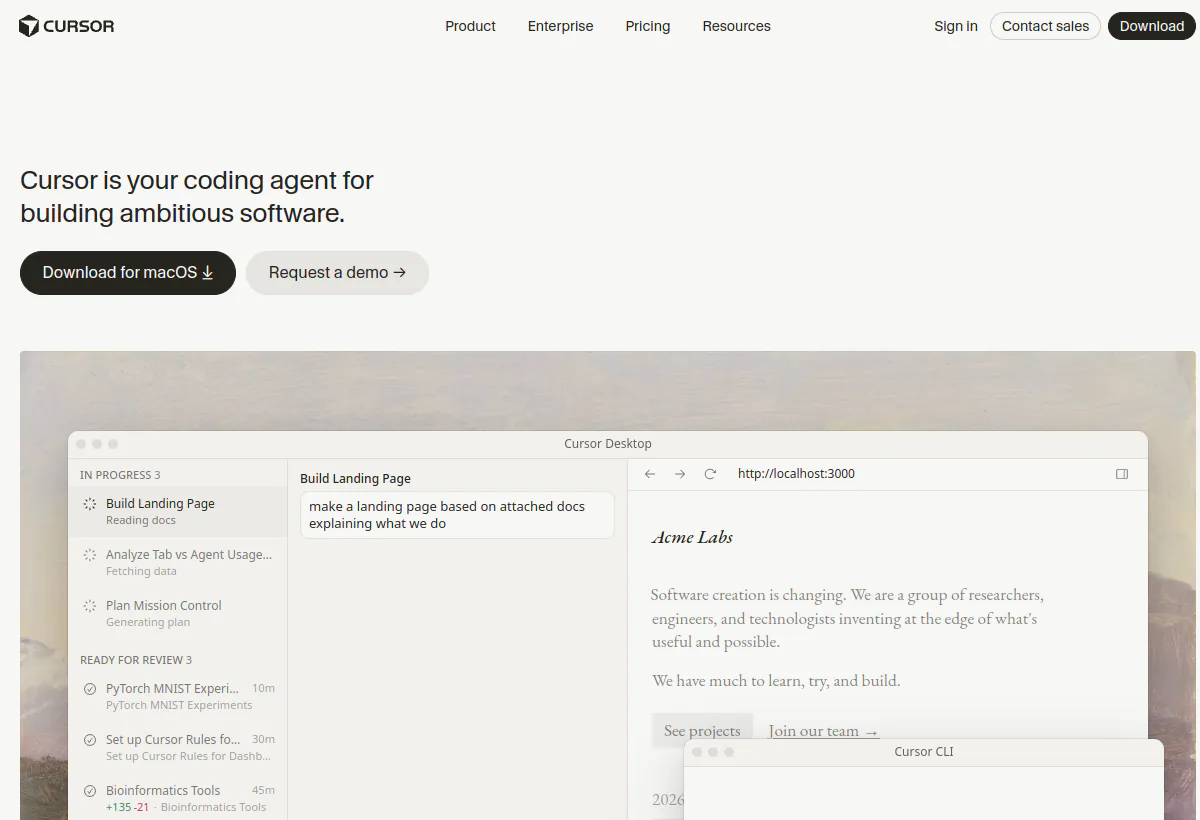
- CursorChoose Cursor when you want an AI-native editor, usage pools, Tab plus cloud agents in one desktop app, and Ultra at $200 per month for individual power users instead of Teams seat math.
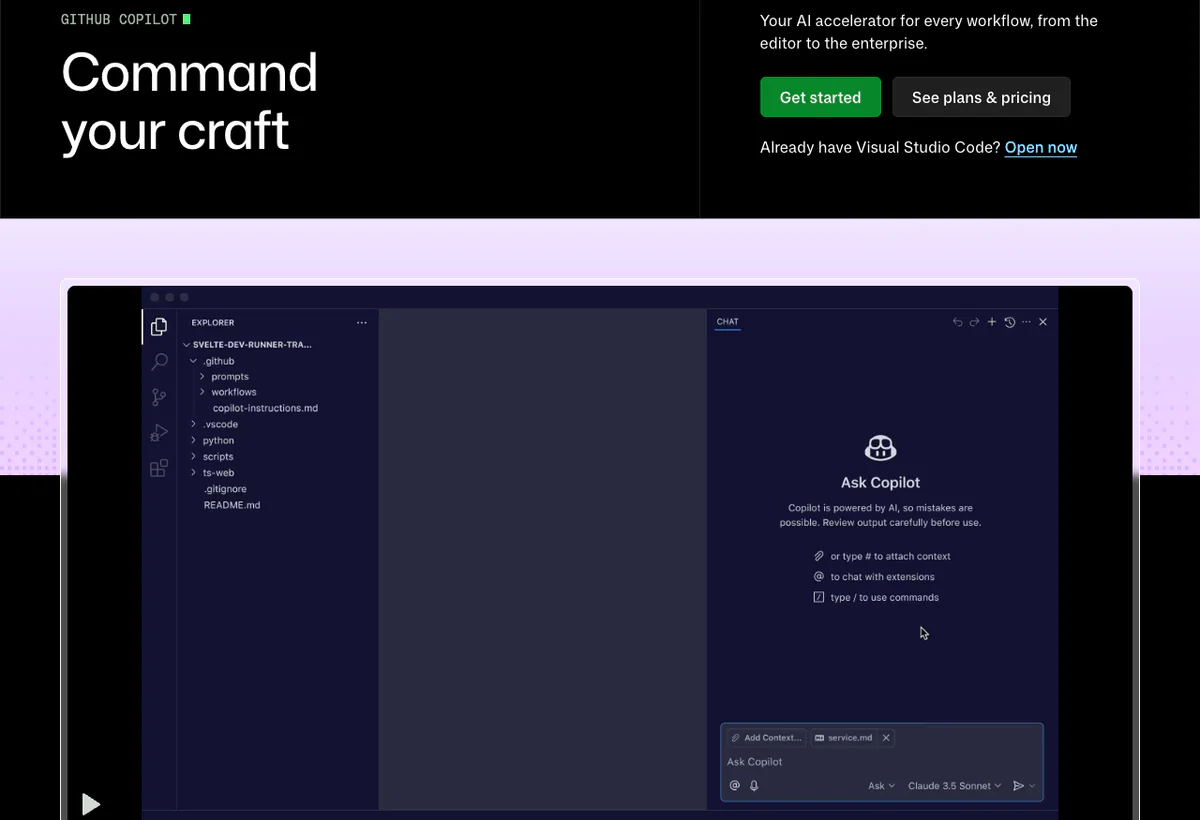
- GitHub CopilotChoose Copilot when repositories already live on GitHub, developers want in-IDE chat and agent mode, and cloud agent sessions inside GitHub Actions are enough autonomy.
- ReplitChoose Replit when the job is scaffold and publish from a browser workspace, not autonomous PRs against an existing enterprise monorepo.
- ClaudeChoose Claude when long-context analysis, design docs, and careful code review in chat matter more than Cognition-managed Cloud execution.
Autonomous cloud agent versus IDE copilot is the core fork. Copilots and Tab tools excel when the human drives files and requests suggestions. Devin Cloud excels when the human assigns a ticket and reviews a finished branch. Hybrid teams often keep Tab locally and reserve Cloud for well-specified backlog items.
Workflow test
What Devin needs to prove in a real coding workflow
A clean demo on a sample repository is not evidence. Run this four-step test on production-like code.
- Assign a bounded ticket.Pick a real bug with a failing test in a private repo. Assign Devin Cloud from the web UI or Slack. Score plan quality, file selection, and whether it asks clarifying questions before editing.
- Measure quota and overage.Run the task on the plan you intend to buy. Record daily and weekly quota consumption and whether API overage would have triggered on a second consecutive task.
- Review the handoff.Inspect the PR for diff size, test results, migration safety, and secrets. Reject and reassign once to see iteration behavior.
- Compare against Copilot or Cursor.Run the same ticket in GitHub Copilot agent mode or Cursor cloud agent. Compare time to merge, review load, and total monthly cost including seat math.
Continue the decision
Lecture connexe
- Cursor reviewCompare Ultra at $200 per month and editor-native cloud agents against Devin Teams economics.
- GitHub Copilot reviewCompare in-IDE agent mode and GitHub Actions cloud agent limits.
- Replit reviewCompare browser-first building when you are not delegating to a Cloud PR workflow.
- Claude reviewCompare long-context reasoning and Claude Code for teams that may not need Cognition Cloud.
- Best coding AI agentsCategory context for copilots, agents, and permission boundaries.
- AI app builders buyer guideWhen the job is generating an app scaffold rather than maintaining a repo.
- How to choose an AI agent platformApply quota, data-use, and workflow criteria across coding tools.
- Tools directoryScan adjacent coding assistants and agent platforms.
- AI agent buyer scorecardTurn the four-step coding test into a written go or no-go.
Grand livre des réclamations et des sources
Sur quoi ce profil est basé
Public Devin product and pricing pages reviewed on August 20, 2026. We recorded Free at $0 with light agent quota and unlimited Tab, Pro at $20 per month with SWE 1.7 and Devin Cloud, Max at $200 per month with higher quotas, Teams at $80 per month plus $40 per full developer seat with per-seat quota and flex seats, Enterprise as custom with SAML/OIDC and VPC options, daily and weekly quota refresh on paid plans, and API-priced overage on Pro and above.
Ce que nous n'avons pas vérifié
We did not run a paid multi-week merge-rate study, independently audit SOC reports, or confirm exact quota numbers displayed in product UI at checkout. API overage dollar amounts depend on task size and model usage. Buyers should run the four-step workflow test and request current DPA, VPC scope, and admin exports in writing.
Comment nous avons évalué l'adéquation
Editorial fit weights cloud-agent autonomy, quota and overage economics, Git host integration, Desktop versus Cloud split, admin controls, and review burden. It is not a SWE-bench score, a user satisfaction average, or a vendor rating.
Should you choose Devin?
Devin is an autonomous software engineering agent platform with Devin Desktop and Tab for local edits, Devin Cloud for async ticket work, DeepWiki, API access, and Slack, Teams, and Git host integrations. Public pricing as of August 20, 2026 starts at $0 Free, $20 per month Pro, $200 per month Max, et $80 per month Teams base plus $40 per month per full developer seat. SWE 1.7 is the latest announced coding model on paid plans.
Choose Devin when bounded Cloud assignment, multi-seat quota admin, and Slack-native handoff beat staying inside an IDE copilot. Look elsewhere when Cursor Ultra at $200 covers your single power user, when GitHub Copilot agent mode is enough on GitHub, or when nobody will review agent pull requests. Run the four-step workflow test on your repository, not on a vendor demo repo.
FAQ
Questions courantes
What is Devin best used for?
Delegating software engineering tasks to autonomous Cloud agents that research repositories, edit code, run commands, and open pull requests, with Devin Desktop and Tab for local inline help. It is not a general meeting assistant or a no-code app builder.
How much does Devin cost in 2026?
As of August 20, 2026, Free is $0. Pro is $20 per month. Max is $200 per month. Teams is $80 per month for the workspace plus $40 per month per full developer seat. Enterprise is custom. Extra Cloud usage beyond included quota bills at API pricing on paid plans.
What is SWE 1.7?
SWE 1.7 is Devin's latest announced coding model. The August 2026 pricing page includes it on Pro and above without a separate model fee for included quota usage.
How do Devin quotas refresh?
Paid plans refresh usage on daily and weekly cycles per the pricing page. Exact quota numbers appear in product UI and should be confirmed at checkout for Pro, Max, and each Teams full seat.
What is the difference between Devin Desktop and Devin Cloud?
Devin Desktop with Tab provides local inline edits and completion. Devin Cloud runs async agents in a remote environment for ticket-level work and pull request handoff. Pro and above include Cloud access.
Devin vs Cursor: which should we buy?
Buy Devin when Slack or Teams assignment and Cognition-managed Cloud autonomy are the workflow. Buy Cursor when you want an AI-native editor, Ultra at $200 for one power user, and cloud agents inside the desktop app.
Devin vs GitHub Copilot?
Buy Copilot when GitHub is the system of record and in-IDE chat plus GitHub Actions cloud agent are enough. Buy Devin when you want longer-horizon Cloud tasks, multi-host Git support, and Teams seat quotas across assigners.
What are flex seats on Devin Teams?
Teams includes unlimited flex seats for viewers who do not consume full developer agent quota. Full developer seats at $40 per month each carry their own quota pool.
Does Free include Devin Cloud?
Free includes a light agent quota and limited models with unlimited Tab and inline edits. Serious Cloud evaluation requires Pro or higher.
Who should skip Devin?
Teams that only need inline completion, orgs that will not review agent PRs, buyers who assumed $20 Pro covers five Cloud assigners, and security teams that cannot approve Cloud repository clones.