Category guide

Best AI Agent Tools in 2026

Discover the best AI agent tools across customer support, development, research, sales, marketing, and operations. Find the right AI assistant for your specific workflow and business needs.

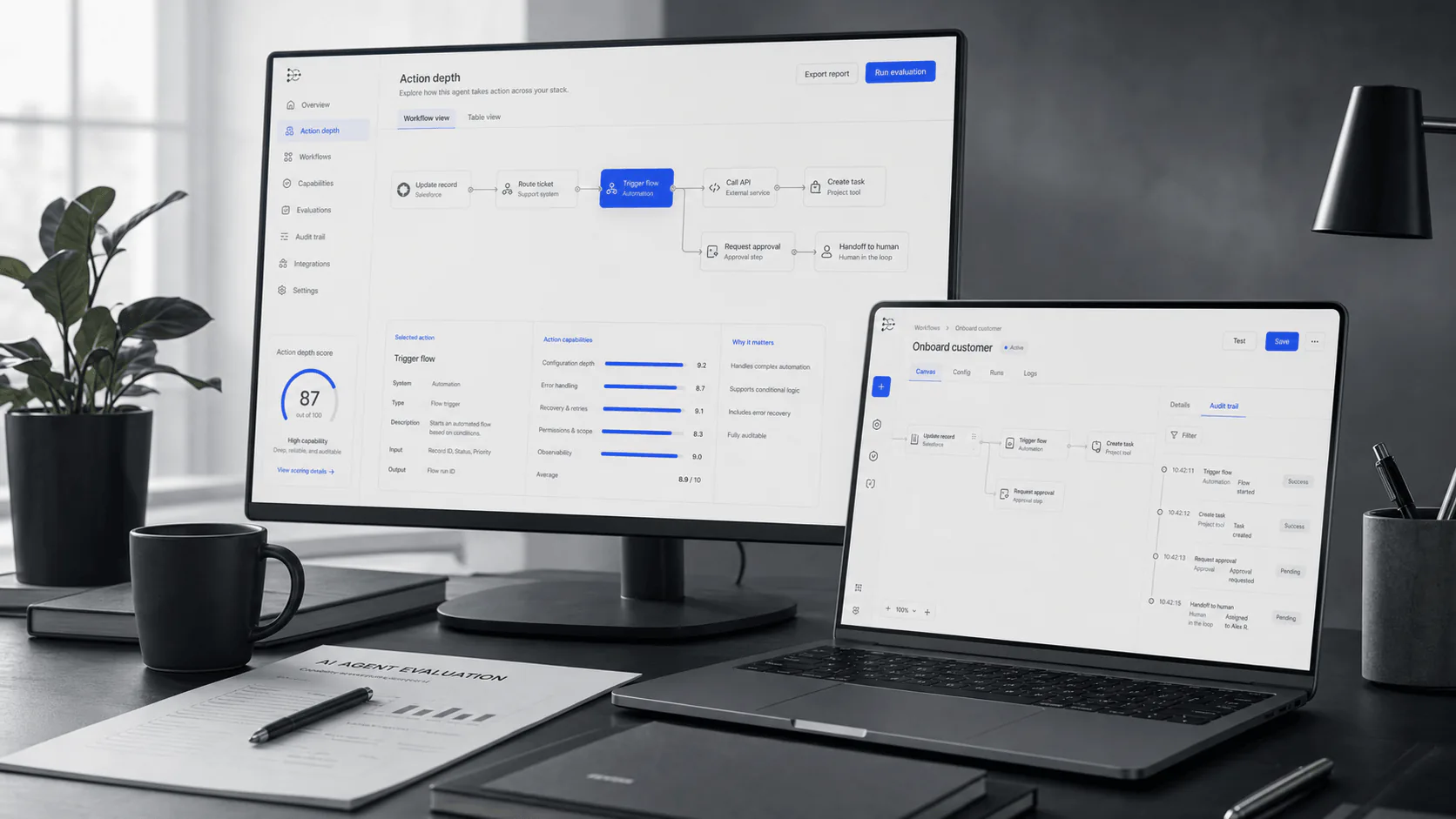
Editorial research desk with connected AI workflow signals
Research brief

Short answer

Use this page as a practical shortlist. Each platform is positioned by buyer fit rather than a universal score.

Buying context

How to use this category

Use this shortlist as a coverage map across agent platform types, then narrow by workflow, channel, and implementation constraints.

Use cases to test

  • A support queue needs answer automation plus human escalation.
  • An ecommerce team needs order, return, and product-context workflows.
  • A business team wants one agent layer across support, sales, and operations.

Evidence to request

  • Ask each vendor to show the same three workflows using your own knowledge sources.
  • Confirm channel availability, plan limits, handoff paths, and integration permissions in writing.
  • Compare pricing exposure at expected monthly conversation, seat, and usage volume.

Risks to control

  • Universal rankings can hide workflow mismatch.
  • A polished demo may not prove escalation quality or data freshness.
  • Pricing can change materially when usage, channels, or add-ons scale.

Shortlist system

Match each AI agent category to the job it must own

This page is not a single ranked list because a support agent, coding agent, research assistant, and orchestration platform solve different problems. Start with the job the agent must complete, then ask for proof that matches that job.

AI agent category shortlist matrix
Category on this pageUse when the job isProof to request before shortlisting
Customer support agentsAnswering customer questions, deflecting repetitive tickets, escalating exceptions, and preserving handoff context.Test real support tickets, approved knowledge sources, escalation rules, helpdesk integration, and post-resolution reporting.
Coding and software agentsReading repositories, proposing patches, running checks, fixing bugs, or helping engineers ship faster.Ask the agent to work in a real repo, explain its plan, run tests, handle errors, and show exactly what changed.
Research and knowledge agentsFinding sources, summarizing long material, comparing options, and keeping an evidence trail for decisions.Check citation quality, source freshness, retrieval accuracy, export format, and how the tool handles uncertainty.
Agent builders and orchestrationDesigning custom agents that connect tools, trigger actions, route work, and coordinate multi-step workflows.Verify connectors, permissions, observability, rollback behavior, human approval steps, and ownership after launch.
Sales, GTM, and revenue agentsResearching accounts, drafting outreach, enriching CRM records, qualifying leads, or supporting revenue workflows.Test data quality, CRM write permissions, personalization controls, compliance review, and handoff to reps.
Marketing and content agentsDrafting campaigns, repurposing content, enforcing brand rules, or scaling creative production.Review brand adherence, editing workflow, factual checks, approval controls, and export paths into the content stack.
Data and analytics agentsQuerying data, explaining metrics, creating notebooks, or turning raw information into decisions.Validate governed data access, query accuracy, lineage, permission boundaries, and analyst review before publishing outputs.
Workflow and operations agentsConnecting apps, moving tasks between systems, scheduling actions, and automating repeatable operations.Confirm trigger reliability, retry behavior, audit logs, failed-run handling, and the cost of automation volume.

Buyer qualification

Use this category when the workflow, channel, and ownership model match how your team already serves customers.

Choose this category if

  • You need a shortlist across several AI agent operating models.
  • You want to compare workflow depth before committing to vendor demos.
  • You need procurement questions that normalize different product categories.

Be careful if

  • You are looking for a universal ranking independent of your workflow.
  • You cannot yet name required channels, actions, or escalation rules.
  • You have not modeled usage, seat, resolution, or add-on exposure.

Category

Customer Support

Top AI agent tools for customer support workflows and use cases.

AI-first agent platform

YourGPT AI

An AI agent platform for customer support, sales, and operations. It can answer from business knowledge, work across customer channels, connect with tools, and hand off to humans with context when needed.

  • Multi-channel support across chat, email, and messaging platforms
  • Knowledge-based responses with RAG technology

Customer service AI agent

Intercom Fin

An AI customer service agent that integrates with Intercom's helpdesk suite, providing automated support with seamless human handoff.

  • Native integration with Intercom's ecosystem
  • AI-powered ticket resolution and routing

Enterprise helpdesk AI

Zendesk AI

AI capabilities within Zendesk's support suite, suited to helpdesk-led teams that need ticketing, governance, and mature support operations.

  • Enterprise-grade ticketing and workflow automation
  • Advanced analytics and reporting capabilities

Category

Coding & Development

Top AI agent tools for coding & development workflows and use cases.

AI pair programmer

GitHub Copilot

An AI coding assistant that suggests code and entire functions in real-time, right from your editor.

  • Context-aware code completions across multiple languages
  • Integrated into VS Code, Visual Studio, and JetBrains IDEs

AI-first code editor

Cursor

An AI-powered code editor designed for pair programming with AI, featuring intelligent code generation and refactoring.

  • Native AI integration for code generation and debugging
  • Multi-file context understanding and editing

Collaborative coding AI

Replit Agent

An AI-powered development environment that helps build, deploy, and collaborate on software projects.

  • Full-stack development with AI assistance
  • Instant deployment and collaborative features

Category

Research & Analysis

Top AI agent tools for research & analysis workflows and use cases.

AI search engine

Perplexity AI

An AI-powered answer engine that provides cited, real-time answers to complex questions.

  • Real-time web search with source citations
  • Deep research capabilities across multiple sources

Research assistant

Claude

Anthropic's AI assistant excels at analysis, writing, and complex reasoning tasks with a focus on safety.

  • Large context window for document analysis
  • Strong reasoning and analytical capabilities

Research automation

Elicit

An AI research assistant that helps find relevant papers, extract key information, and synthesize research.

  • Automated literature review and paper discovery
  • Key information extraction from academic papers

Category

Sales & Outreach

Top AI agent tools for sales & outreach workflows and use cases.

Sales intelligence

Apollo.io

A comprehensive sales intelligence platform with AI-powered lead scoring and engagement tools.

  • B2B contact database with engagement insights
  • AI-powered lead scoring and recommendations

Email coaching

Lavender

An AI email assistant that helps sales teams write better emails that get more replies.

  • Real-time email coaching and optimization
  • Personalization suggestions based on prospect data

Sales engagement

Outreach

A sales execution platform that uses AI to help teams close more deals with intelligent outreach.

  • Multi-channel sales engagement automation
  • AI-driven conversation intelligence

Category

Marketing & Content

Top AI agent tools for marketing & content workflows and use cases.

Marketing copy

Jasper

An AI content platform built for marketing teams to create on-brand content at scale.

  • Brand voice customization and style guides
  • Marketing-specific templates and workflows

Content generation

Copy.ai

An AI-powered copywriting tool that generates marketing copy, blog posts, and social media content.

  • Quick generation of marketing copy variations
  • Multiple content formats and templates

Content optimization

Surfer SEO

An AI-powered SEO tool that optimizes content for search engines with data-driven recommendations.

  • Content scoring based on top-ranking pages
  • Keyword and structure optimization suggestions

Category

Operations & Productivity

Top AI agent tools for operations & productivity workflows and use cases.

Workspace automation

Notion AI

AI capabilities built into Notion that help write, summarize, and automate knowledge work.

  • Native AI integration for notes and databases
  • Automated summarization and content generation

Project management AI

Asana Intelligence

AI features in Asana that help prioritize work, generate goals, and surface insights.

  • Smart work prioritization and resource allocation
  • Automated status updates and progress tracking

Calendar/scheduling AI

Motion

An AI-powered calendar and task manager that automatically schedules and reschedules your day.

  • Intelligent calendar optimization and scheduling
  • Task prioritization based on deadlines and availability

Category

General Purpose

Top AI agent tools for general purpose workflows and use cases.

Conversational AI

ChatGPT

OpenAI's versatile AI assistant capable of conversation, analysis, coding, and creative tasks.

  • Multi-modal capabilities including images and code
  • Extensive plugin and GPT ecosystem

General assistant

Claude

Anthropic's AI assistant known for nuanced conversation, complex analysis, and helpful task completion.

  • Strong ethical guidelines and safety focus
  • Excellent for long-form content and analysis

Google's AI assistant

Gemini

Google's multimodal AI model integrated across Google Workspace and available as a standalone assistant.

  • Deep integration with Google's ecosystem
  • Multimodal understanding of text, images, and code

Evaluation criteria

AI capability and knowledge handling

Test answer quality against approved knowledge, stale content, ambiguous questions, and low-confidence cases.

Channel coverage across chat, email, messaging, and voice

Confirm live channel support, plan restrictions, transcript handling, and escalation behavior for each required channel.

Workflow automation depth

Ask what the agent can read, write, route, approve, or draft, and where human review is required.

Human handoff and review controls

Verify takeover rules, context transfer, audit trails, and human-only workflows for sensitive issues.

Integrations and implementation fit

Map the required systems, permissions, data fields, and team owners before assuming a connector is enough.

Pricing model and usage growth

Model seat, conversation, resolution, usage, channel, and add-on exposure at launch and scaled volume.

Procurement checklist

Normalize vendors against the same questions before comparing demos or pricing.

AreaQuestion to askWhy it matters
ArchetypeIs this a chatbot, helpdesk AI, ecommerce support platform, or broader agent layer?Different archetypes create different implementation work and tradeoffs.
Workflow depthWhat can the agent answer, route, draft, update, or approve?A feature list does not prove real workflow automation.
Channel scopeWhich customer channels are native, integrated, or unsupported on the intended plan?Channel coverage often changes by package and integration path.
Economic modelHow do seats, conversations, resolutions, credits, channels, and add-ons scale?Pricing fit can change materially between pilot and production volume.

FAQ

Common questions

How should buyers compare AI agent platforms?

Start with the workflow the agent must support, then evaluate channel coverage, knowledge training, integrations, escalation controls, analytics, pricing model, and setup effort.

Is an AI agent platform the same as a chatbot?

Not always. A chatbot often answers questions in one interface, while an AI agent platform may connect knowledge, channels, tools, workflows, and human handoff.

Should pricing be compared directly?

Pricing models vary by seat, usage, conversation, resolution, or add-on. Verify current pricing with official product pages before choosing.

What are the main types of AI agent tools?

Common categories include customer support agents, coding agents, research assistants, agent builders, sales agents, marketing agents, analytics assistants, and workflow automation agents. Compare tools inside the category that matches the work you need done.

Which AI agent tools are best for customer support?

Start with tools that can answer from approved knowledge, escalate to humans, preserve conversation context, and connect to your helpdesk or CRM. Customer support teams should test real tickets, not generic demo prompts.

When should a team choose an agent builder instead of a finished app?

Choose an agent builder when you need custom workflows, multiple tools, internal data access, or orchestration across systems. Choose a finished app when the workflow is standard and the vendor already supports the channel, handoff, and reporting you need.

Are AI agent tools useful for small businesses?

Yes, but small businesses should prioritize fast setup, clear pricing, simple knowledge training, and human handoff. Avoid complex platforms unless the team has the technical capacity to manage workflows and integrations.

What features matter most in an AI agent platform?

The most important features are knowledge quality, workflow actions, integration depth, channel coverage, permissions, auditability, analytics, human handoff, and the ability to test and improve answers over time.

How should buyers evaluate AI agent security?

Ask how the platform handles data access, retention, permissions, audit logs, user roles, model training, private knowledge sources, and human approval for sensitive actions. Security fit depends on the data the agent can read or change.

How long does it take to implement an AI agent tool?

Simple website or support agents can be tested in days. Production rollouts often take longer because teams need to clean knowledge sources, connect systems, define escalation rules, test edge cases, and train staff.

How do AI agent pricing models usually work?

Pricing may be based on seats, conversations, resolutions, usage credits, workflows, channels, or add-ons. Model expected volume before choosing because a low entry price can become expensive when usage grows.

Should companies use free or open-source AI agent tools?

Free and open-source tools are useful for experimentation, technical teams, and custom prototypes. For customer-facing or regulated workflows, compare hosting, support, security, monitoring, and maintenance costs before assuming they are cheaper.

How can teams measure ROI from AI agent tools?

Track deflected tickets, faster resolution time, lower manual workload, improved conversion, higher answer accuracy, fewer escalations, and reduced operational cost. Measure ROI against the same workflow before and after rollout.

Buyer tools

Compare by workflow, not by hype.

Use the methodology to evaluate channels, automation depth, handoff, integrations, and implementation fit before shortlisting a platform.