Developer operating guide

Set up coding agents your team can trust.

Practical guides for turning agent access into reviewable engineering work—not a pile of prompts. Build shared repo context, connect tools that actually load, prove UI changes in a real browser, and expand access only when the team can explain the boundary.
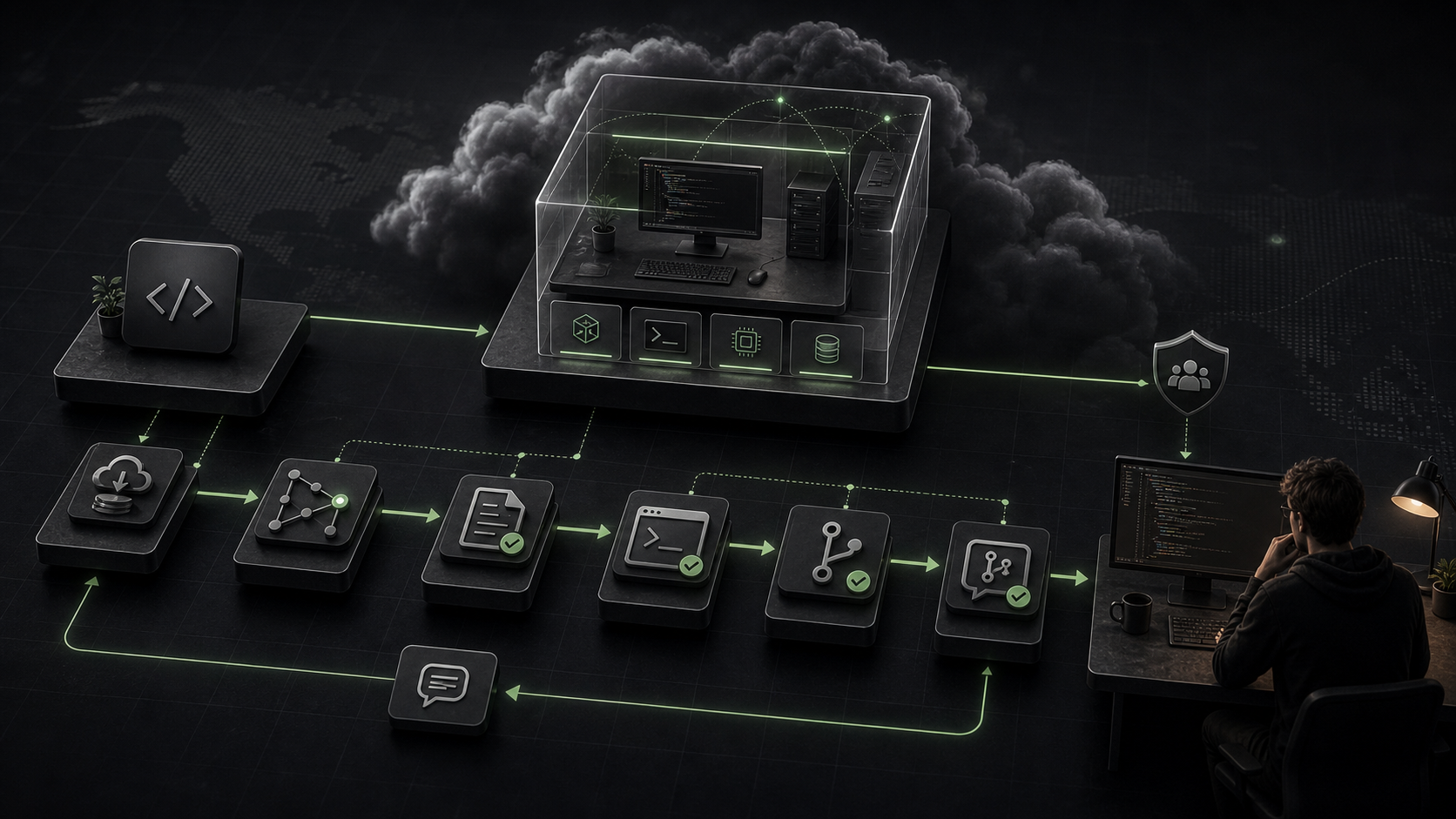
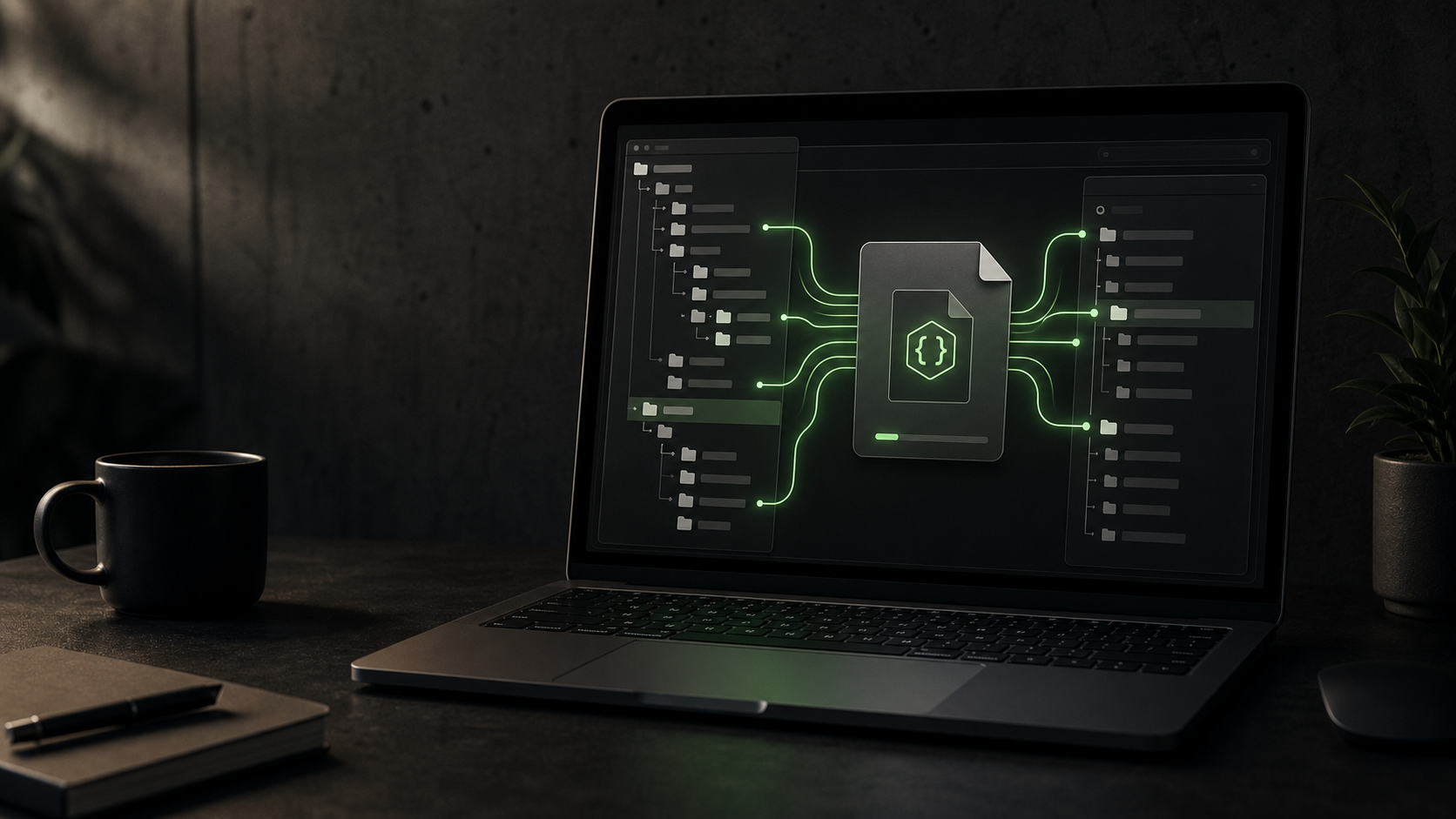
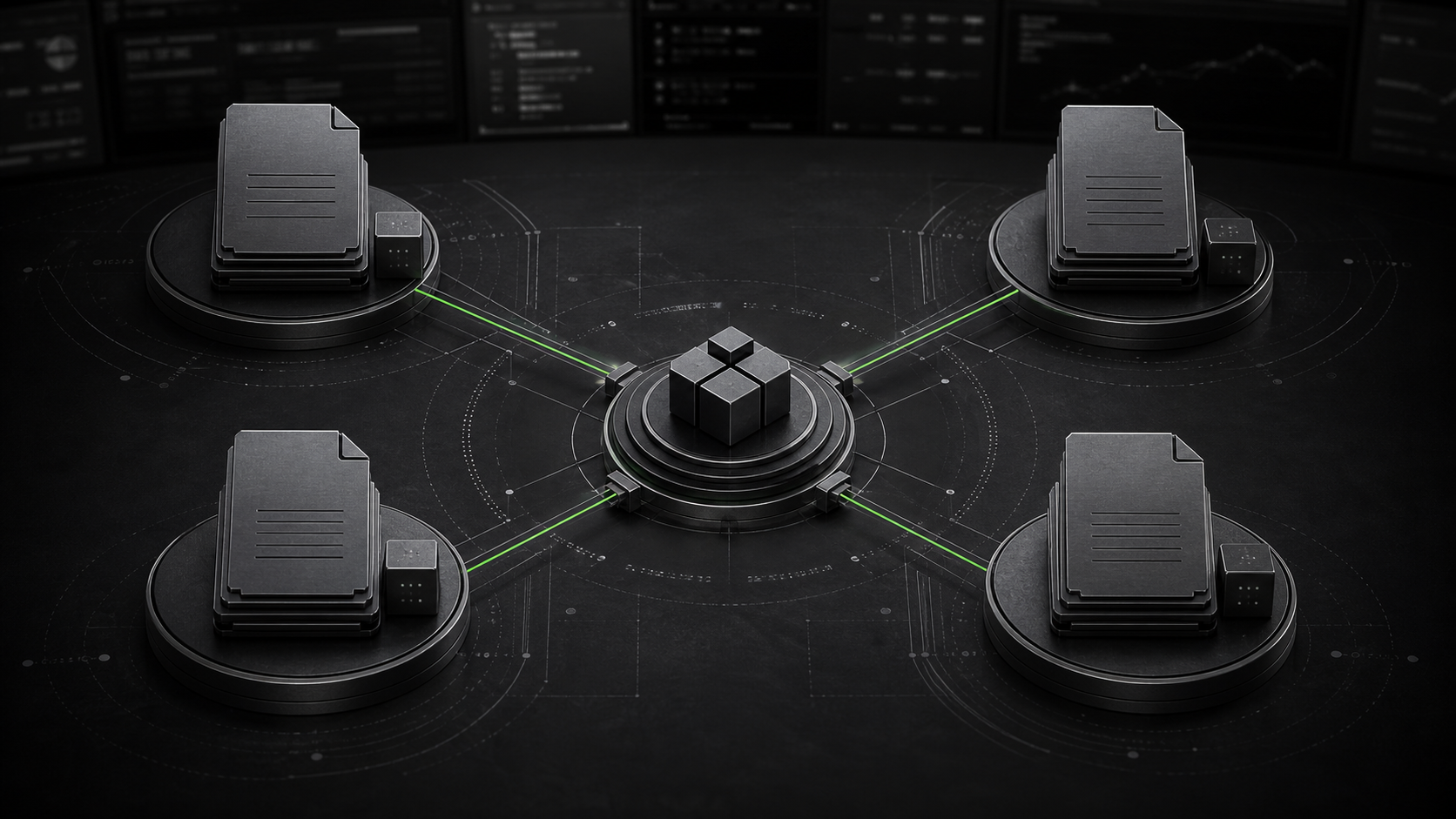
A coding-agent workflow moving from setup through review
Work deliberatelyContext → tools → controls → review

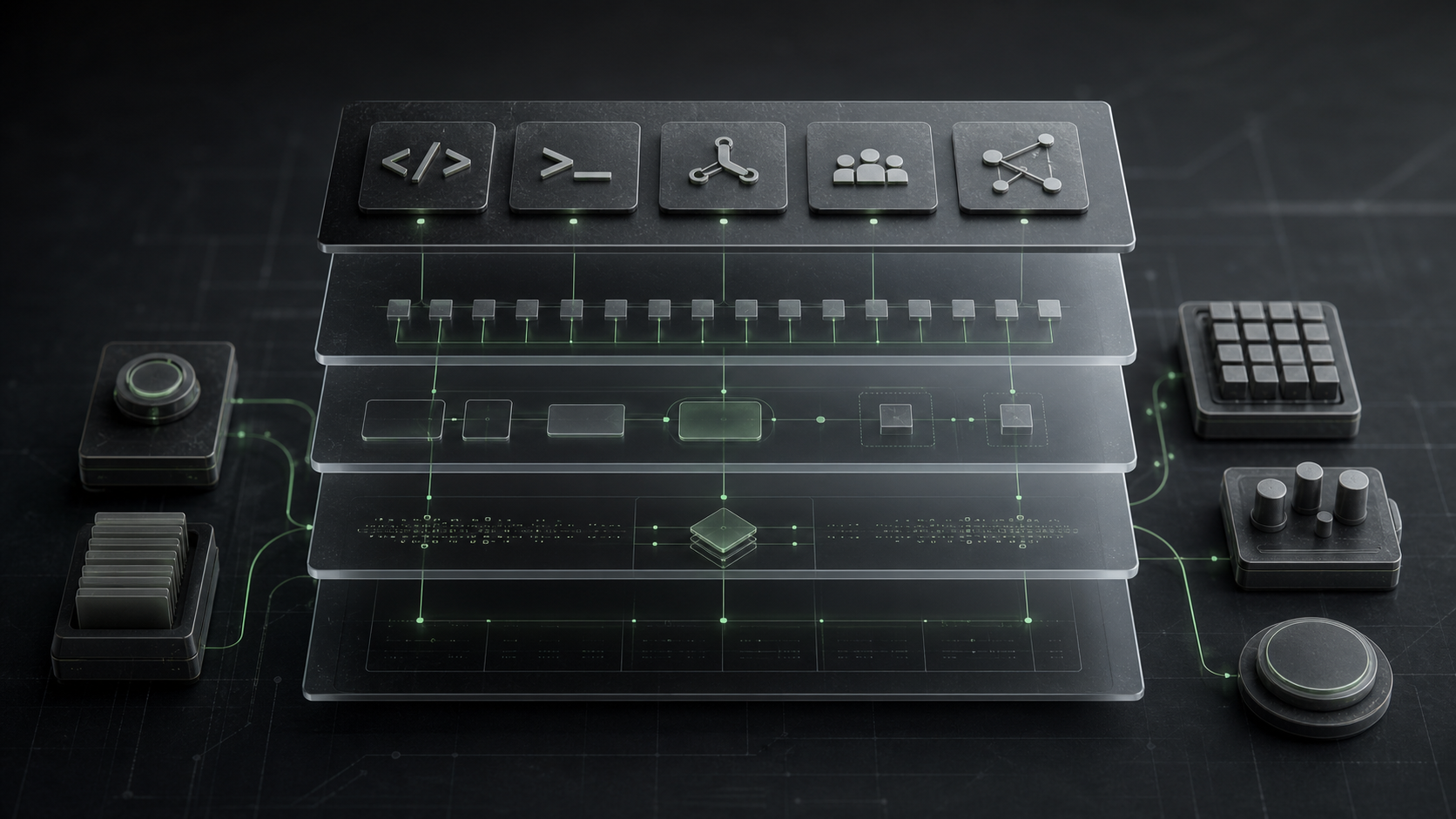
Build shared context

Make the repo legible before asking for bigger changes.

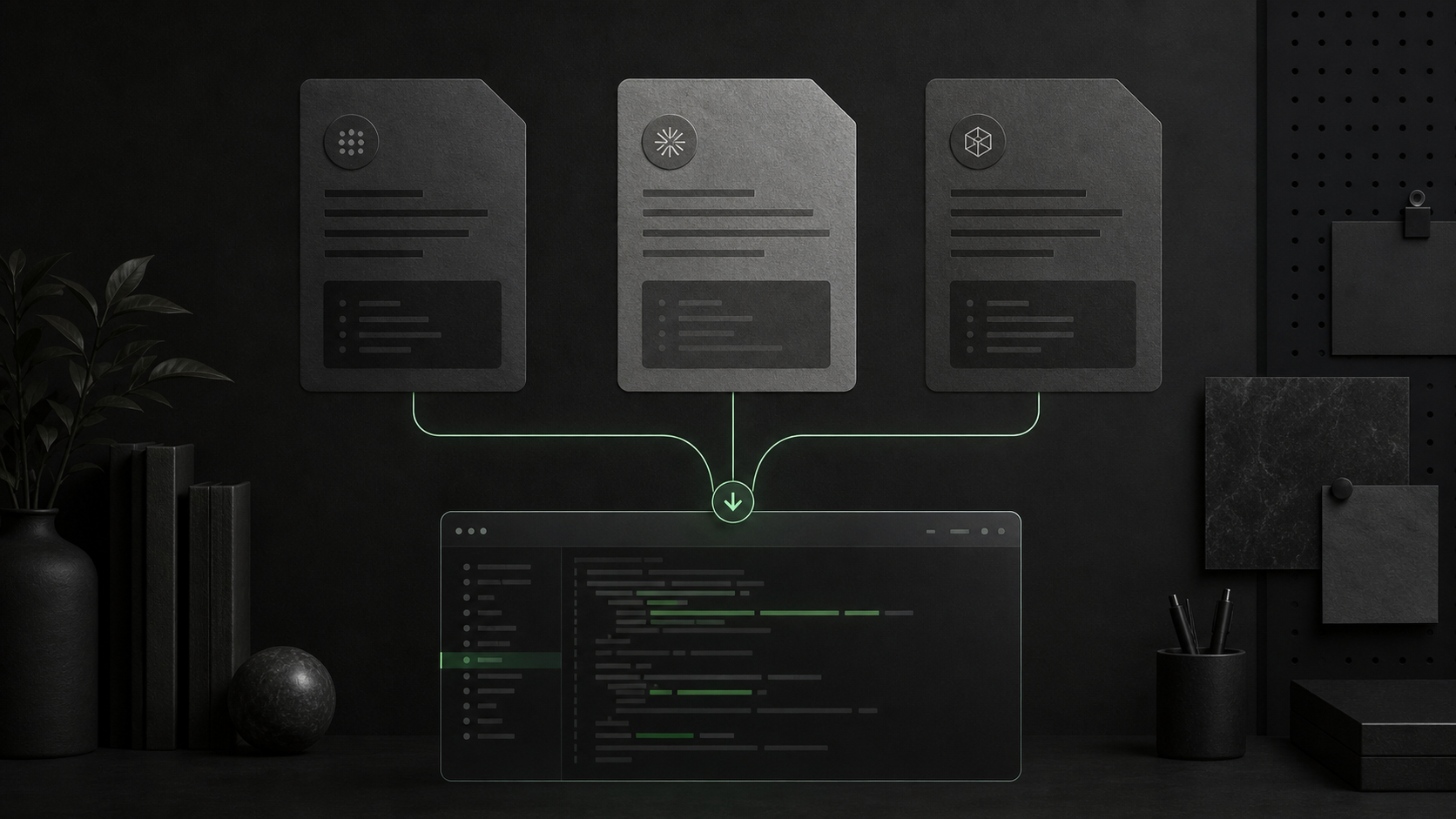
Start with the instructions and reusable skills that tell an agent how this codebase actually works.

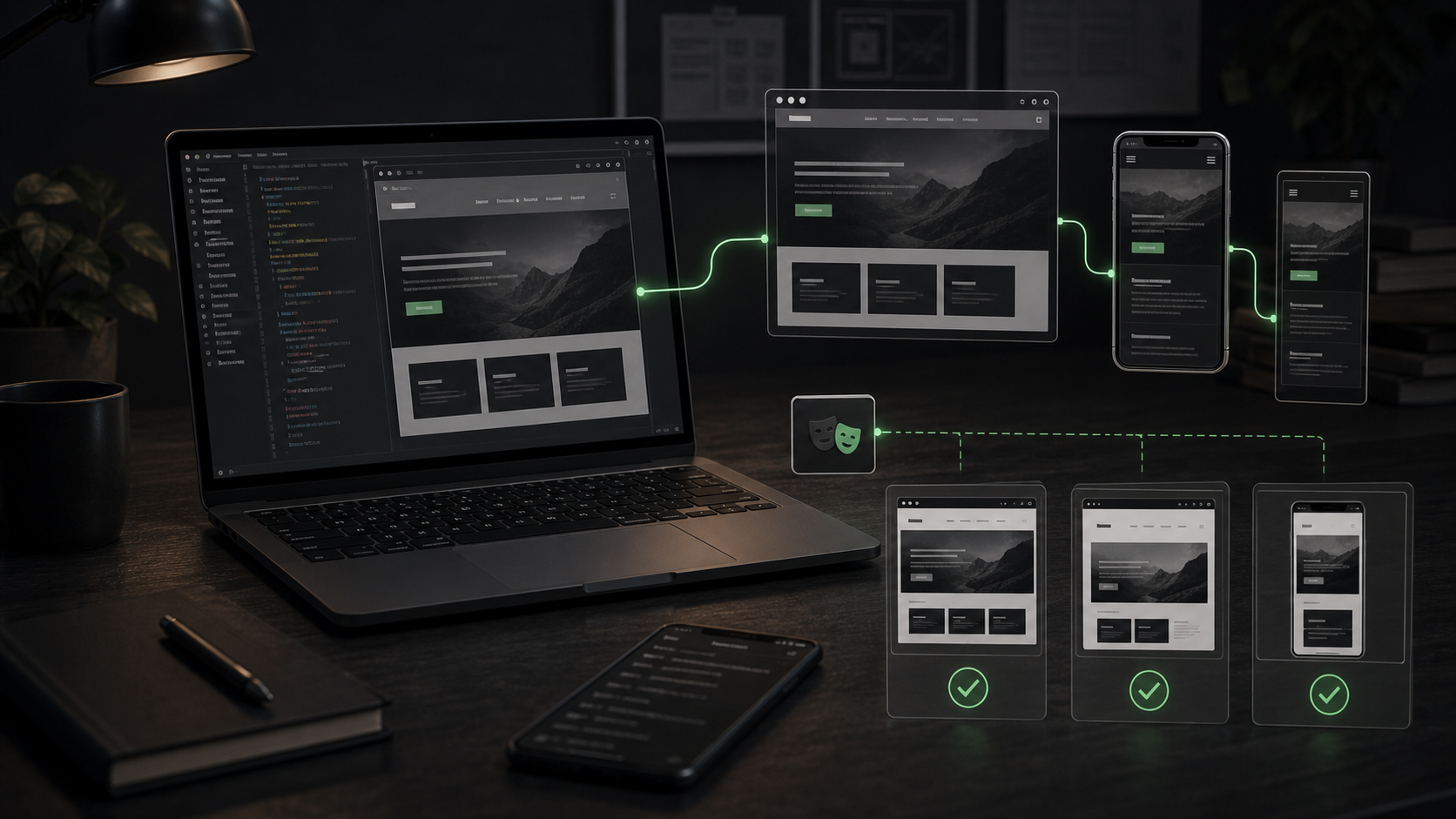
Connect and verify

Give the agent the tools it needs—then prove the handoff works.

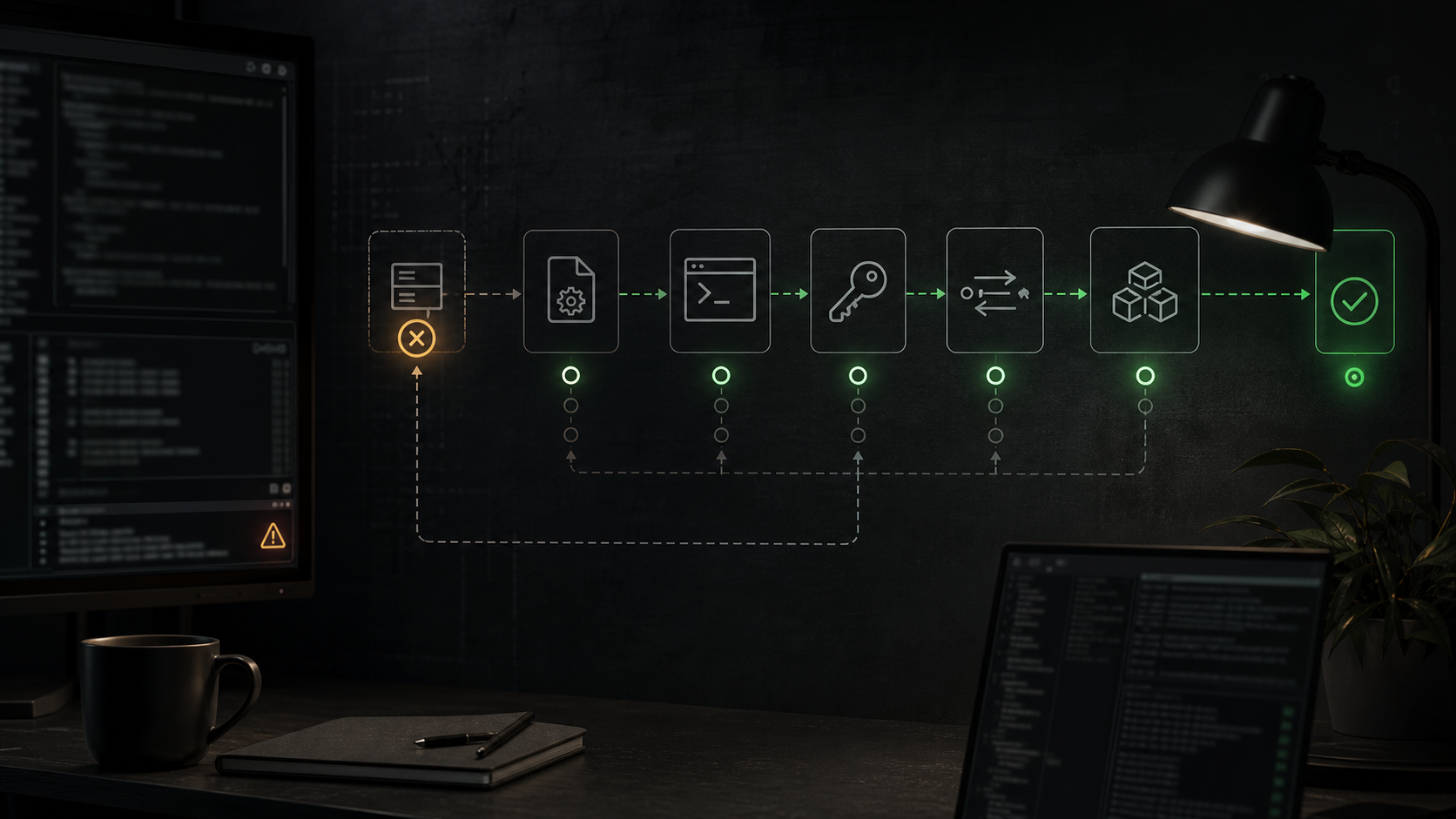
Configuration is only useful when the agent can discover a tool, use it in the intended scope, and leave evidence behind.

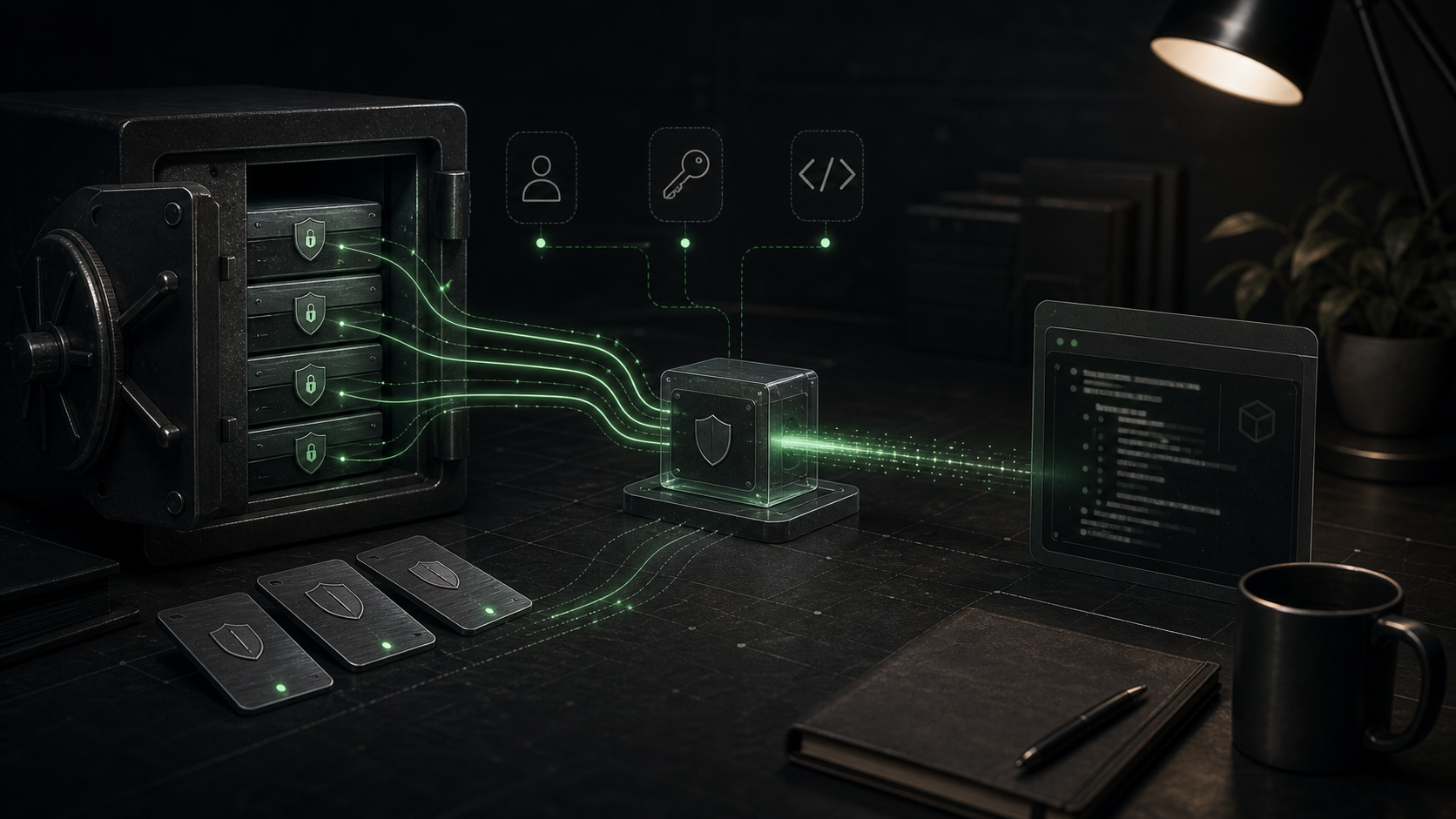
Operate with control

Expand agent capability without expanding risk by accident.

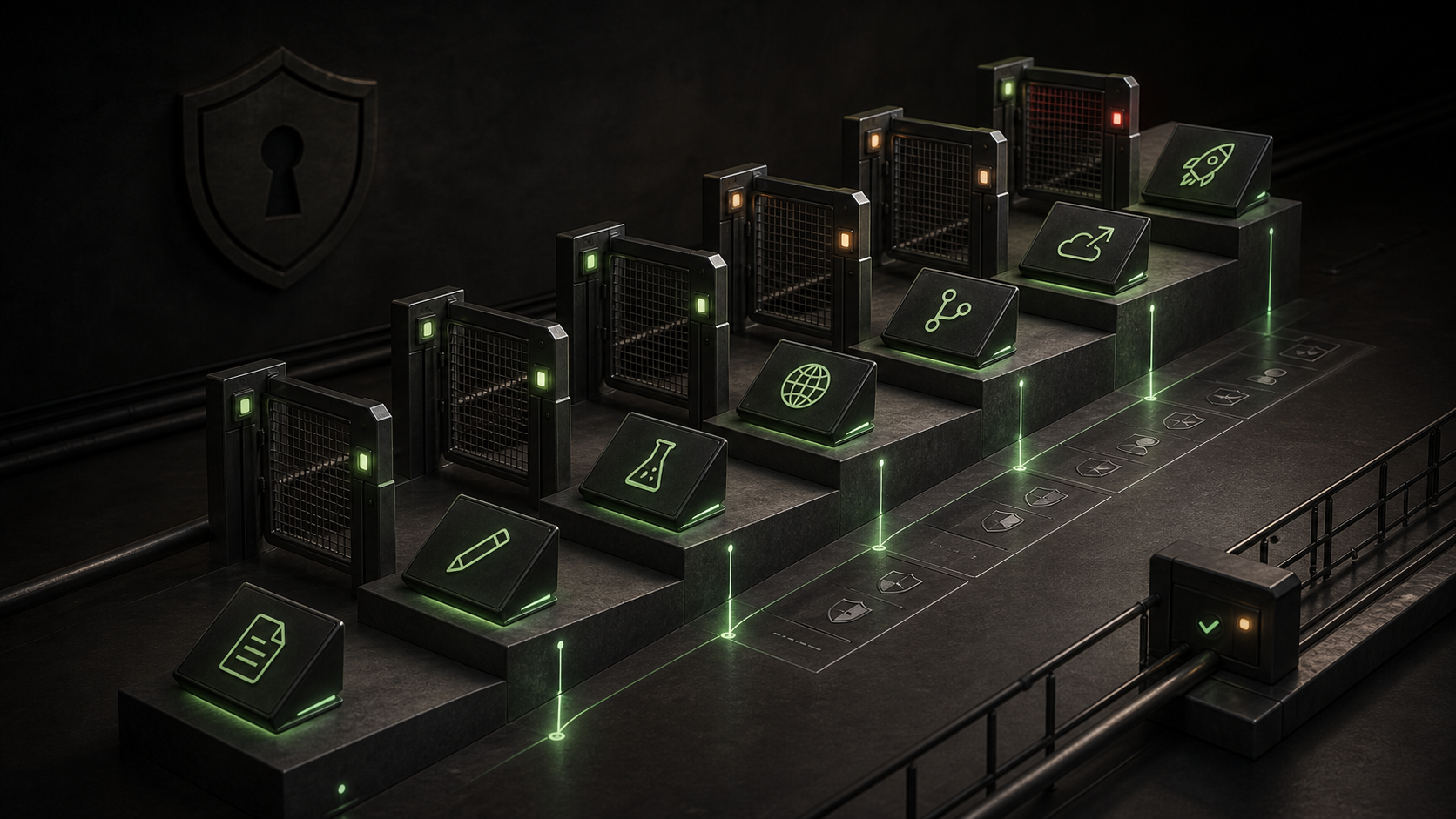
Permissions, secrets, and remote execution decide whether a coding agent stays a useful contributor or becomes an unreviewable operator.

The operating model

Reliable agent work is a sequence, not a model choice.

Teams usually stall because they give an agent a bigger task before the repository, tools, and review path are ready. Run the sequence below before you widen permissions or hand work to a remote agent.

  1. 01
    Make the repository legible.

    Write the commands, architecture boundaries, forbidden paths, and definition of done that a reviewer would expect from a new teammate.

  2. 02
    Give the agent a narrow tool surface.

    Install the smallest useful set of skills and MCP tools, then verify discovery and permissions with a harmless task.

  3. 03
    Require evidence, not confidence.

    Ask for the diff, the checks that ran, and browser proof for UI work. A fluent status update is not a passing test.

  4. 04
    Expand only after repeatability.

    Move from local edits to sensitive systems, background execution, or deploy access only when the handoff and rollback path are routine.

The complete library

Open the exact guide for the failure you are seeing.

Each guide answers one operational question with paths, trade-offs, checks, and a next action.

Guide 01Where Claude and Codex Skills Are Stored: Install, Verify, and Fix ThemExact Claude Code and OpenAI Codex skill paths, valid SKILL.md structure, install checks, and a practical troubleshooting flow for skills that do not show up. Guide 02AGENTS.md vs CLAUDE.md vs Cursor Rules: Which Instruction File Should You Use?A practical guide to choosing AGENTS.md, CLAUDE.md, or Cursor rules for repo instructions, Claude-specific memory, editor behavior, monorepos, and team workflows. Guide 03MCP Config Locations for Coding Agents: Claude, Codex, Cursor, and GitHub CopilotFind the right MCP config file for Claude Code, Codex, Cursor, and GitHub Copilot cloud agent, with commit-safe guidance and verification commands. Guide 04Why Your MCP Server Is Not Showing Up: A Debugging Checklist for DevelopersA practical MCP debugging checklist for Claude Code, Codex, Cursor, and GitHub Copilot when a server is configured but tools do not appear. Guide 05Skills, Slash Commands, Hooks, Subagents, and MCP: What Each Layer DoesUnderstand when to use instructions, skills, slash commands, hooks, subagents, and MCP servers in Claude Code, Codex, and modern coding-agent workflows. Guide 06Claude Code Memory Locations: How CLAUDE.md Is Loaded and OverriddenLearn where Claude Code loads CLAUDE.md, CLAUDE.local.md, rules, imports, and auto memory, plus how to debug ignored or conflicting instructions. Guide 07Coding Agent Permissions: How to Let Agents Edit, Run, Browse, and Ask SafelyA practical permission model for coding agents: when to allow reads, edits, tests, browser actions, MCP tools, PRs, external writes, and deploys. Guide 08How to Configure Secrets and Environment Variables for AI Coding AgentsConfigure secrets for coding agents without leaking keys into prompts, logs, screenshots, MCP config, background agents, or committed files. Guide 09Browser Automation for Coding Agents: Playwright MCP, Localhost, and ScreenshotsLearn when to give a coding agent browser access, how Playwright MCP fits, and how to verify localhost UI work with screenshots, viewports, accessibility checks, and PR evidence. Guide 10Background Coding Agents Explained: Cursor, GitHub Copilot, and Remote Dev EnvironmentsUnderstand how background coding agents work, how Cursor and GitHub Copilot run remote tasks, and what teams need for setup, secrets, MCP tools, PR review, and rollout controls.

Before access expands

Four things to make true before an agent touches a real repo.

  1. Commands are explicit.Install, test, build, and local-start commands work for a new contributor.
  2. Instructions have an owner.Repo conventions, forbidden paths, and review rules are written down and maintained.
  3. Secrets are runtime inputs.Keys stay out of prompts, commits, screenshots, and broad developer environments.
  4. A human owns the merge.Every change has a reviewable diff, evidence of checks, and a clear rollback path.