Quick answer
Understand when to use instructions, skills, slash commands, hooks, subagents, and MCP servers in Claude Code, Codex, and modern coding-agent workflows.
If you are choosing between a skill and an MCP server, you are choosing between method and access. A skill tells the agent how to do a repeatable job. An MCP server gives the agent a controlled way to reach external tools, data, or workflows. Slash commands, hooks, and subagents solve different problems around explicit starts, automatic gates, and delegated specialist work.
Use this decision table:
| Layer | Job | Best owner | Common failure |
|---|
| Instructions | Shape always-on behavior | Repo maintainers | Too broad, stale, or conflicting |
| Skills | Package repeatable methods | Workflow owners | Too vague or too large |
| Slash commands | Start explicit workflows | Tooling or platform teams | Used for workflows that should be automatic |
| Hooks | Enforce lifecycle rules | Platform or security owners | Hidden side effects and unsafe shell behavior |
| Subagents | Split specialist labor | Team leads or senior engineers | Too many agents with unclear ownership |
| MCP | Provide external access | Integration and security owners | Over-permissioned tools or untrusted data flow |
Do not use MCP to fix a process problem. Do not create a skill for one sentence of project guidance. Do not use a hook because you forgot to write a test command. Each layer has a different boundary.
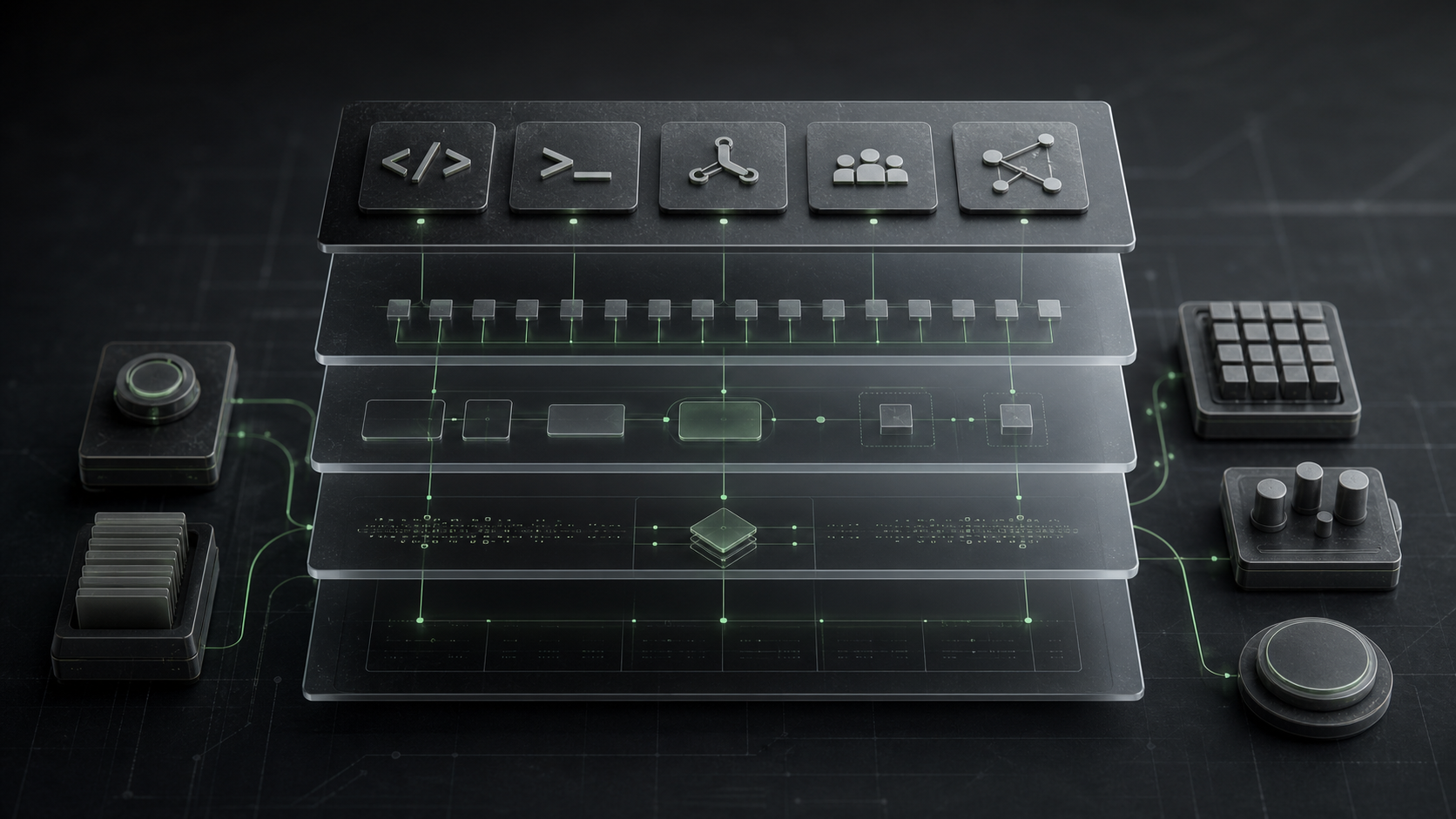
The six-layer mental model
Each layer maps to a different boundary in the workflow.
Instructions are the baseline. They describe how the agent should behave whenever it works in the project. In Codex, that often means AGENTS.md. In Claude Code, that often means CLAUDE.md or .claude/rules/. Use this layer for stable repo facts: build commands, style rules, architecture boundaries, test expectations, and review norms.
Skills are reusable expertise. Claude Code and Codex both use skills as packaged methods. In Claude Code, a skill is a SKILL.md package that Claude can load when relevant or invoke directly with /skill-name. Codex skills follow the same practical idea: keep each skill focused on one job and prefer instructions over scripts unless deterministic behavior or external tooling is needed.
Slash commands are explicit triggers. In Claude Code, custom commands have effectively moved into skills: .claude/skills/deploy/SKILL.md can create /deploy, while legacy .claude/commands/deploy.md still works. Use slash commands when the user should deliberately start the workflow, such as /review-pr 123, /deploy-staging, or /write-release-notes.
Hooks are automatic gates. Claude Code hooks run at lifecycle events. They can be shell commands, HTTP endpoints, or LLM prompts. Use hooks when something must happen because a lifecycle event occurred, not because the model remembered to do it. Good examples: block edits to generated files, run a formatter after writes, log which instruction files loaded, or require approval before a sensitive tool call.
Subagents split labor. Claude Code includes built-in subagents and lets teams create custom ones with prompts, tool restrictions, permission modes, hooks, skills, and memory. Use subagents when a task benefits from separation: exploration before implementation, security review after a diff, documentation review in parallel with tests, or a read-only investigation agent that should never edit files.
MCP is the access layer. The Model Context Protocol is an open standard for connecting AI applications to external systems such as files, databases, tools, and workflows. Use MCP when the agent needs a capability it does not already have: query Linear, read Figma context, inspect GitHub issues, call an internal API, or operate a browser automation server.
Instructions: always-on context
Use instructions when the rule should be true for almost every turn in the repo.
Good instruction content looks like this:
# Project conventions

- Use pnpm for package commands.
- API handlers live in `src/server/api/`.
- Run `pnpm test -- --runInBand` before changing billing code.
- Do not edit generated files under `src/generated/`.
Weak instruction content looks like this:
Be careful. Write clean code. Follow best practices.
The first version can be checked. The second version relies on taste, memory, and luck.
Use instructions for stable facts, not long procedures. If your instruction file contains a 20-step deploy runbook, that runbook probably belongs in a skill or slash command. If your instruction says "never commit secrets," that may belong in instructions, but the enforcement belongs in a hook or CI check.
Skills: reusable expertise
Use a skill when the agent already has the needed tools but keeps improvising the method.
A good skill has one job:
- "Review a React page for accessibility, mobile layout, and visual polish."
- "Prepare a sourced buyer guide with comparison criteria and internal links."
- "Run the release checklist for this repo and produce a risk summary."
- "Generate a migration plan after reading Prisma schema changes."
Claude Code skills can live in personal, project, enterprise, or plugin locations. A SKILL.md file gives Claude the instructions and optional frontmatter. Supporting files can hold examples, templates, scripts, references, or assets. The directory name usually becomes the slash command name, so .claude/skills/review-ui/SKILL.md can become /review-ui.
Codex skills should stay similarly narrow. The official Codex guidance is a useful rule of thumb: keep each skill focused on one job, prefer instructions over scripts unless scripts are needed for deterministic behavior, and test trigger prompts against the skill description.
Use a skill when the question is:
> How should the agent do this kind of work every time?
Do not use a skill when the question is:
> How does the agent connect to this system?
That second question is usually MCP, a connector, a plugin, or a plain CLI command.
Slash commands: explicit workflows
Slash commands are for workflows the user intentionally starts.
Use them for verbs:
/review-pr 184
/deploy-staging
/summarize-changes
/write-docs src/billing
/prepare-release 2.4.0
In current Claude Code, skills are the recommended home for new custom command behavior because they support /name invocation plus richer skill features. Legacy .claude/commands/ files still work, which matters for older repos, but new workflows should usually be packaged as skills unless the project has a reason to keep the legacy layout.
The practical distinction is not "skill versus slash command." A slash command is often how you call a skill. The decision is whether the workflow should be user-triggered.
Good slash-command candidates:
- A release note workflow that needs a version argument.
- A deployment checklist that should only run when requested.
- A migration audit that should receive a folder path.
- A PR review flow that takes an issue or pull request number.
Poor slash-command candidates:
- A formatting rule that should run after every edit.
- A secret scan that should block risky writes.
- A style preference the agent should remember all session.
Those belong in hooks, CI, or instructions.
Hooks: automatic gates and side effects
Hooks are powerful because they run around the agent, not inside the agent's memory.
Claude Code hooks fire at defined lifecycle points, including session events, prompt submission, tool use, and stop events. A hook can run a shell command, call an HTTP endpoint, or use an LLM prompt. This makes hooks the right layer for rules that must execute even when the model is tired, distracted, or working with a compacted context.
Use hooks for:
- Blocking edits to protected files.
- Logging which instruction files loaded.
- Running a formatter or targeted test after file writes.
- Requiring approval before a sensitive MCP tool.
- Adding additional context after a tool call.
Treat hooks like production automation. Review them before committing. Use absolute paths where needed. Keep shell scripts small. Avoid network writes unless the workflow owner and security owner agree. If a hook touches secrets, production data, or external systems, it should be governed like any other operational script.
One useful rule:
> If forgetting the rule is annoying, write an instruction. If forgetting the rule is dangerous, write a hook or CI check.
Subagents: specialists and parallel review
Use subagents when separate context improves the work.
Claude Code includes built-in subagents for exploration and planning, and custom subagents can define their own prompt, tools, permission mode, hooks, skills, and memory. That is useful when a task has two different modes that should not be mashed into one conversation.
Good subagent jobs:
- A read-only explorer maps the codebase before implementation.
- A security reviewer inspects the final diff after changes.
- A documentation reviewer checks whether public docs match code behavior.
- A UI reviewer inspects screenshots while the main agent fixes code.
- A migration reviewer checks data-loss risk separately from syntax errors.
Subagents are not a replacement for clear ownership. A pile of vague specialists creates more noise than one careful agent. Give each subagent a narrow prompt, limited tools, and a concrete output format.
Use MCP when the agent needs to reach something outside its normal context.
MCP can expose tools, data, prompts, and workflows from external systems. In coding-agent work, that often means GitHub, Linear, Figma, browser automation, docs search, cloud logs, databases, or internal services.
Use MCP for:
- Reading issues, pull requests, project tickets, or design files.
- Querying an internal API through a controlled interface.
- Running browser or UI inspection tools.
- Searching official docs from inside the agent.
- Exposing a company workflow as a small set of safe tools.
Do not use MCP just because it feels more advanced. If a local script already gives the agent the needed information safely, a script may be simpler. If the agent only needs to follow a process, a skill is cheaper to maintain. MCP adds installation, authentication, tool schemas, transport, permissions, logs, and trust decisions.
The security question is always:
> What can this server read, what can it write, and who reviews changes to those tools?
Start read-only. Add write tools only when the workflow is stable and auditable.
How the layers work together in one repo
Here is a practical setup for a frontend repo:
| Need | Layer | Example |
|---|
| Every agent should know the package manager | Instructions | AGENTS.md says "Use pnpm" |
| Claude should share the same repo rules | Memory import | CLAUDE.md imports @AGENTS.md |
| UI review should follow the same method each time | Skill | .claude/skills/review-ui/SKILL.md |
| A human should start deploys explicitly | Slash command | /deploy-preview |
| Generated files should never be edited | Hook | PreToolUse blocks writes under src/generated/ |
| A separate reviewer should inspect accessibility | Subagent | a11y-reviewer with read-only tools |
| The agent needs live issue context | MCP | GitHub or Linear MCP server |
This setup keeps ownership clear. The instruction file does not become a runbook. The skill does not need API credentials. The MCP server does not encode editorial judgment. The hook enforces rules the model should not be trusted to remember.
What goes wrong in real projects
The most common failure is using the wrong layer for the boundary.
Teams create MCP servers for processes that should have been skills. The server connects correctly, but the output is still inconsistent because no one wrote the method.
Teams create skills for rules that should have been hooks. The skill says "run tests after edits," but the agent forgets or decides the change is small. If the rule must run after every write, make it automatic.
Teams bury command workflows inside always-on instructions. The agent reads deployment steps on every turn even when it is editing CSS. Context gets noisy, and adherence gets worse.
Teams add subagents before defining outputs. A "code quality expert" and a "senior reviewer" both comment on the same diff with no clear standard. The result feels thorough but does not reduce risk.
Teams connect MCP servers with broad write access too early. The agent can now change tickets, send messages, update docs, or mutate databases before the team has settled approval rules.
Most of these failures come from one mistake: confusing capability with control.
Governance checklist
Use this checklist before adding another layer:
- Is the problem behavior, method, workflow start, lifecycle enforcement, specialist labor, or external access?
- Can this be a short instruction instead of a new artifact?
- If it is a skill, does it have one job and a clear trigger?
- If it is a slash command, should a human explicitly start it?
- If it is a hook, who reviewed the script or endpoint?
- If it is a subagent, what tools can it use and what output must it return?
- If it is MCP, what data can it read and what actions can it perform?
- Are write actions approval-gated?
- Are secrets kept out of prompts, instruction files, and committed config?
- Is there a simple verification step that proves the layer is working?
The right extension point should make the workflow smaller, clearer, and safer. If it adds a new moving part without clarifying ownership, it is probably the wrong layer.