Quick answer
A practical guide to choosing AGENTS.md, CLAUDE.md, or Cursor rules for repo instructions, Claude-specific memory, editor behavior, monorepos, and team workflows.
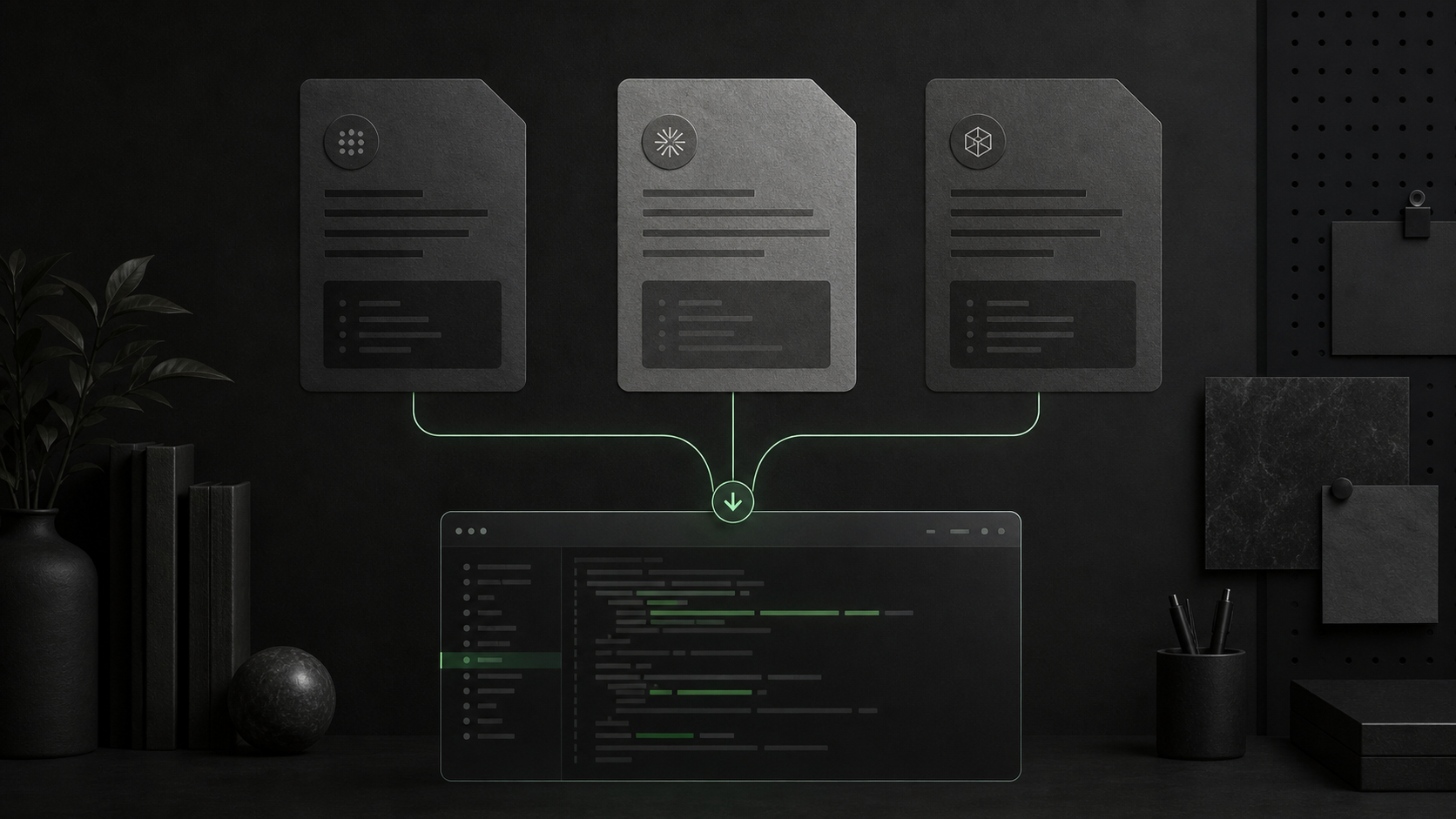
Use AGENTS.md for shared repo instructions that multiple coding agents should follow. Use CLAUDE.md for Claude Code-specific project memory, user preferences, and Claude workflows. Use .cursor/rules/*.mdc when you need Cursor-specific editor behavior, path-scoped rules, or manual rule attachment inside Cursor. Do not duplicate the same giant instruction file three times. Build one small shared layer, then add tool-specific layers only where they earn their keep.
The mistake teams make is treating every instruction file as interchangeable. They are all markdown-adjacent guidance files, but they have different readers, discovery rules, and maintenance costs.
Decision table
| Need | Use | Commit it? | Why |
|---|
| Shared build, test, style, and PR instructions for coding agents | AGENTS.md | Yes, for repo rules | It is the cross-agent repo instruction layer |
| Codex-specific overrides or fallback filenames | AGENTS.override.md or Codex config | Usually no for personal overrides; yes for repo overrides with care | Codex gives override files higher precedence |
| Claude-specific project instructions | CLAUDE.md or .claude/CLAUDE.md | Yes, when project-level | Claude Code reads these as persistent context |
| Claude personal preferences | ~/.claude/CLAUDE.md or CLAUDE.local.md | No | They are local operator preferences |
| Cursor project rules with globs or manual attachment | .cursor/rules/*.mdc | Yes, when team-shared | Cursor rules support scoped and typed behavior |
| Old Cursor root rules | .cursorrules | Avoid for new work | Cursor still supports it as legacy, but recommends project rules |
Mental model: AGENTS.md is the shared constitution, CLAUDE.md is Claude's memory layer, and Cursor rules are editor-specific routing rules.
AGENTS.md should contain the project rules that any competent coding agent needs before touching the repo:
- install commands
- build and test commands
- lint and typecheck commands
- architecture boundaries
- code style rules that are specific to this repo
- security or data-handling warnings
- PR and commit expectations
The official AGENTS.md site describes the file as a README for agents: a predictable place for build steps, tests, and conventions that would clutter the human README. Codex's own docs say Codex reads AGENTS.md before doing work and builds an instruction chain from global and project files.
A good root AGENTS.md is short and operational:
# AGENTS.md

## Commands
- Install: `pnpm install`
- Dev server: `pnpm dev`
- Checks: `pnpm lint && pnpm test`

## Architecture
- App routes live in `src/app/`.
- Shared UI primitives live in `src/components/ui/`.
- Server-only data access belongs in `src/server/`.

## Pull requests
- Include tests for behavior changes.
- Do not change migrations without calling it out in the PR body.
Avoid turning AGENTS.md into a dumping ground for every framework opinion. The file should tell an agent what this repository expects, not teach TypeScript from scratch.
What belongs in CLAUDE.md
CLAUDE.md is for Claude Code context. Claude's docs describe it as persistent instructions loaded at the start of sessions, with project, user, organization, and local scopes. It is context, not a hard policy engine. If something must be blocked regardless of model behavior, use hooks or permissions instead of hoping a sentence in memory will stop it.
Use project CLAUDE.md for Claude-specific guidance that should travel with the repo:
# CLAUDE.md

## Claude workflow
- Before large edits, summarize the files you plan to touch.
- When changing UI, verify desktop and mobile screenshots.
- Use the repo's existing components before creating new primitives.
Use ~/.claude/CLAUDE.md for personal habits:
# ~/.claude/CLAUDE.md

- Keep replies concise unless I ask for a deep explanation.
- Prefer `rg` for searching.
- Ask before running long-running local services.
Use CLAUDE.local.md for private project-specific details such as local ports, personal test accounts, and sandbox URLs. Keep it out of version control.
Claude also supports imports from CLAUDE.md, which is useful for splitting long guidance into smaller files. Use imports for organization, not as a way to hide an oversized prompt. Imported content still enters context.
What belongs in Cursor rules
Cursor rules are best when you need editor-specific behavior: path globs, manual rule attachment, auto-attached rules, or agent-requested rules with descriptions. Current Cursor docs describe project rules as files under .cursor/rules, version-controlled and scoped to the codebase. Rule files use MDC (.mdc) with metadata such as description, globs, and alwaysApply.
Use Cursor rules for things like:
- React component rules that apply only under
src/components/** - backend service templates that attach only under
services/api/** - manual rules invoked with
@ruleName - Cursor-only workflows that should not affect Codex or Claude
Example:
---
description: Frontend component standards
globs: src/components/**/*.tsx
alwaysApply: false
---

- Use existing design-system primitives before creating new components.
- Keep server data fetching out of client components.
- Add keyboard-visible focus states for interactive elements.
If a rule should guide every agent, put the shared version in AGENTS.md. If the rule only helps Cursor decide when to attach context, keep it in .cursor/rules.
How to avoid duplicating instructions
The clean pattern is layered:
AGENTS.md                    # shared agent rules
CLAUDE.md                    # Claude-specific workflow notes
.cursor/
  rules/
    frontend-components.mdc  # Cursor-specific scoped attachment
    api-handlers.mdc
Write the canonical rule once in the broadest useful layer.
Bad:
# AGENTS.md, CLAUDE.md, and .cursor/rules/all.mdc
- Always run pnpm lint before finishing.
- Always run pnpm lint before finishing.
- Always run pnpm lint before finishing.
Better:
# AGENTS.md
## Checks
- Run `pnpm lint` before finishing changes to TypeScript, React, or config files.
Then add tool-specific behavior only where it changes execution:
# CLAUDE.md
## Claude workflow
- If lint fails, summarize the first failing file and fix that before rerunning the full check.
---
description: Attach when editing React components
globs: src/components/**/*.tsx
alwaysApply: false
---

- After component edits, check hover, focus, active, empty, and loading states.
Duplication creates drift. Drift is worse than missing instructions because the agent has to reconcile conflicting guidance before doing the work.
Monorepo patterns
For a monorepo, put broad rules at the root and specialized rules close to the package.
AGENTS.md
apps/
  web/
    AGENTS.md
    CLAUDE.md
    .cursor/
      rules/
        frontend.mdc
packages/
  billing/
    AGENTS.md
Codex concatenates guidance from broader to more specific directories, with closer files appearing later and overriding earlier guidance. The AGENTS.md format guidance also recommends nested files for subprojects, where the nearest file takes precedence when instructions conflict.
Use package-level AGENTS.md for commands and boundaries that differ by package:
# apps/web/AGENTS.md

## Commands
- Dev: `pnpm --filter web dev`
- Checks: `pnpm --filter web lint && pnpm --filter web test`

## UI expectations
- Use shared components from `src/components/ui/`.
- Verify mobile layout for route-level changes.
Use package-level Cursor rules when the scope is file-pattern-specific:
apps/web/.cursor/rules/forms.mdc
apps/web/.cursor/rules/server-components.mdc
Use package-level CLAUDE.md only when Claude needs workflow context that does not belong in the shared agent contract.
What to commit and what to keep personal
Commit:
- root
AGENTS.md - package-level
AGENTS.md - project
CLAUDE.md when it contains team-shared Claude guidance .cursor/rules/*.mdc when rules represent team standards
Do not commit:
~/.claude/CLAUDE.md~/.codex/AGENTS.mdCLAUDE.local.md- local sandbox URLs, private account names, API keys, or machine paths
- temporary
AGENTS.override.md files unless the team intentionally uses them as part of the repo
Personal files are where preferences belong. Repository files are where standards belong. Secrets belong in neither.
Bad instruction examples and better rewrites
Bad:
- Write clean code.
Better:
- Keep React components under 200 lines. Extract data loading, formatting, and mutation logic into named helpers when a component grows past one responsibility.
Bad:
- Test everything.
Better:
- For changed API handlers, run `pnpm test --filter api` and add a regression test for new branches in validation or authorization logic.
Bad:
- Make the UI beautiful.
Better:
- For UI changes, verify desktop and mobile layouts, keyboard focus states, empty states, and whether existing brand logos still render.
Bad:
- Never make mistakes.
Better:
- Before finalizing, list the checks you ran and any checks you could not run.
Concrete instructions win because they are testable. If a reviewer cannot tell whether the agent followed a rule, the rule is too vague.
What goes wrong in real projects
The most common failure is instruction sprawl. A team starts with a root AGENTS.md, adds a CLAUDE.md, generates Cursor rules, and copies the same checklist into all three. Two months later, one file says npm, another says pnpm, and a nested rule still points at a deleted test command.
The second failure is overloading instruction files with procedures. A 40-step release process does not belong in every session's startup context. Put the brief rule in AGENTS.md, then move the procedure into a skill, script, or runbook:
# AGENTS.md
- For releases, use the `release-check` skill and run `pnpm release:verify`.
The third failure is mixing policy and preference. "Never print secrets" is a policy. "Use short replies" is a preference. Policies need enforcement through permissions, hooks, CI, or code review. Instruction files help agents do the right thing, but they are still model context.
Final setup checklist
- Create a concise root
AGENTS.md for shared repo rules. - Add nested
AGENTS.md only where commands or boundaries truly differ. - Use
CLAUDE.md for Claude-specific project context, not general duplication. - Keep
CLAUDE.local.md, ~/.claude/CLAUDE.md, and ~/.codex/AGENTS.md personal. - Use
.cursor/rules/*.mdc for Cursor-specific scoped rules, globs, and manual attachment. - Avoid
.cursorrules for new setups unless you are maintaining an old repo. - Keep each instruction file short enough that a human reviewer will actually maintain it.
- Replace vague rules with verifiable commands, paths, and review expectations.
- Move long procedures into skills, scripts, or docs, then link to them from the instruction file.