
MCP for AI agents
MCP for AI Agents
A practical guide to the Model Context Protocol: what it connects, how agents use it, when it beats one-off APIs, and where security review has to begin.
MCP for AI agents
A practical guide to the Model Context Protocol: what it connects, how agents use it, when it beats one-off APIs, and where security review has to begin.
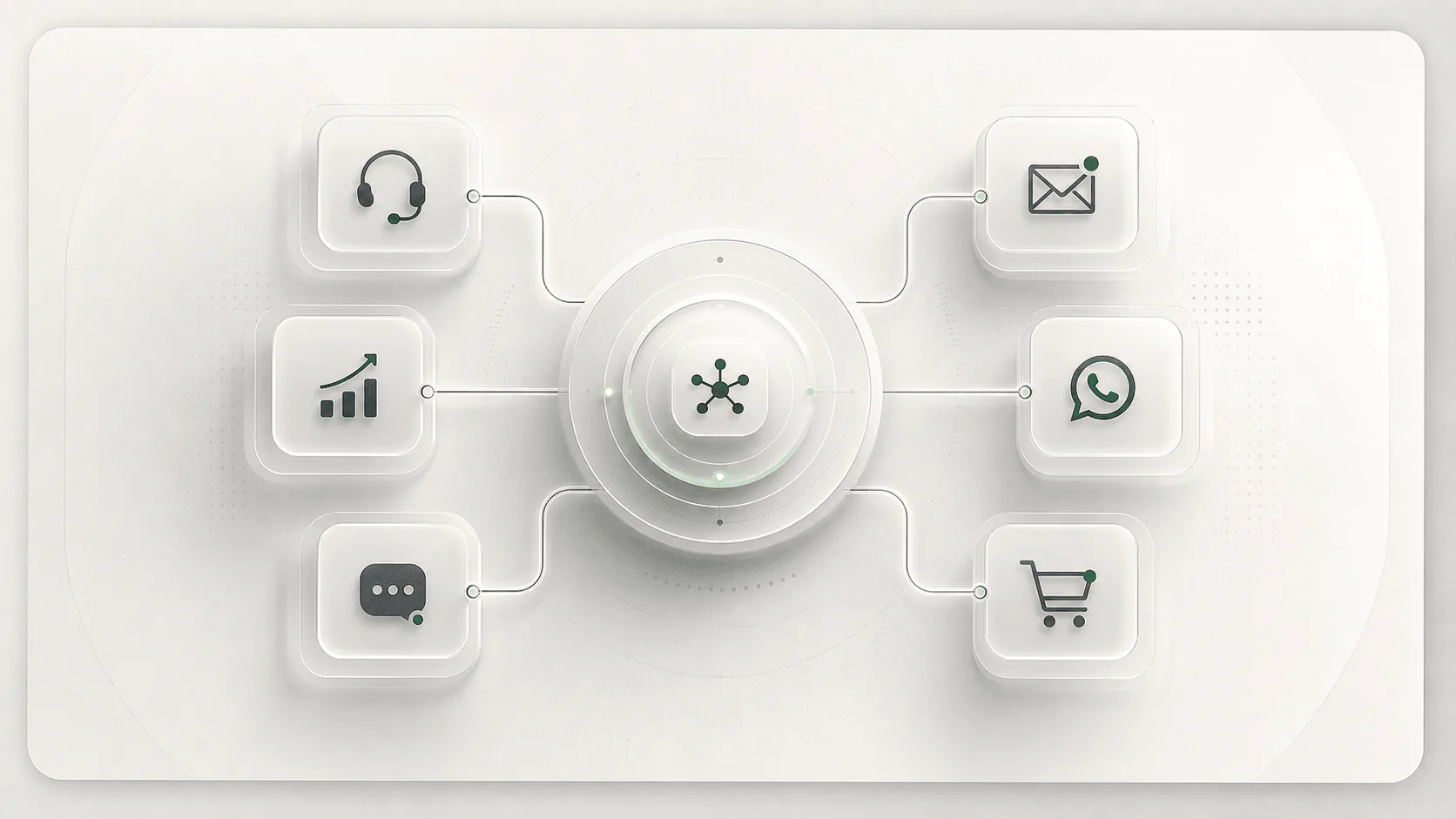
MCP is an open protocol for connecting AI applications to external tools and data sources. For agents, that means a host such as an IDE, chat product, or agent runtime can connect through MCP clients to servers that expose tools, resources, and prompts. MCP does not make an agent smart by itself. It gives the agent a standard way to discover context and request actions.
Before MCP, every serious agent workflow tended to grow a private connector layer: one adapter for GitHub, another for Slack, another for a database, another for files. Anthropic introduced MCP in November 2024 to reduce that fragmented integration work. The current MCP spec describes a host-client-server architecture using JSON-RPC 2.0, where each client maintains a stateful session with one MCP server.
The buyer-level translation is simple: MCP can turn tool access into a portable layer. The hard part moves from "can we connect this app?" to "which tools should the agent be allowed to see, invoke, log, and combine?"
| Approach | Best for | Watch out for |
|---|---|---|
| MCP | Portable tool and context access across MCP-compatible hosts. | Tool permissions, schema drift, approval UX, and server trust. |
| Direct APIs | Highly controlled product workflows with known systems and strict contracts. | More custom integration work per agent surface. |
| Plugins/connectors | Vendor-specific app ecosystems where speed matters more than portability. | Lock-in and uneven governance across tools. |
| RAG | Retrieving approved knowledge before an answer is generated. | RAG can answer from data, but it usually does not perform actions by itself. |
The same agent surface needs to reach several systems, the team wants server reuse across tools, or the workflow needs governed access to business data and actions.
The workflow is narrow, latency-sensitive, heavily validated, or owned by one product team with stable integration requirements.
The agent is only drafting text, the data model is not ready, or the organization cannot yet approve, log, and revoke tool access.
The most useful MCP conversation is not "Do we support MCP?" It is "Which tools can the agent invoke, under whose identity, with what scopes, and what happens when the wrong tool call is proposed?" That question separates production agent infrastructure from a demo that happens to call a tool.
For a deeper procurement view, continue to MCP servers for business. For risk review, start with the MCP security checklist.
The platform should avoid dumping every tool into context. Look for server registries, tool search, progressive disclosure, and admin approval before a server becomes available.
Tool calls should inherit user or service permissions cleanly. Shared tokens and broad scopes make demos easy but make production review harder.
Users should see the server, tool, destination, and arguments before sensitive actions run. A model-written summary is not a substitute for approval detail.
Agents need clear behavior for missing permissions, malformed tool responses, timeouts, retries, and partial completion. Otherwise MCP just moves failure into the conversation.
An MCP server is a program or remote service that exposes capabilities to an AI host through the Model Context Protocol. It might expose tools, resources, prompts, or a combination of them.
No. Function calling is a model or platform capability for invoking structured functions. MCP is a protocol layer for discovering and connecting tools and context across compatible clients and servers.
No. Developers often implement it first, but the business value appears when support, sales, data, operations, and security teams can govern which systems agents can access.
Last reviewed May 12, 2026. Use these primary sources to verify protocol behavior, platform claims, and security posture before procurement.