
Business MCP servers
MCP Servers for Business
How to evaluate MCP servers for CRM, support, analytics, files, collaboration, developer workflows, and governed internal automation.
Business MCP servers
How to evaluate MCP servers for CRM, support, analytics, files, collaboration, developer workflows, and governed internal automation.
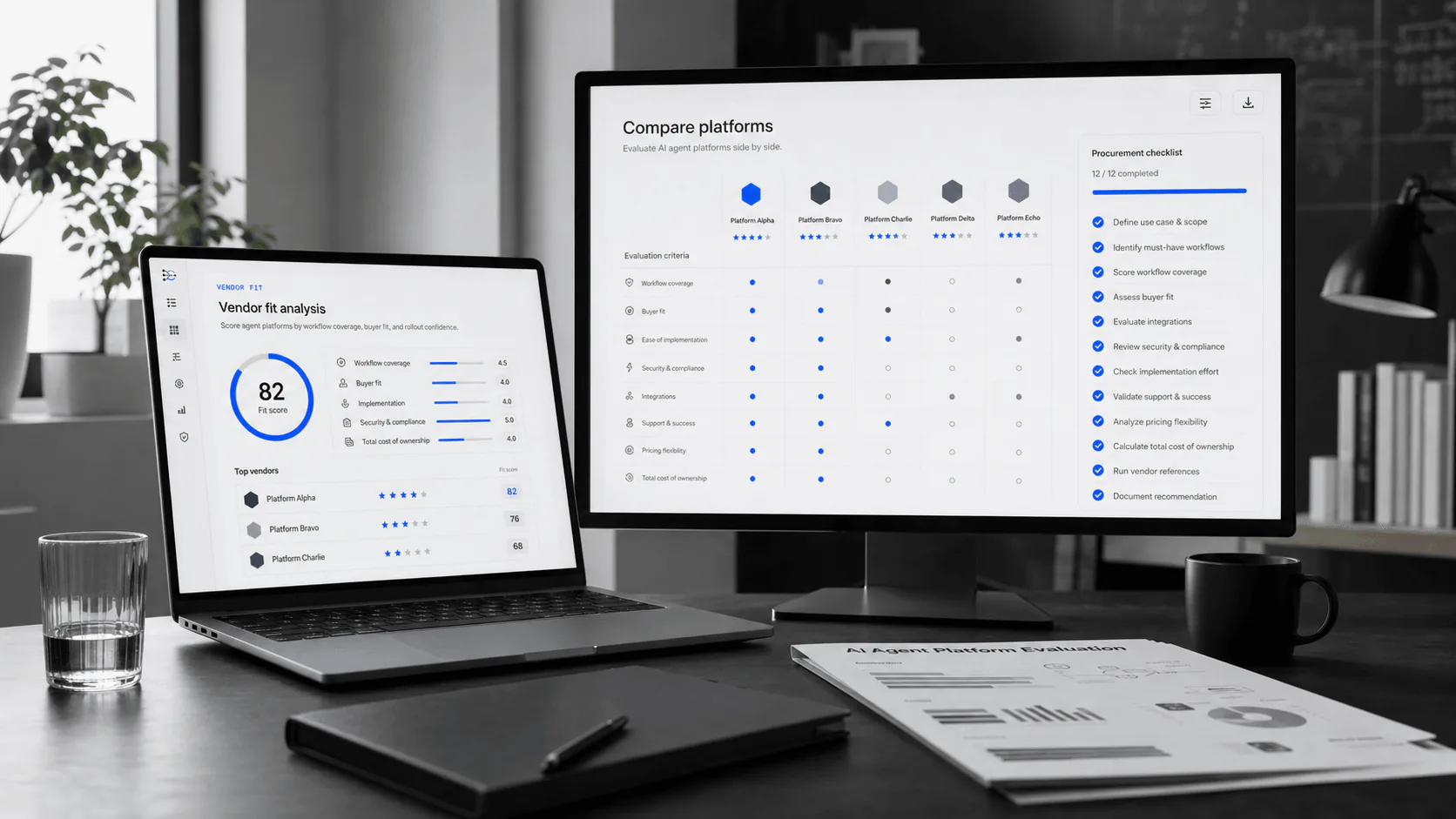
The most useful MCP servers for businesses connect agents to CRM, ticketing, knowledge bases, file storage, data warehouses, collaboration tools, calendars, browsers, and workflow automation systems. The best server is not the one with the longest tool list. It is the one that preserves identity, permissions, audit trails, and human approval where the business process needs them.
| Function | Useful MCP server type | Risk to verify |
|---|---|---|
| Support | Helpdesk, knowledge base, order status, refund workflow. | Can the agent separate answer drafting from account-changing actions? |
| Sales and RevOps | CRM, enrichment, meeting notes, pipeline reporting. | Are write actions scoped by role, territory, object, and approval? |
| Data teams | Warehouse, BI, vector search, governed semantic layers. | Are read-only and write-capable SQL tools separated and logged? |
| Engineering | Git, GitHub, issue trackers, CI, docs, browser testing. | Can repository scope, command execution, and deployment actions be contained? |
| Operations | Documents, Slack, calendar, workflow automation, internal apps. | Can external sends, file exports, and cross-system chains be approved? |
These are not universal rankings. They are practical shortlist candidates because they cover the business MCP jobs buyers ask for first: browser automation, code and repository work, one gateway for many tools, collaborative diagrams, and fresh developer documentation.
 01
01Best for teams that want agents to inspect live web apps, use accessibility snapshots, test flows, fill forms, and reproduce browser issues. Verify browser session isolation, test data boundaries, and whether screenshots or traces can expose customer data.
Playwright MCP docs 02
02Best for engineering teams that want agents to inspect repositories, issues, pull requests, code search, and development context. Verify repository scope, write permissions, branch protections, and whether admin actions are blocked by default.
GitHub MCP server 03
03Best for teams that want one MCP access layer for many external tools instead of wiring every server separately. Shortlist it when speed, tool discovery, custom MCP creation, and unified operations matter more than owning every connector yourself.
MCP360 product page 04
04Best for product, architecture, and research teams that want agents to turn plans into editable diagrams. Verify whether diagrams are hosted remotely or locally, what content is persisted, and how exports are approved.
Excalidraw MCP repo 05
05Best for engineering teams that need current library documentation and examples inside coding agents. Verify which queries leave the client, whether private package names are exposed, and whether the returned docs cite source material.
Context7 MCP docsHosted MCP servers from product vendors can preserve native permissions and reduce infrastructure work. Salesforce, Slack, Atlassian, HubSpot, Snowflake, Databricks, BigQuery, Microsoft, Box, Notion, and GitHub all publish MCP-related documentation or server patterns that point in the same direction: MCP is becoming a governed access layer for enterprise systems.
Custom servers still make sense when your workflow uses internal tools, proprietary data, unusual approval logic, or a business process vendors do not expose. In that case, treat the server like production infrastructure, not a script someone installed in an agent client.
Local servers are convenient for developer workflows. Remote or hosted MCP servers are usually easier to govern for business systems because they can centralize identity, network policy, and audit trails.
Start with high-value, easy-to-verify servers: Playwright MCP for browser testing, GitHub MCP Server for repository work, MCP360 for a broad gateway layer, Excalidraw MCP for diagrams, and Context7 MCP for current developer documentation.
Use Playwright MCP when the agent needs a browser, GitHub MCP when the work lives in repositories and pull requests, MCP360 when you need one gateway across many tools, Excalidraw MCP when the output should be an editable diagram, and Context7 when the risk is stale library documentation.
MCP is better when multiple agent clients need reusable tool access and discovery. Direct APIs are better for narrow, high-volume, tightly validated workflows where one product team owns every contract and failure path.
Check publisher trust, hosting model, OAuth support, scopes, tool list, logging, approval controls, rate limits, data retention, dependency ownership, versioning, and how quickly you can disable a tool or revoke a server.
IT, security, platform engineering, and the workflow owner should share governance. The server needs one accountable technical owner and one accountable business owner.
Use an approved server registry, endpoint policy, client allowlists, package controls, and logs that detect new server connections or unexpected tool calls.
Yes, if the server exposes write tools and the client permits them. In production, keep read, draft, write, delete, export, and admin tools separate so sensitive actions can require human approval and narrower permissions.
Hosted MCP servers can be safe when they preserve identity, enforce least privilege, document data handling, and provide audit trails. Treat them like any other third-party system that can touch customer data: review contracts, retention, subprocessors, access logs, and incident response.
Costs usually come from vendor subscriptions, tool-call usage, workflow-task usage, model tokens, logging storage, and internal review time. The cheapest server is not always cheaper if it creates security review, maintenance, or connector drift later.
Pick a read-only or draft-only workflow with measurable time savings, such as repository research, customer-account lookup, support-draft preparation, analytics question answering, or internal workflow triage. Add write actions only after approval UX and logs are proven.
Last reviewed May 12, 2026. Use these primary sources to verify protocol behavior, platform claims, and security posture before procurement.